Featured·
v0.25 - Release Notes
Host a shared library from desktop, browse a redesigned dashboard and movie and series pages, and hide selected categories behind a parental PIN.
Read moreRelease notes, tutorials, and project updates.
Looking for a how-to? Browse guides by task →
Trying IPTVnator on a TV? Explore experimental TV builds →
Host a shared library from desktop, browse a redesigned dashboard and movie and series pages, and hide selected categories behind a parental PIN.
Read moreInstall the experimental IPTVnator TV package with LG Developer Mode and connect it to your self-hosted backend.
Read more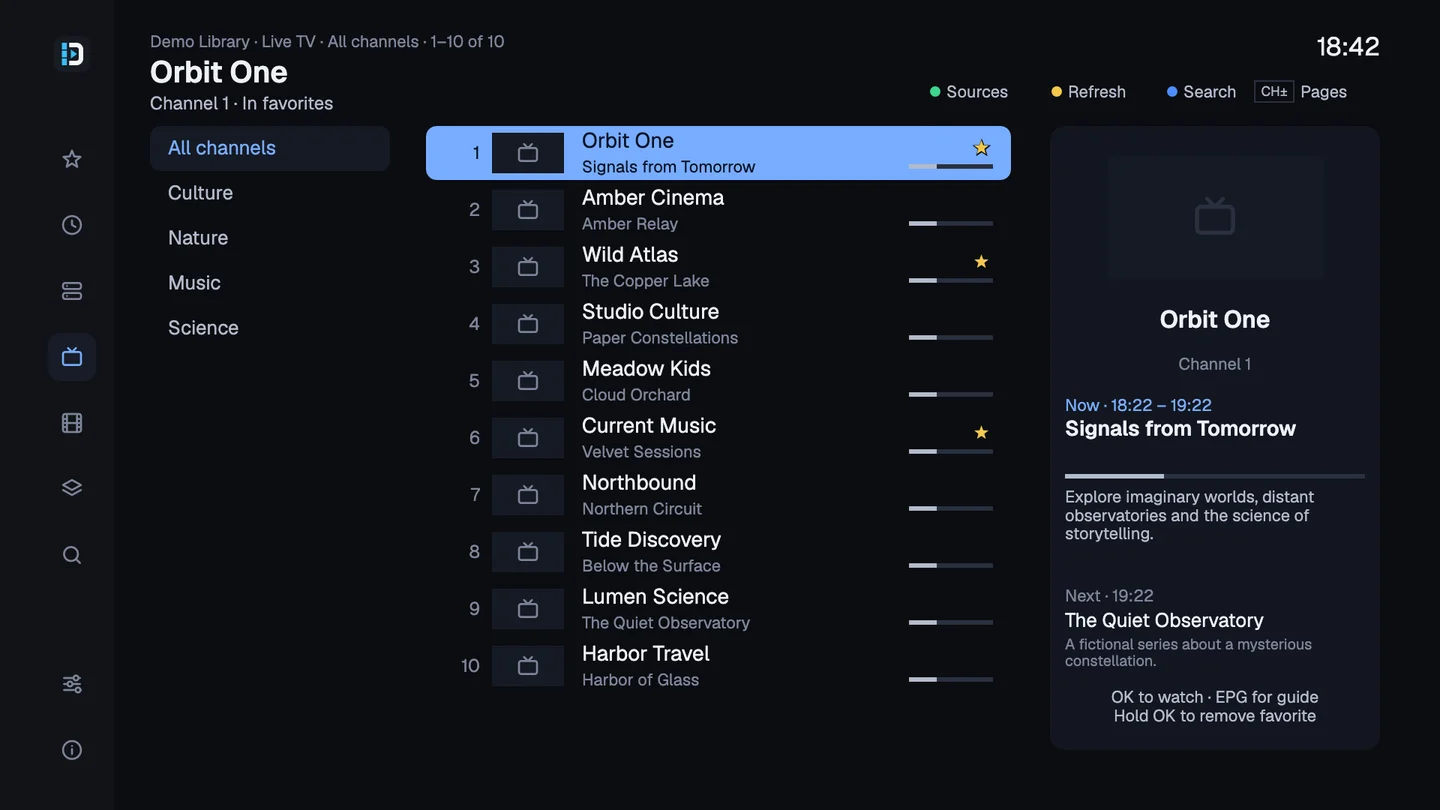
Meet Dreaminator, my companion project for Enigma2: organize IPTV channels in a browser, send them to your receiver, and watch with the remote you already use.
Read more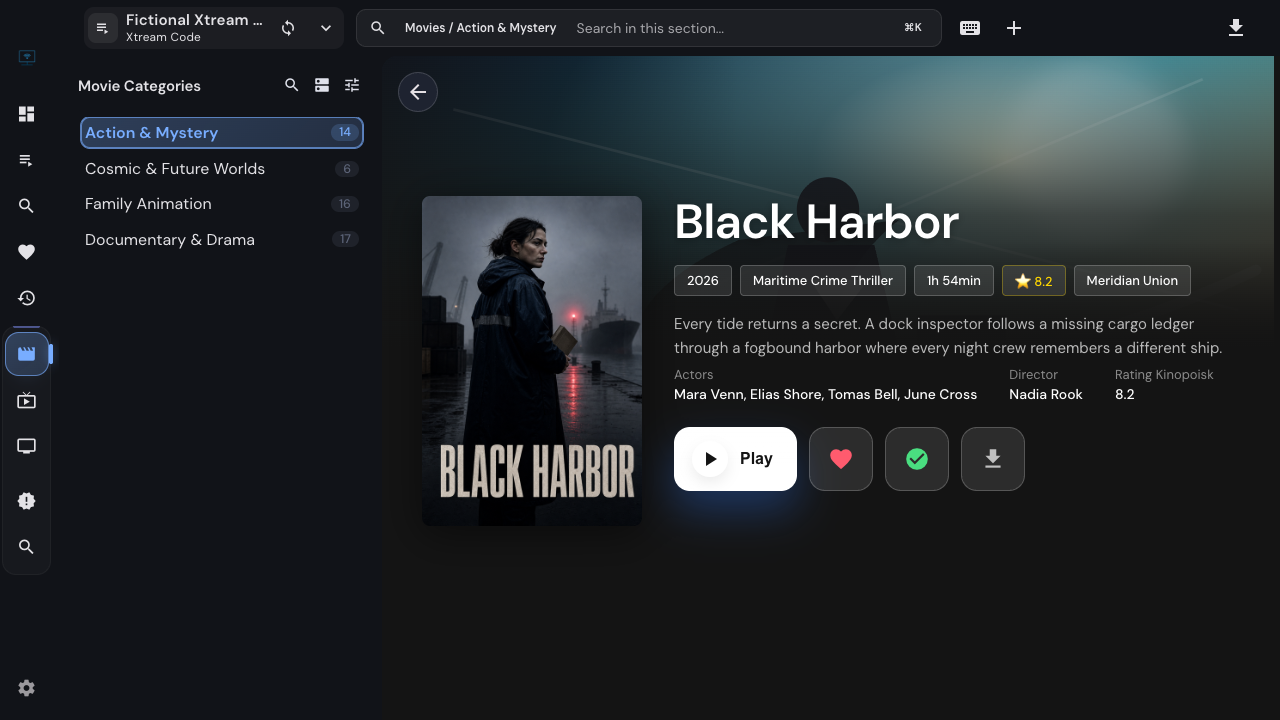
Review source availability, return from a favorite channel to its playlist, mark titles watched and simplify catalog views in IPTVnator without confusing hidden items with missing data.
Read more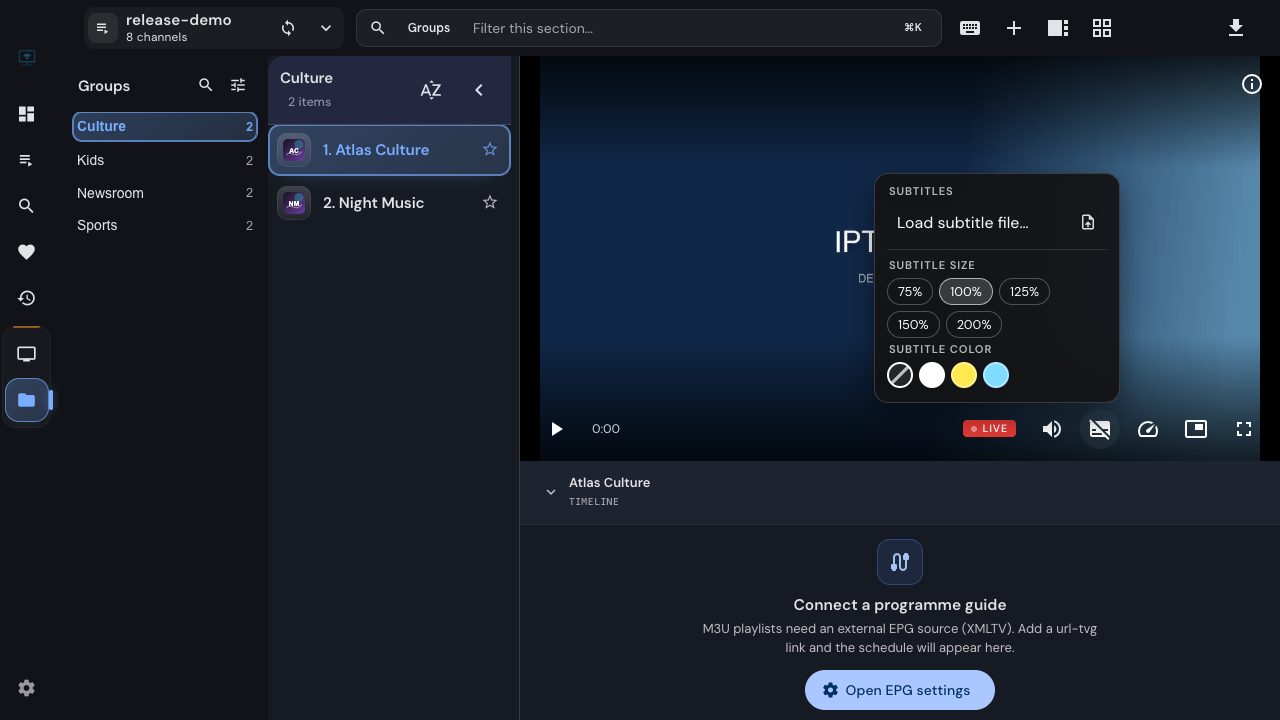
Use IPTVnator's unified player controls to choose stream quality, load subtitles, adjust their timing and keep video visible in picture-in-picture. Learn why some options depend on the stream or player.
Read more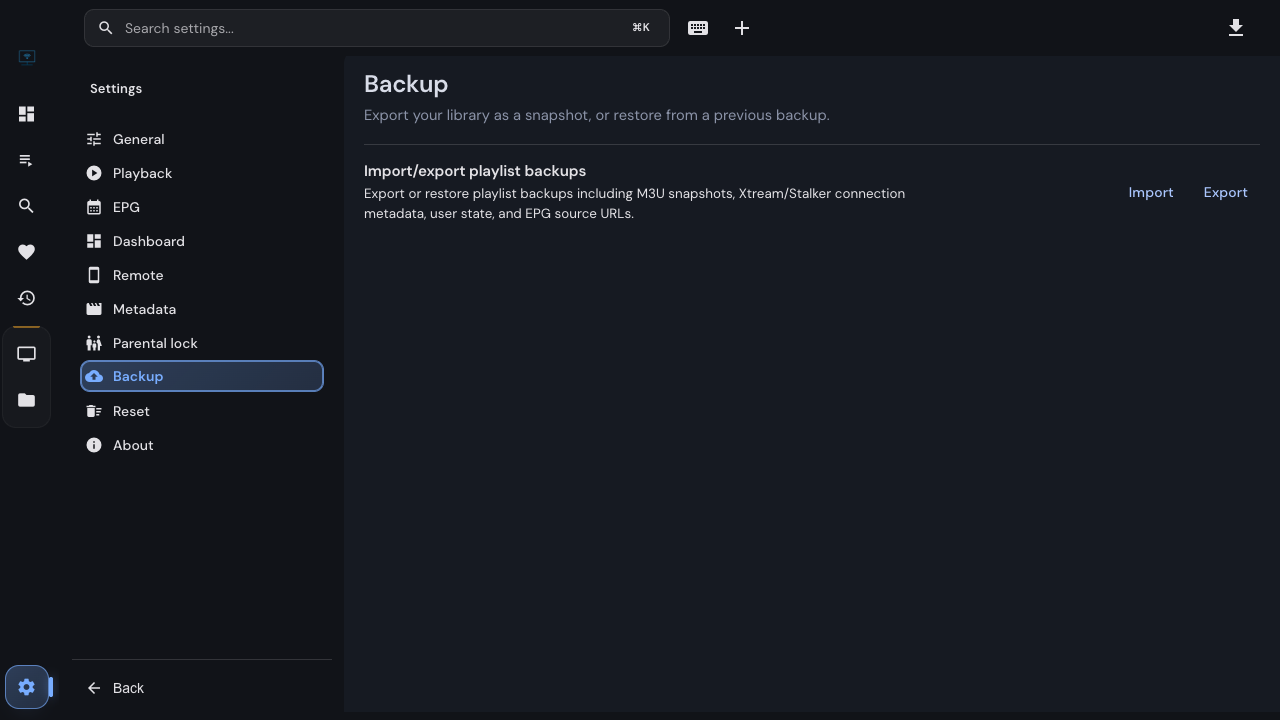
Export and restore an IPTVnator playlist backup, understand which favorites and playback state it carries, and check what needs to be moved separately when changing computers.
Read more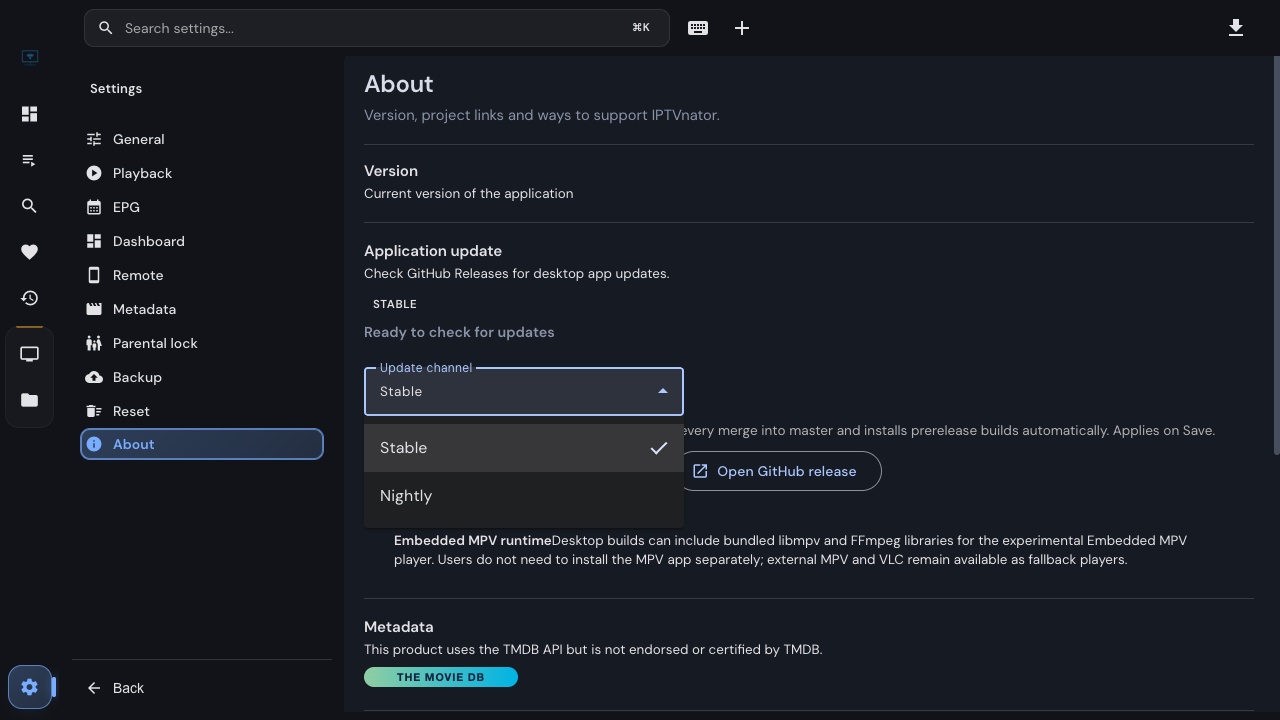
Choose an update channel in the desktop app, understand what happens when you switch back to Stable, and find the build details that make a nightly bug report useful.
Read more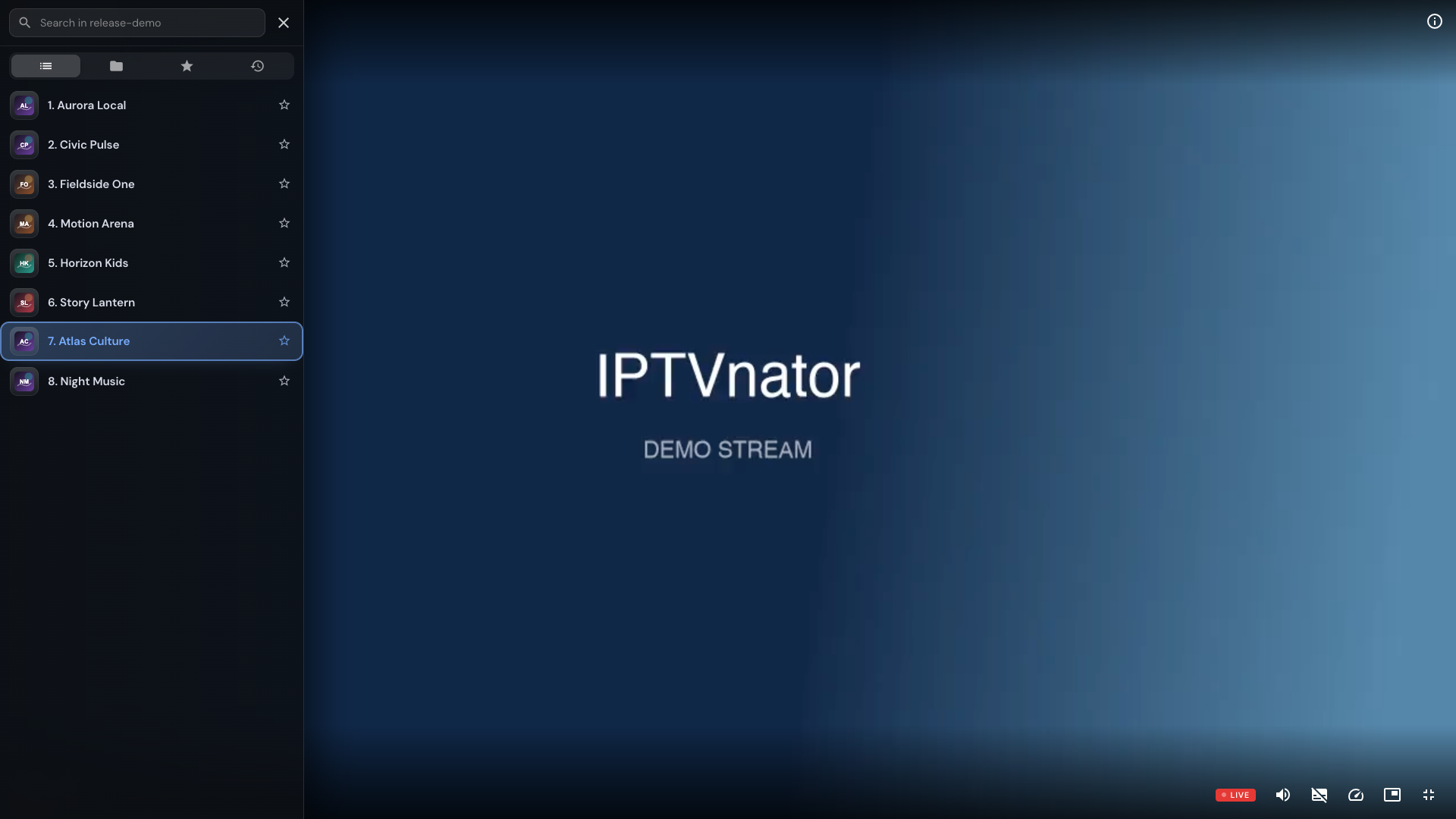
Open IPTVnator's fullscreen side panel with C or the left edge of the video. Search live channels, choose a season, and switch episodes while keeping the player fullscreen.
Read more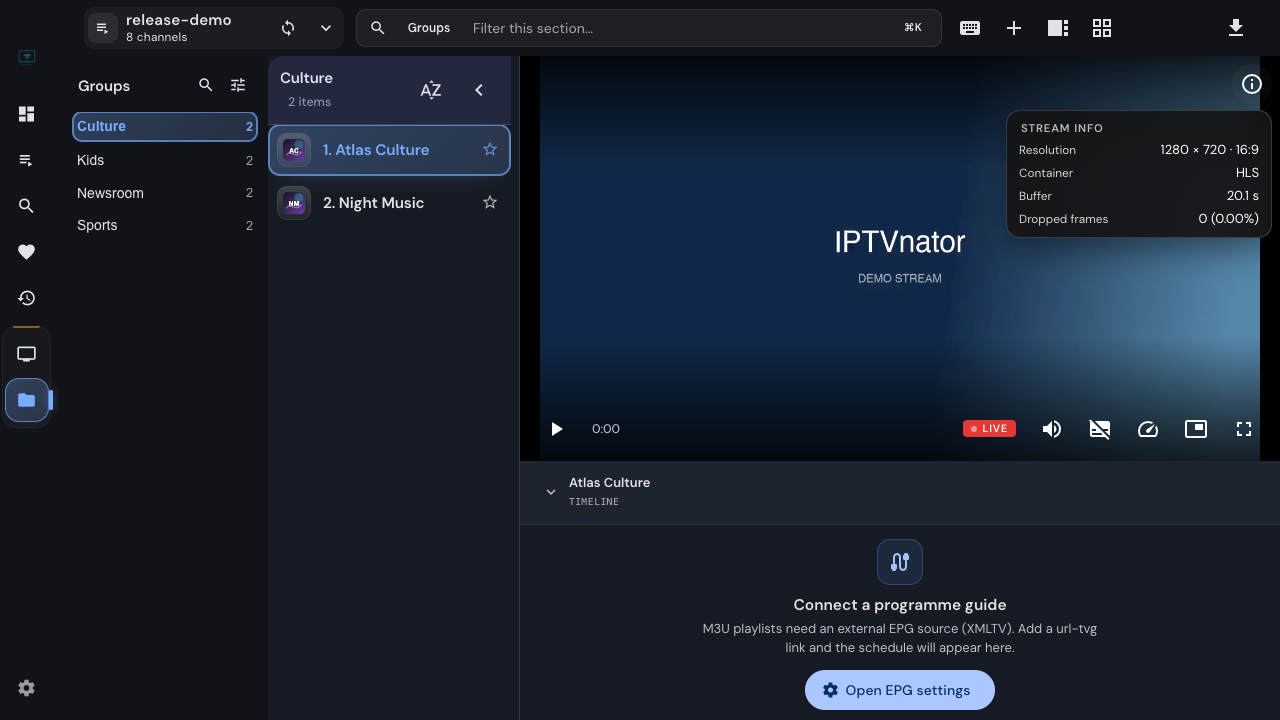
Read resolution, frame rate, bitrate, buffer and dropped frames in IPTVnator's Stream info panel, then collect a useful playback report without guessing from a single number.
Read more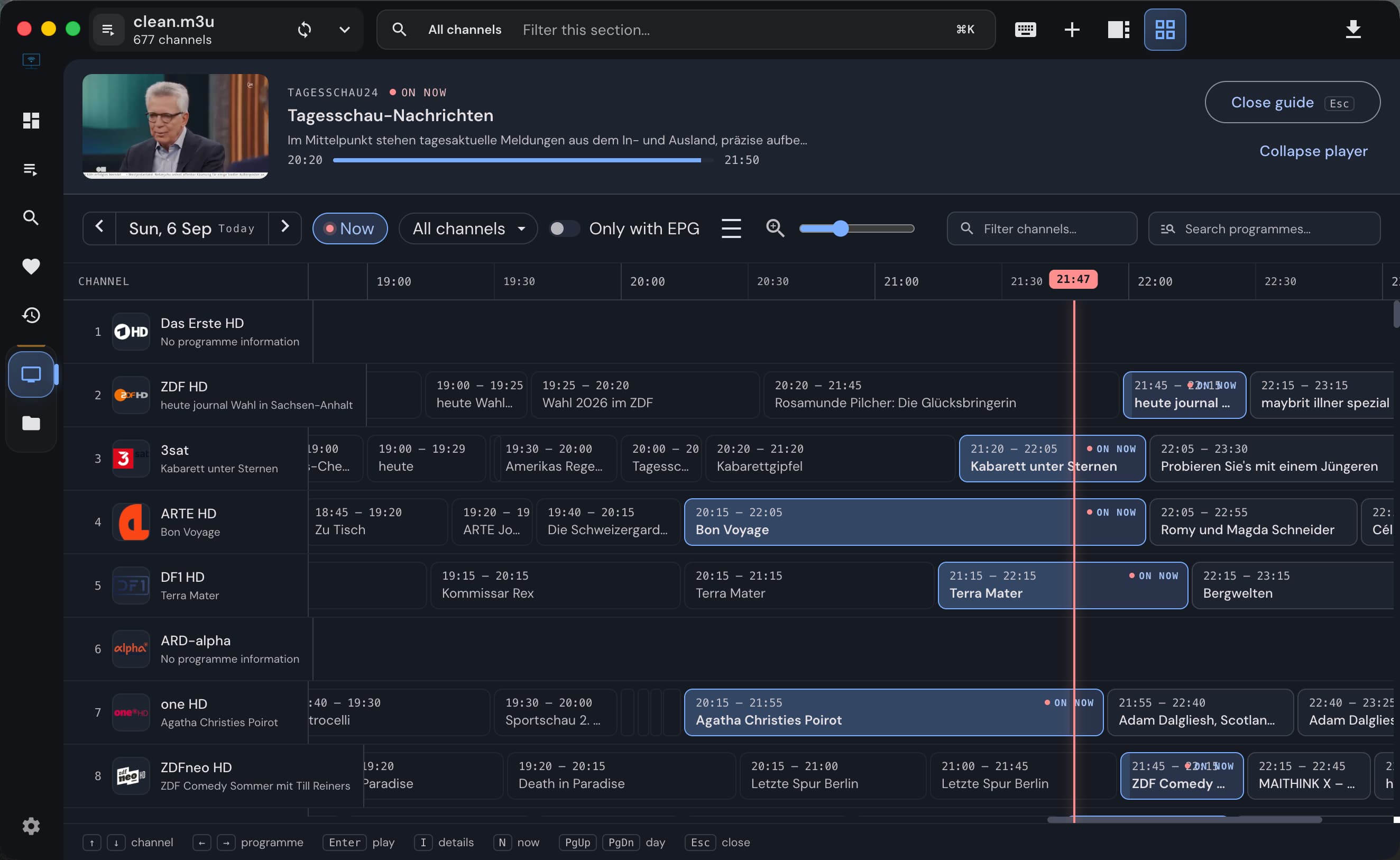
Keep watching while you compare channel schedules in IPTVnator's M3U programme guide. Open the grid, filter by group or favorites, and switch channels without closing it.
Read more
A rebuilt programme guide, channels and episodes within reach in fullscreen, and live stream information — plus more dependable sources, playback and upgrades.
Read more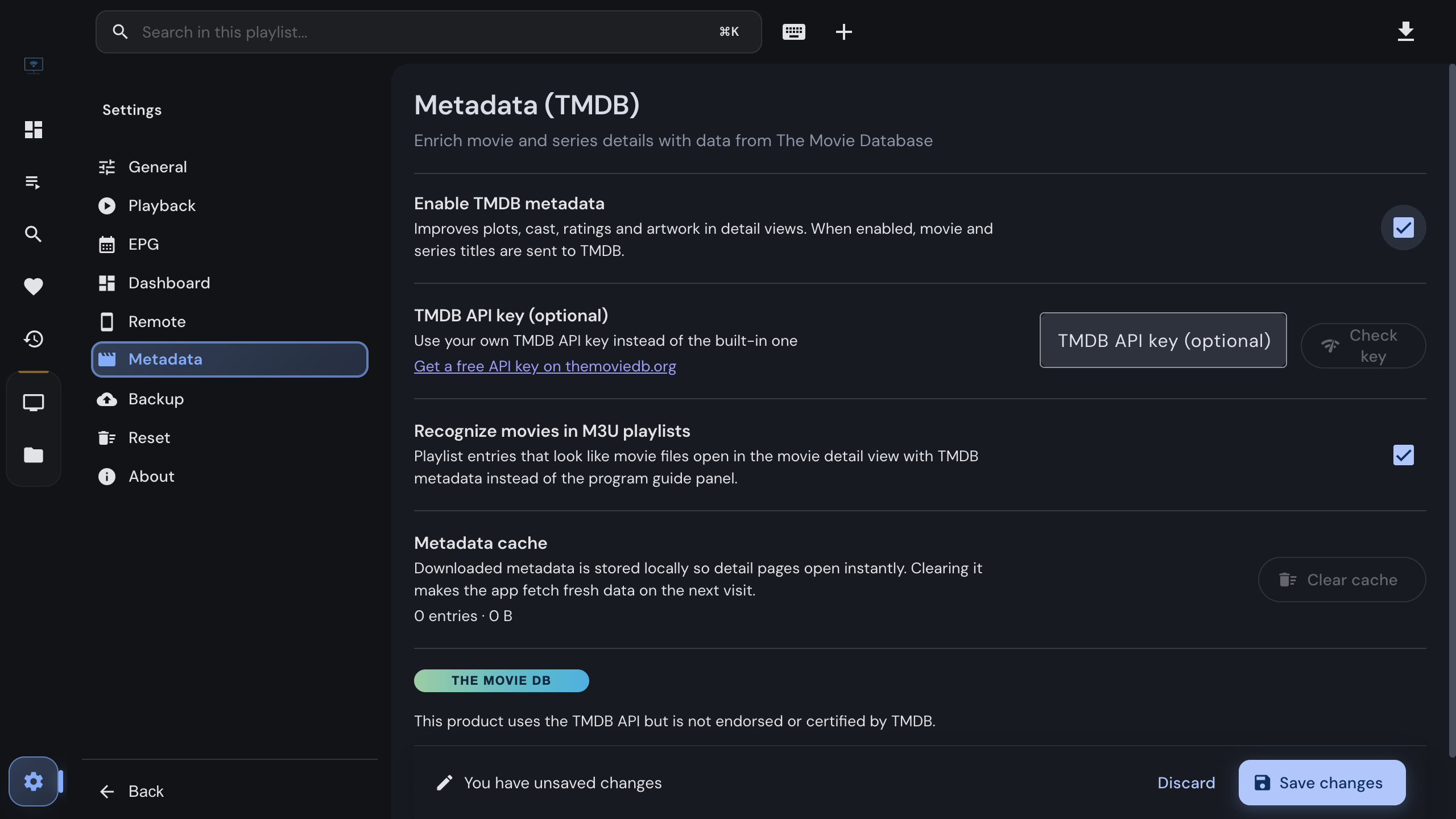
IPTVnator can fill in plots, cast, artwork and trailers for the movies and series in your own playlists using The Movie Database. What it sends, what stays on your device, how to switch it on, and how to use your own API key.
Read more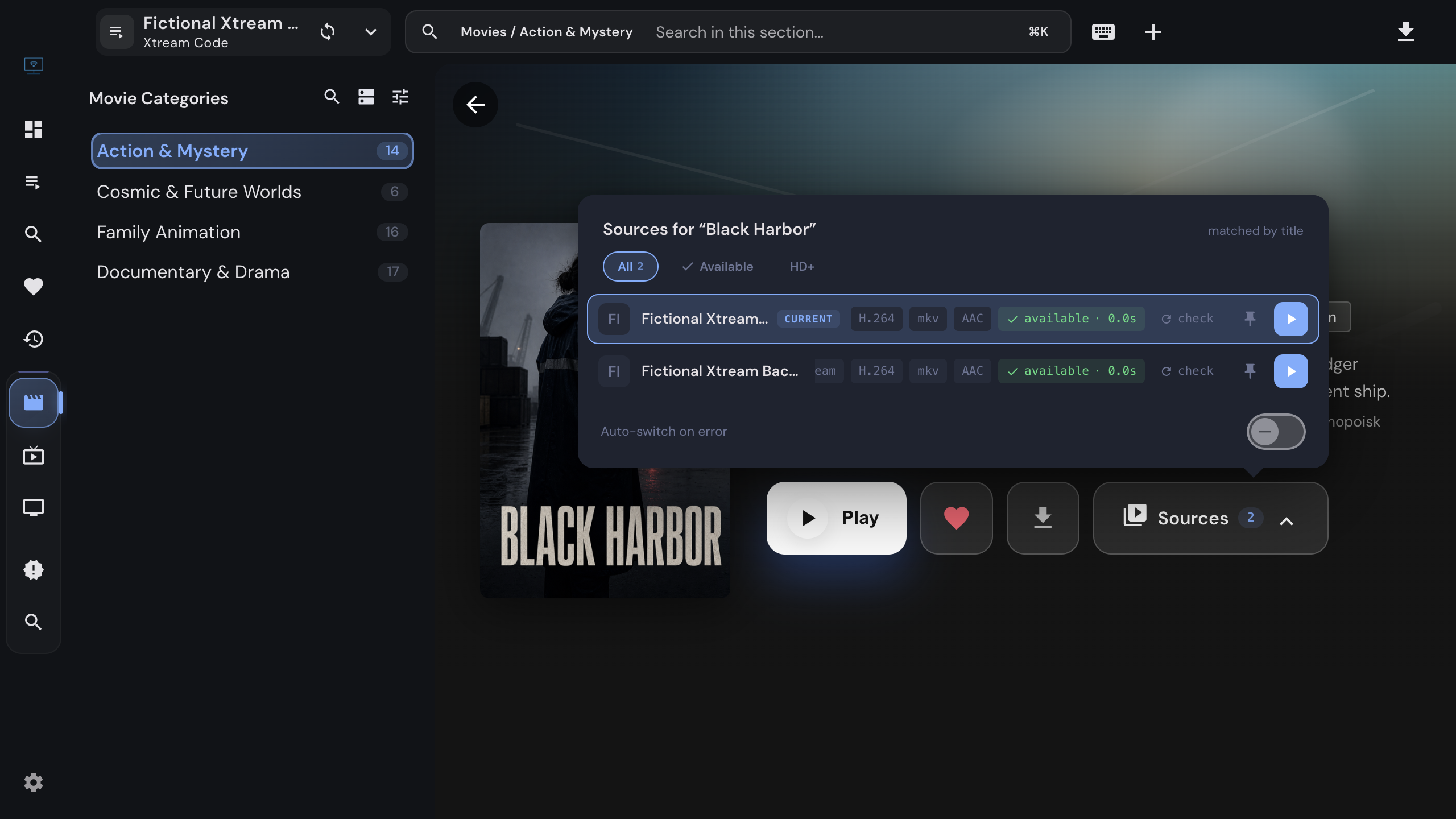
When a film exists in more than one of your Xtream Codes playlists, IPTVnator shows a Sources chip. How to compare the copies, switch mid-film without losing your place, pin a preferred playlist, and let the app switch on its own when a stream dies.
Read more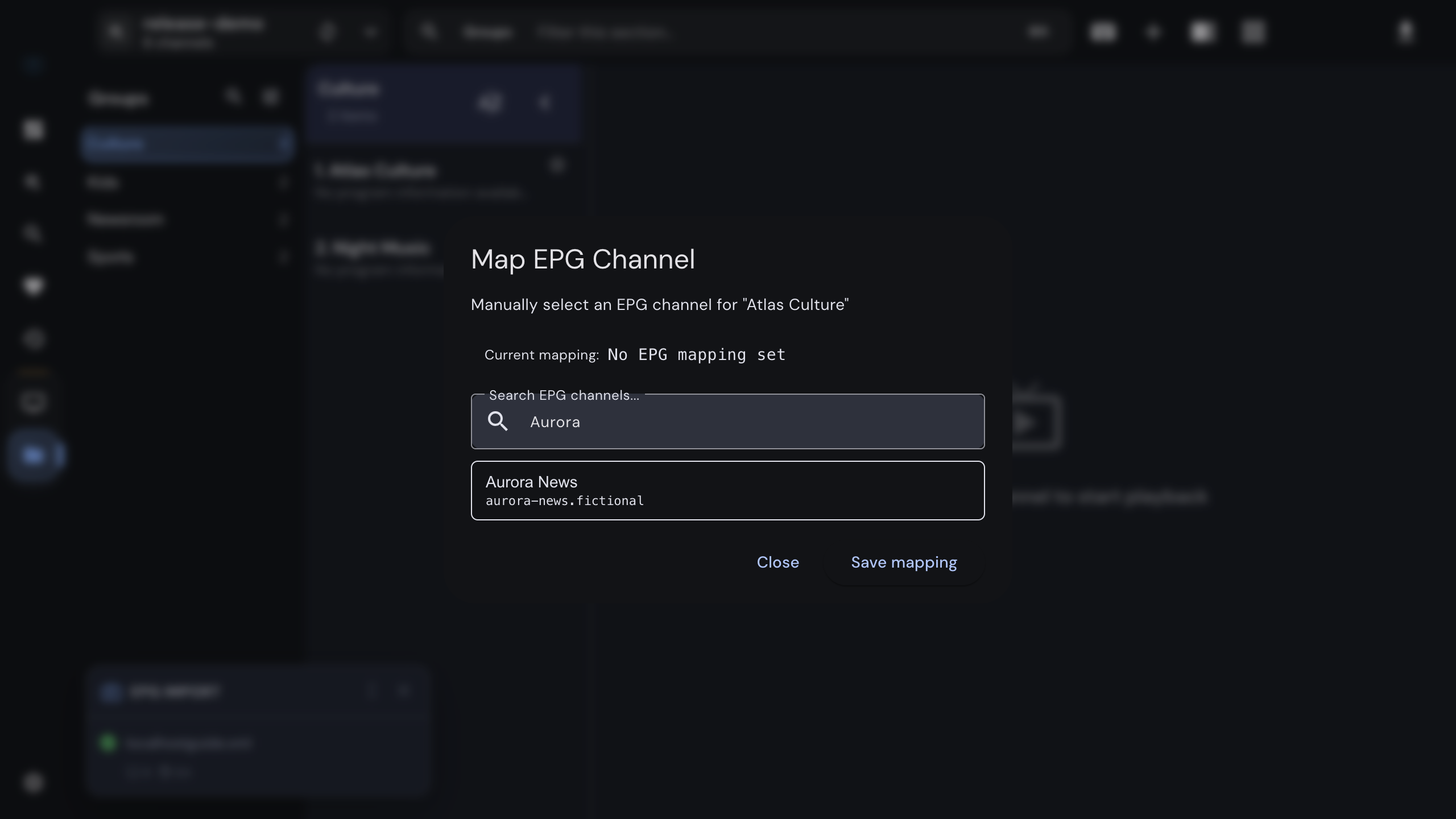
When the program guide is empty for a channel, shows another channel's schedule, or is off by a few hours, the fix is one of three things. How IPTVnator matches guide data to channels, how to map a channel by hand, and how to correct the time offset without touching the guide.
Read more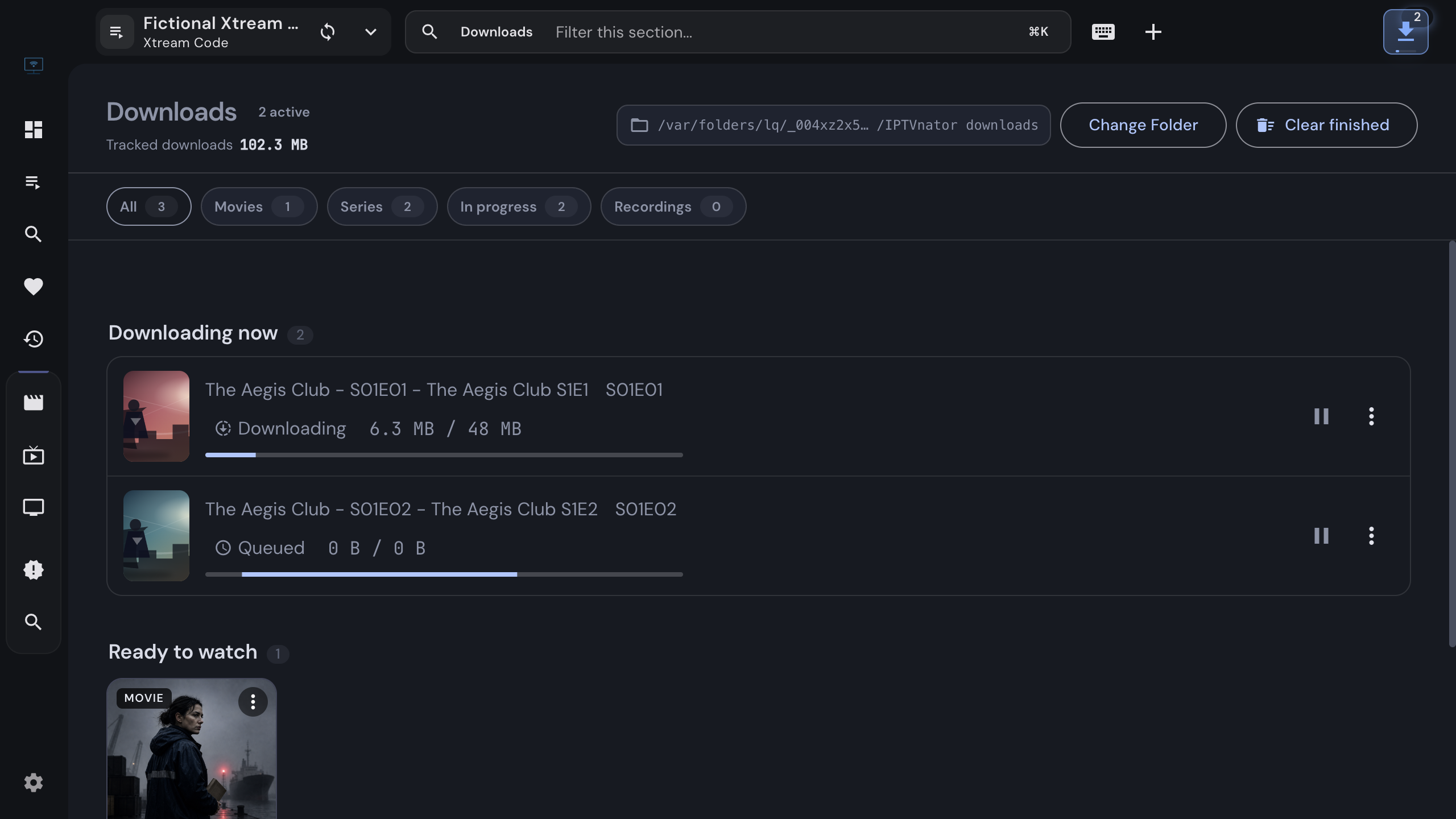
Save a movie or a whole season from your own Xtream Codes or Stalker source to disk with the desktop app, follow the queue, resume interrupted transfers, and watch from the offline library without a connection.
Read more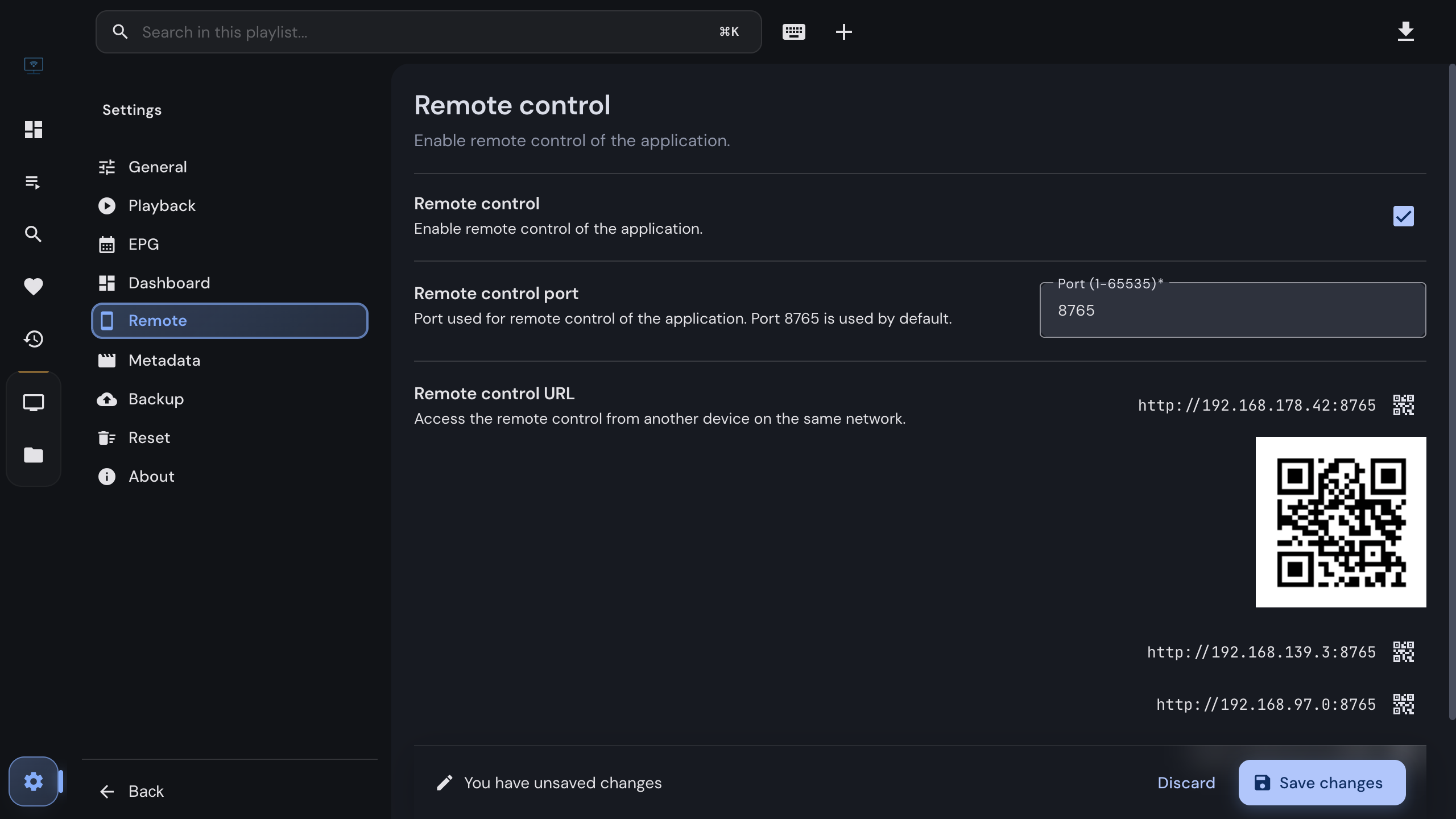
Turn the desktop app into a TV you can zap from the couch. Enable the remote in the settings, scan the QR code with any phone on the same Wi-Fi, and switch channels, jump to a number and see what is playing, without installing anything.
Read more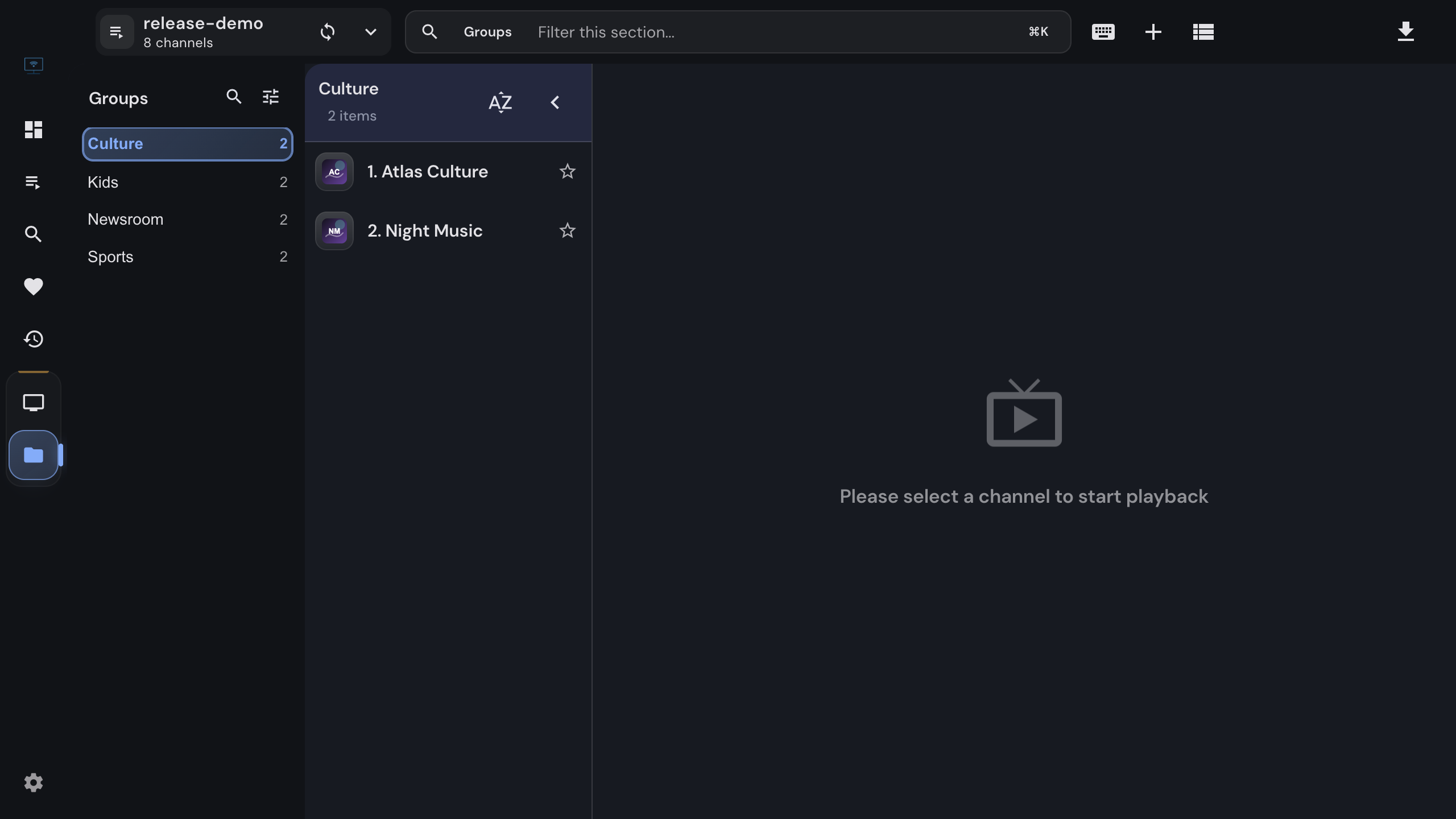
Import an M3U or M3U8 playlist into IPTVnator from a URL, a file or pasted text, keep it updated, and attach an XMLTV program guide. Covers channel groups, catch-up attributes, EPG matching by tvg-id, and the usual reasons a playlist or guide does not load.
Read more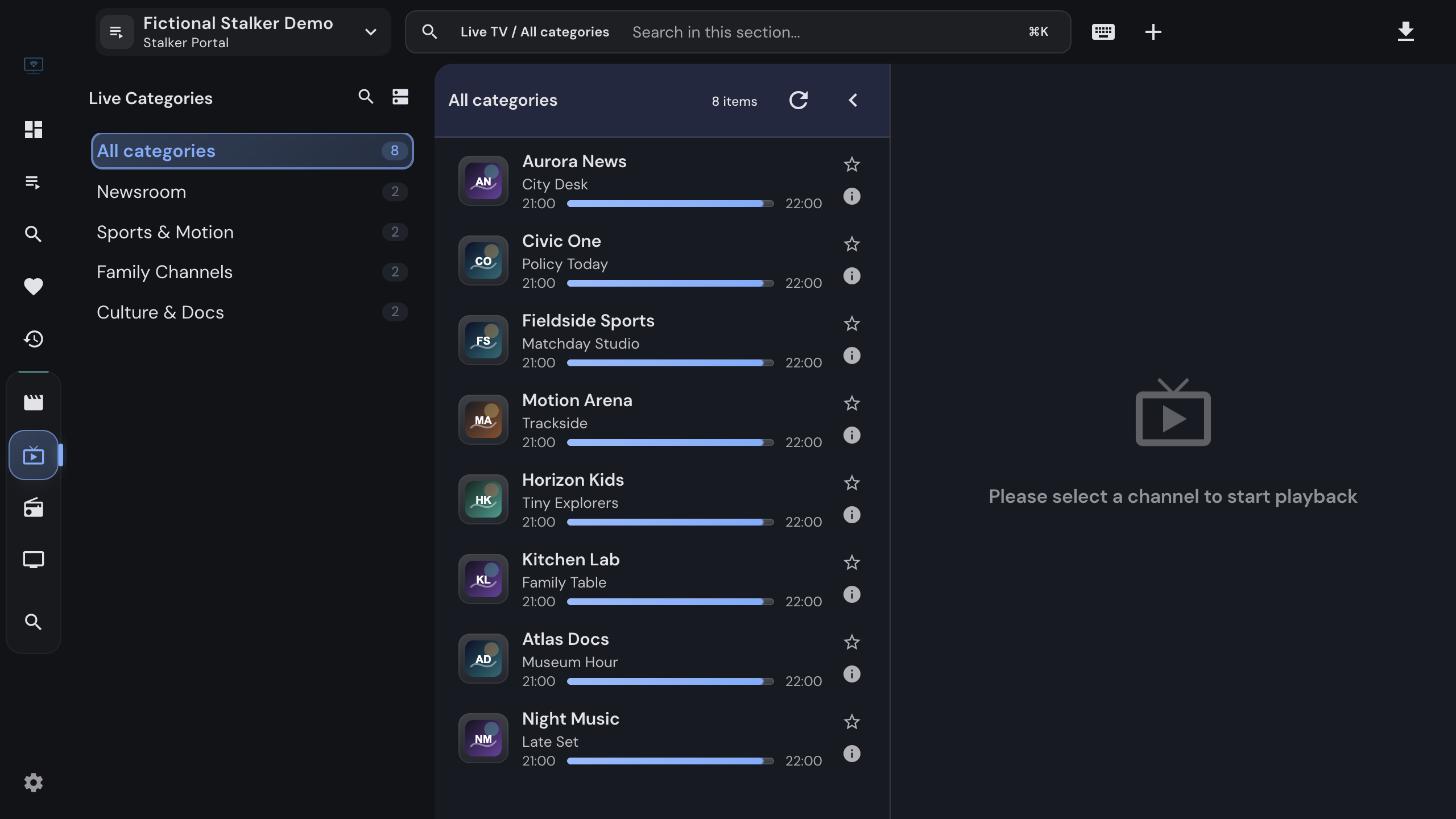
Add a Stalker portal to IPTVnator step by step. Which URL shapes work, how the MAC address is normalized, what device IDs and serial numbers are for, how IPTVnator detects the portal type, and what the usual refusals mean.
Read more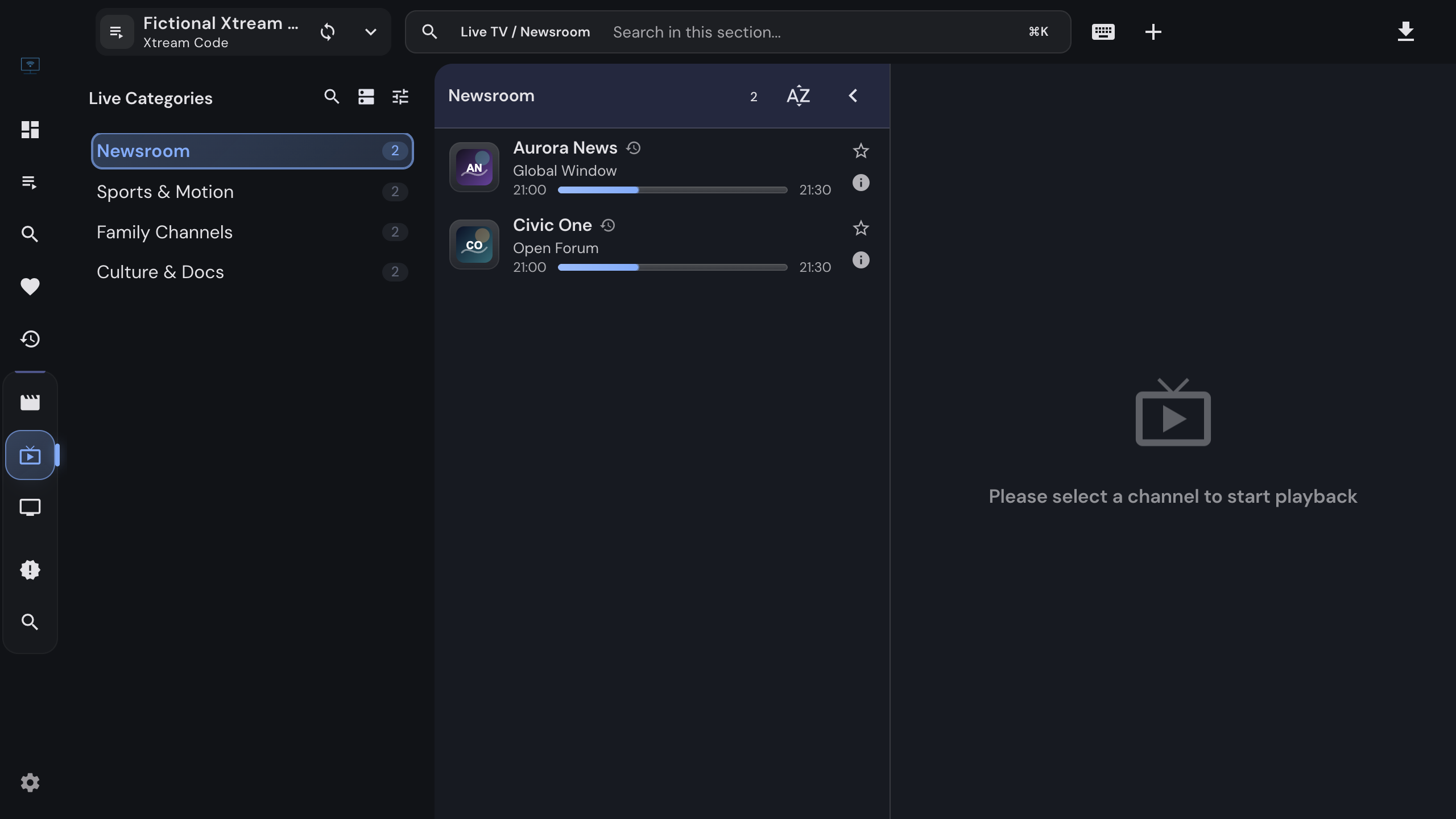
Connect an Xtream Codes API provider to IPTVnator step by step. What the server URL, username and password are, how to test the login, how to paste the message from your provider, and what to do when the portal refuses to connect.
Read more
A download manager with an offline library and Live-TV recordings, new default player controls, alternative sources for movies, and catalogs that scroll without pages.
Read more
IPTVnator is a free, open-source player app. It never sells IPTV subscriptions, channels, or playlists. Here is how to recognize unofficial sites misusing the name, and where to get the real app.
Read more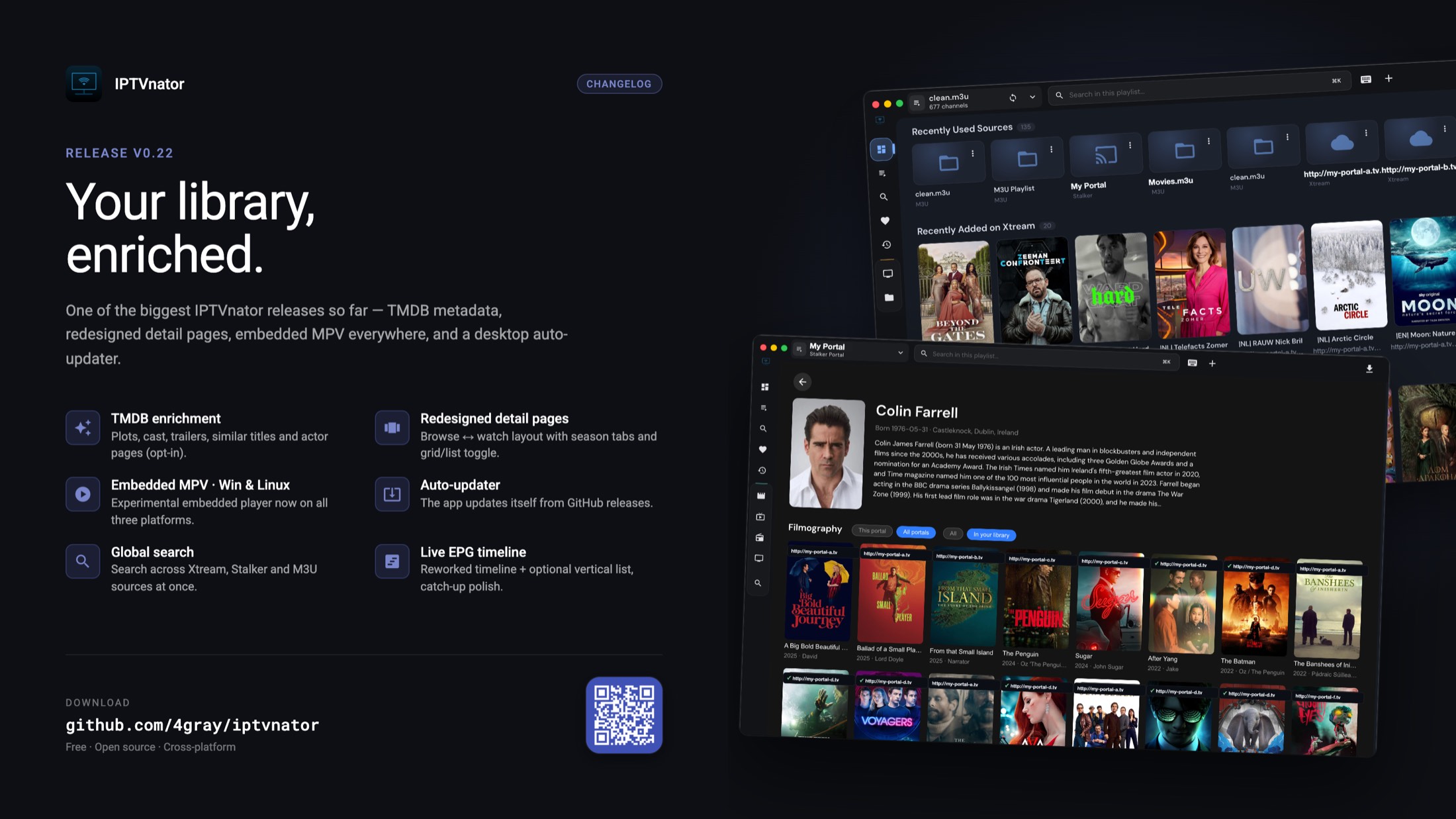
IPTVnator v0.22 brings opt-in TMDB metadata enrichment, redesigned two-state movie & series pages, embedded MPV on Windows and Linux, a built-in desktop auto-updater, global search across all sources, and a reworked live EPG timeline.
Read more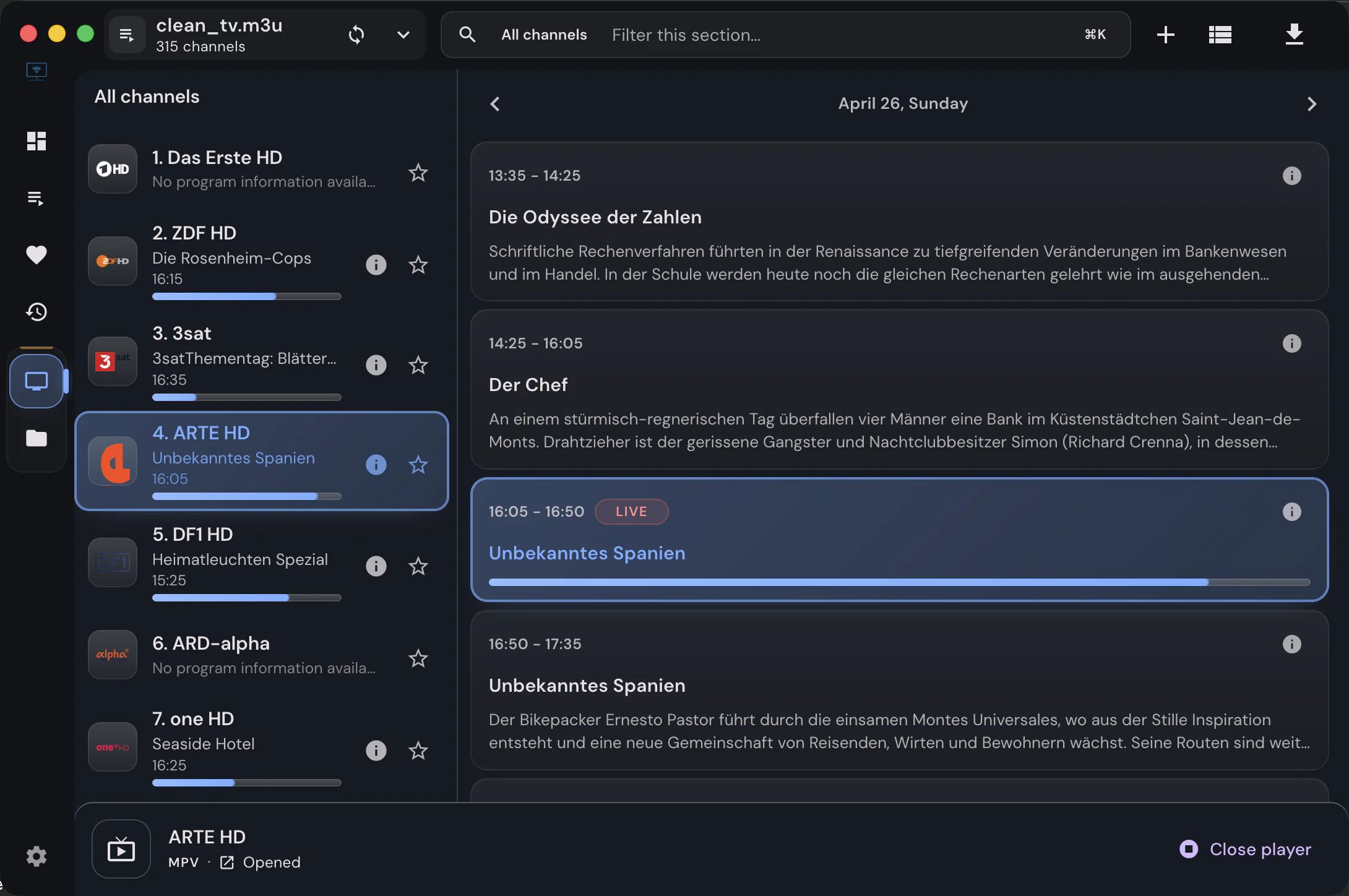
Why some IPTV streams do not play in IPTVnator's built-in browser players, and when MPV, VLC, or IINA is the right workaround.
Read more
A closer look at IPTVnator's experimental embedded MPV player for macOS: why it exists, how it is wired into Electron, and where to share feedback.
Read more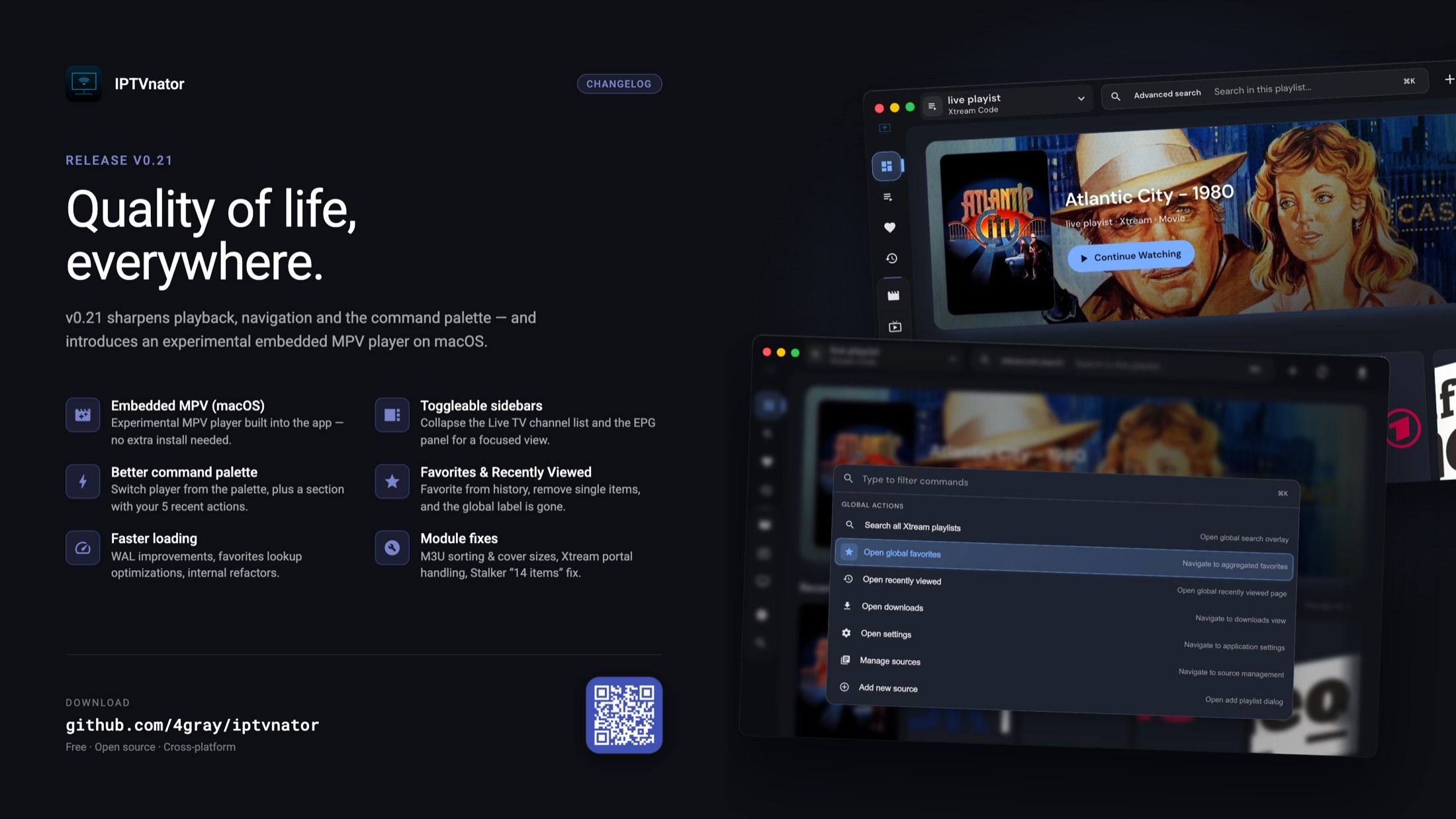
IPTVnator v0.21 brings an experimental embedded MPV player on macOS, toggleable sidebars, a smarter command palette, faster loading, and a long list of fixes across M3U, Xtream and Stalker.
Read more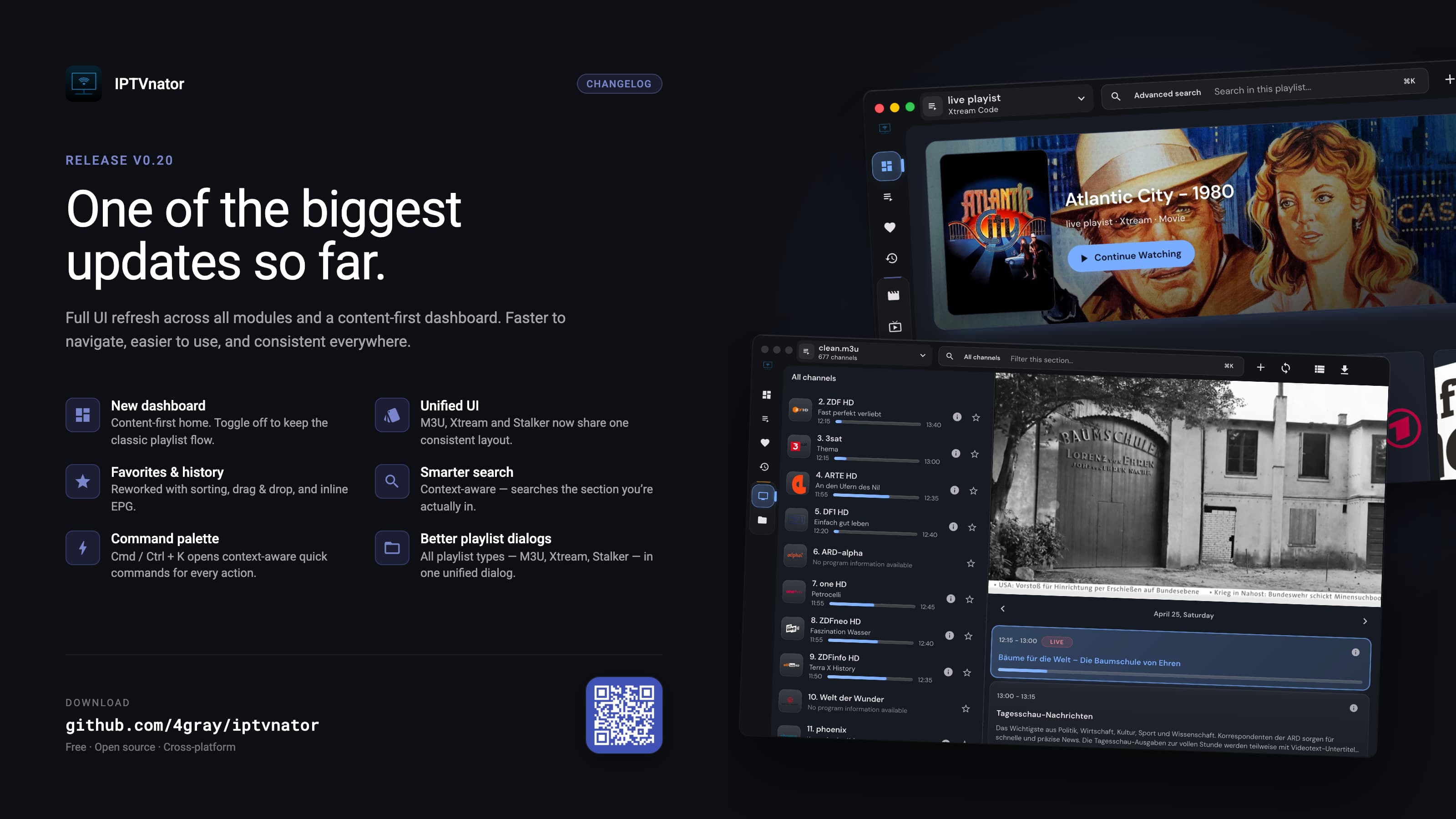
IPTVnator v0.20 brings a major UI refresh, a content-first dashboard, unified M3U/Xtream/Stalker navigation, smarter search, Stalker EPG support, signed macOS builds, and Flatpak fixes.
Read more
One of the biggest IPTVnator releases so far with major Home, M3U, Xtream, Stalker, and Remote Control improvements, plus many fixes and refactorings.
Read more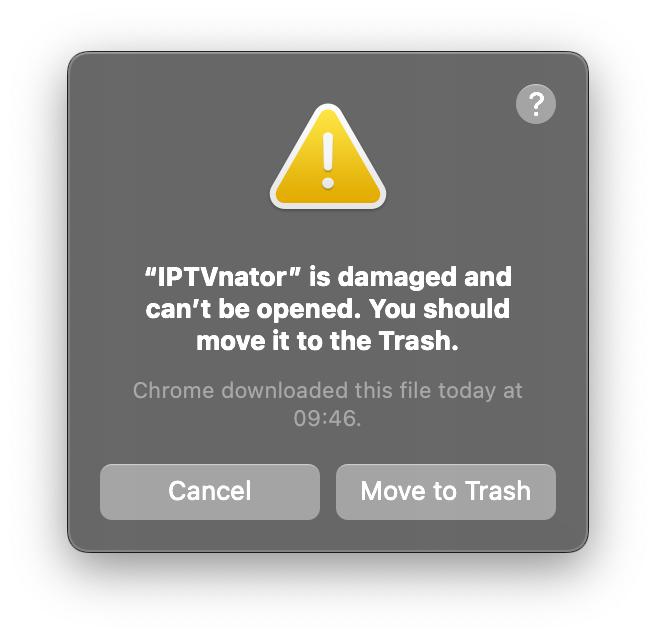
If IPTVnator shows "app is damaged and can't be opened" on Apple Silicon Macs, run one Terminal command to remove quarantine and launch safely.
Read more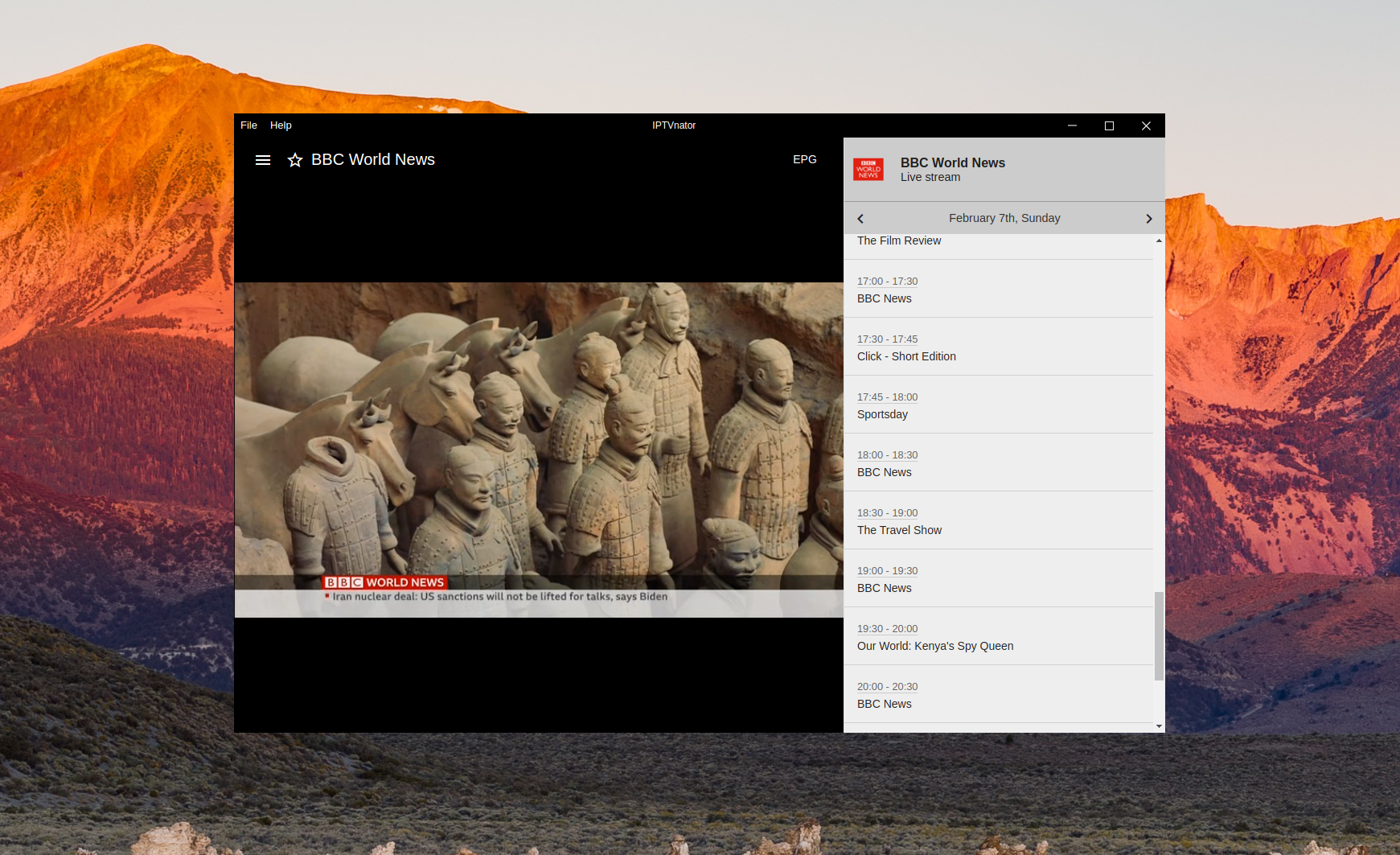
Learn how IPTVnator uses XMLTV data to display current and upcoming programs alongside your live TV channels.
Read more
We are excited to launch the official IPTVnator website and developer blog. Stay tuned for release notes, tutorials, and roadmap updates.
Read more
IPTVnator v0.18 brings a new playlist switcher UI, large EPG improvements, Xtream and Stalker updates, and multiple UX fixes across the app.
Read more