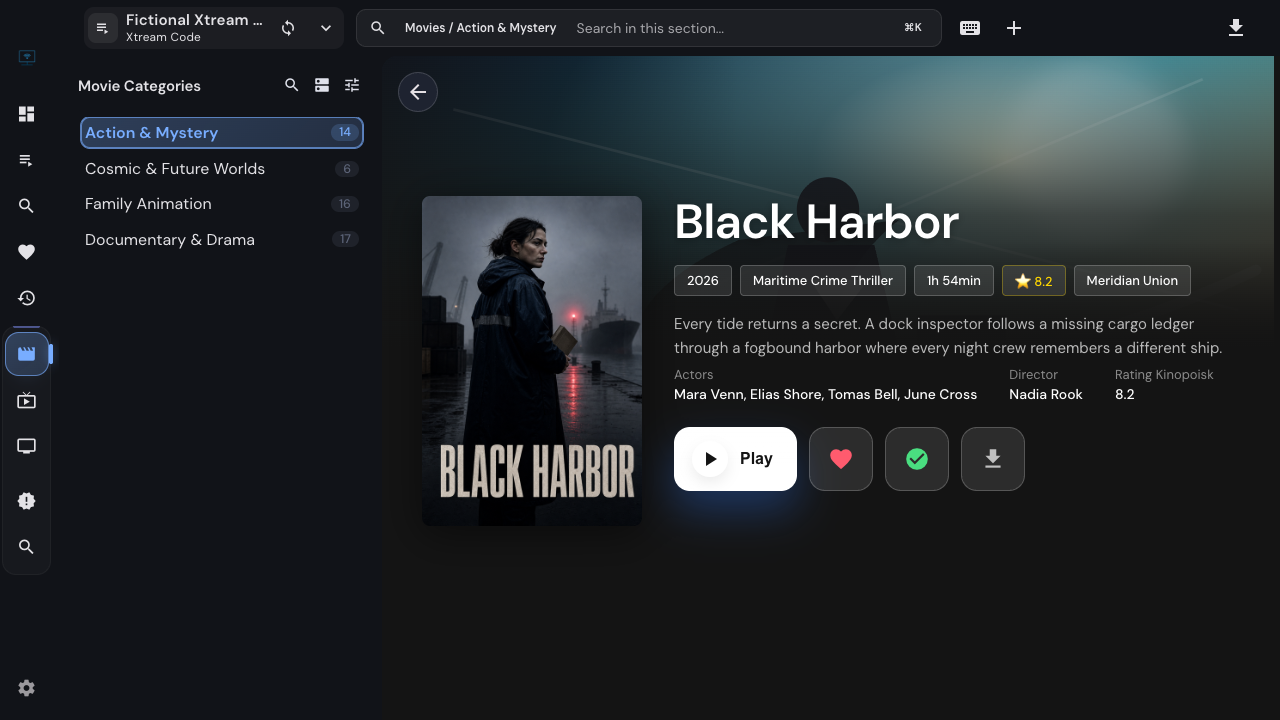
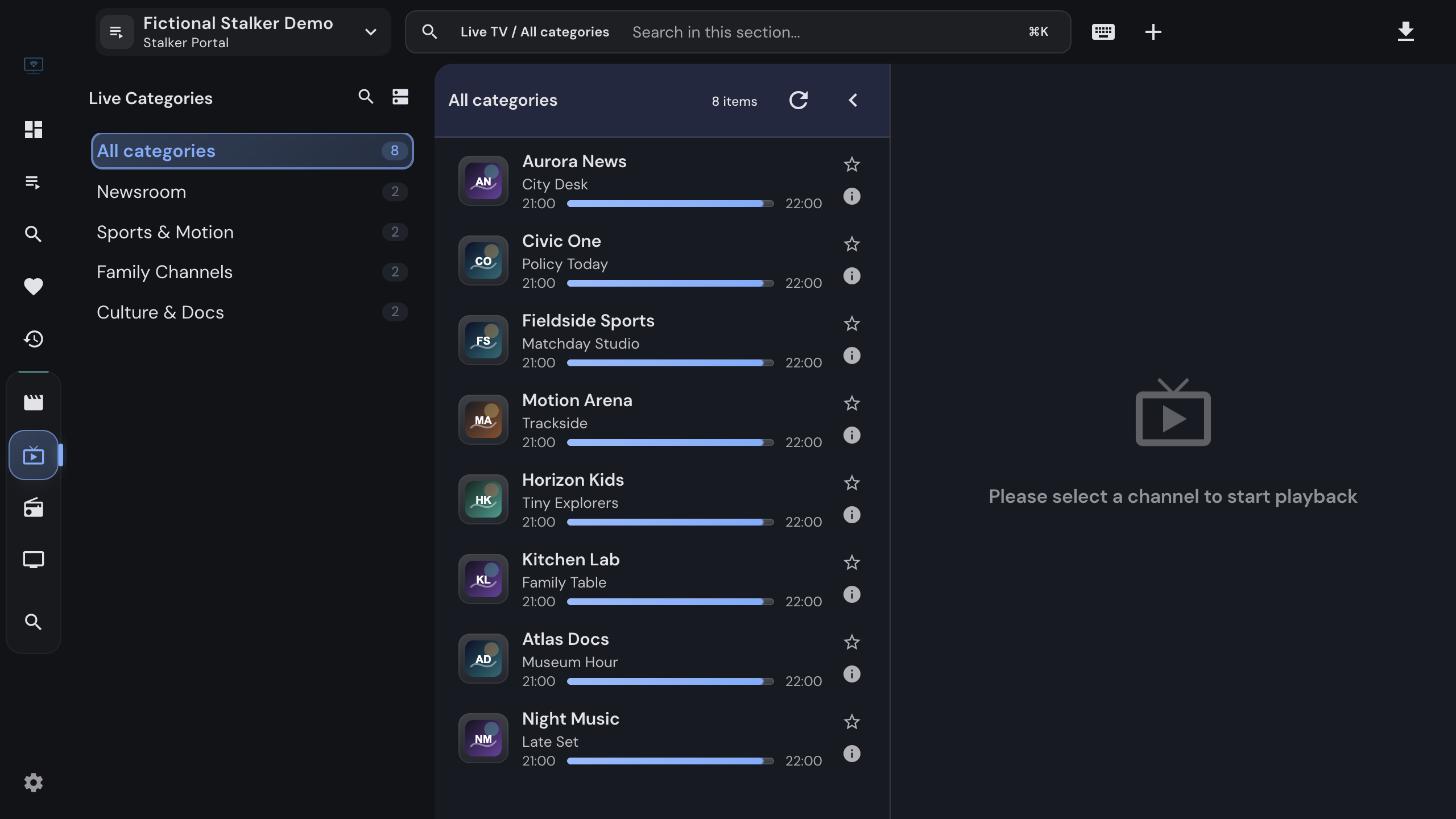
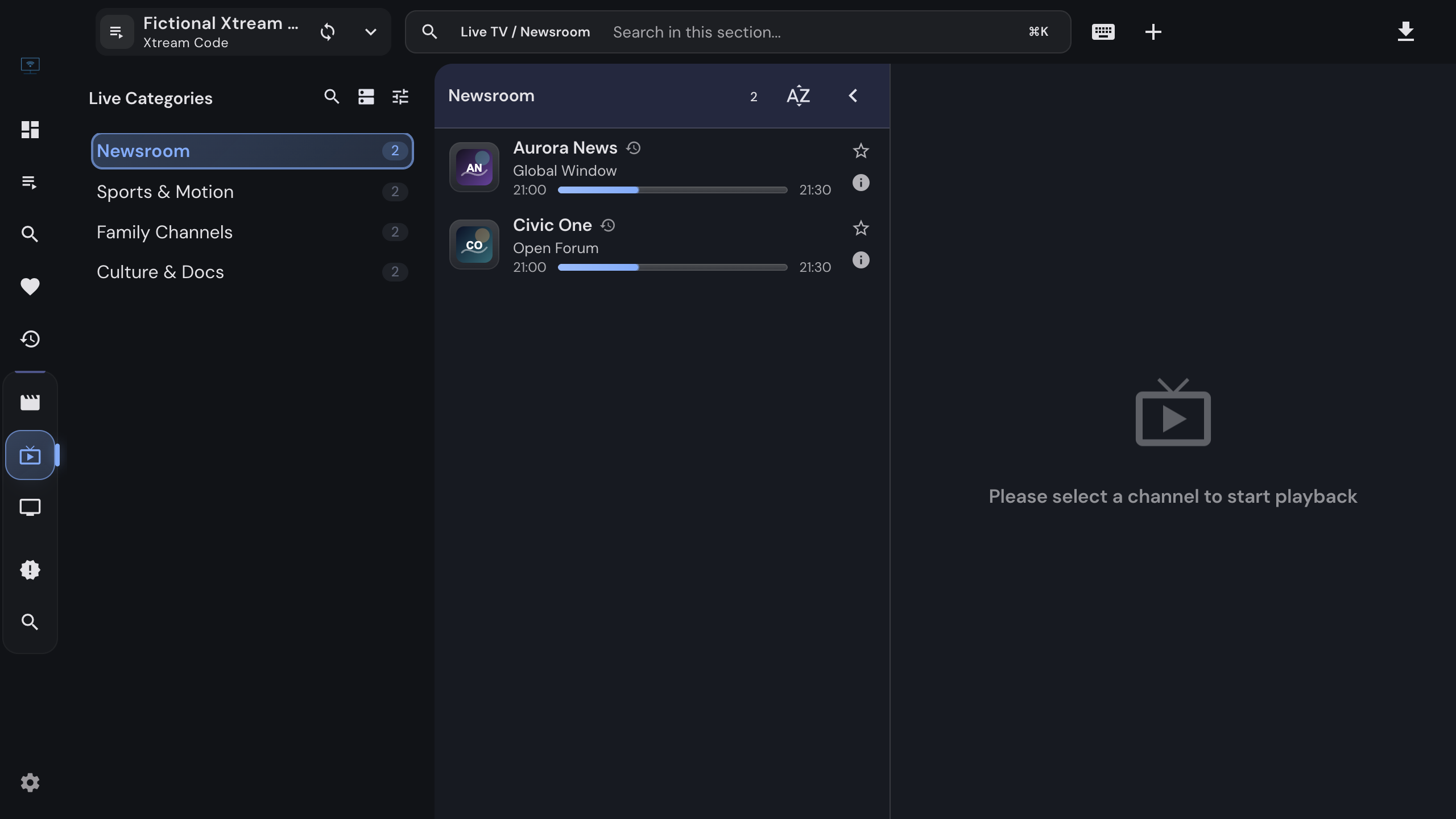
Review source availability, return from a favorite channel to its playlist, mark titles watched and simplify catalog views in IPTVnator without confusing hidden items with missing data.
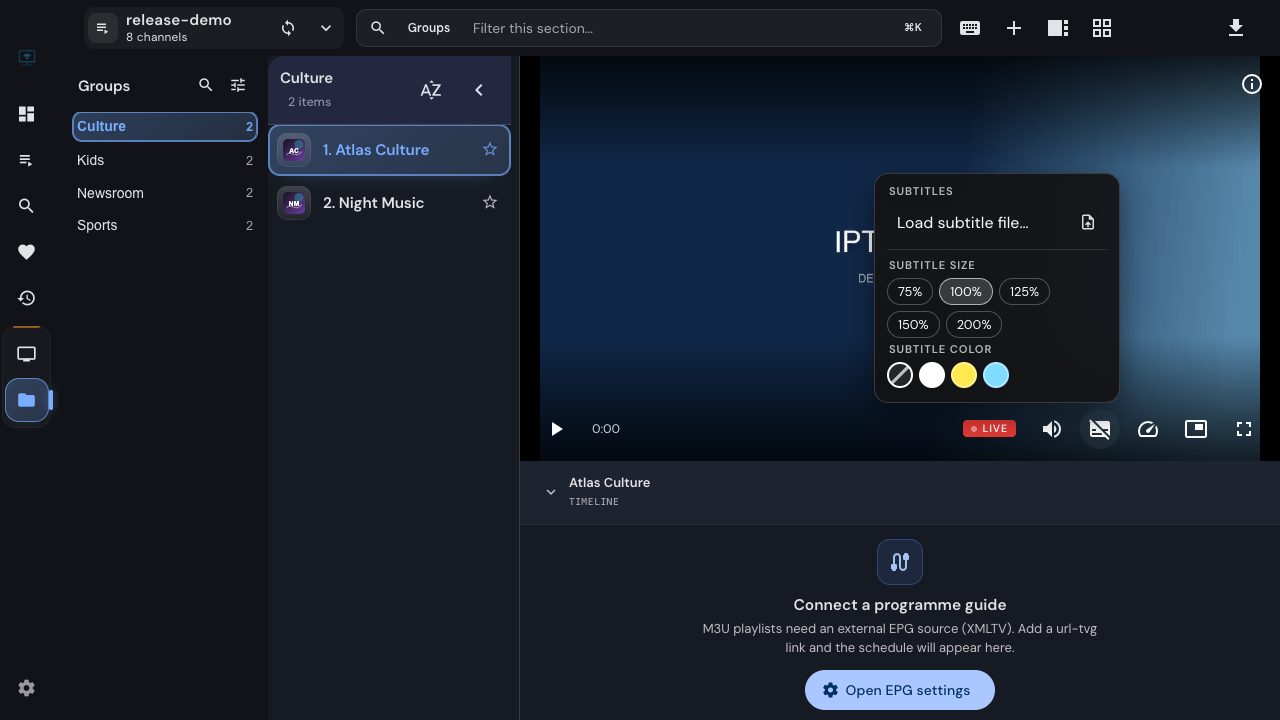
Use IPTVnator's unified player controls to choose stream quality, load subtitles, adjust their timing and keep video visible in picture-in-picture. Learn why some options depend on the stream or player.
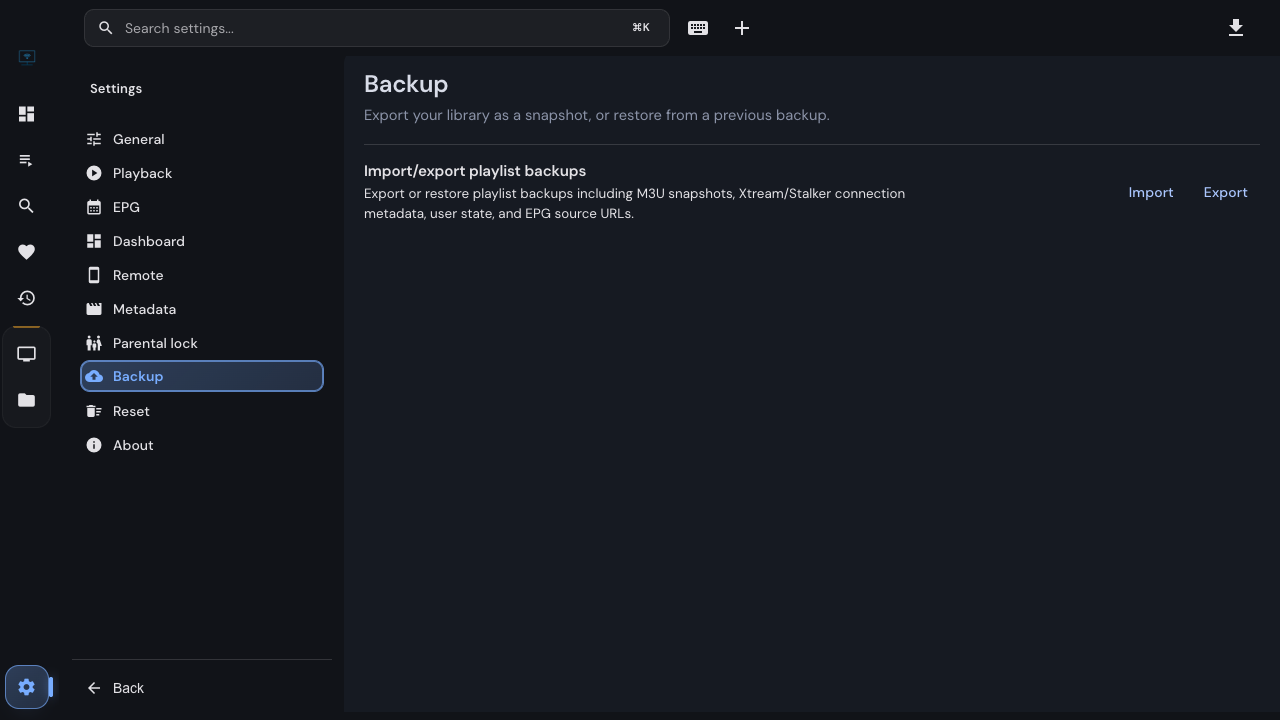
Export and restore an IPTVnator playlist backup, understand which favorites and playback state it carries, and check what needs to be moved separately when changing computers.
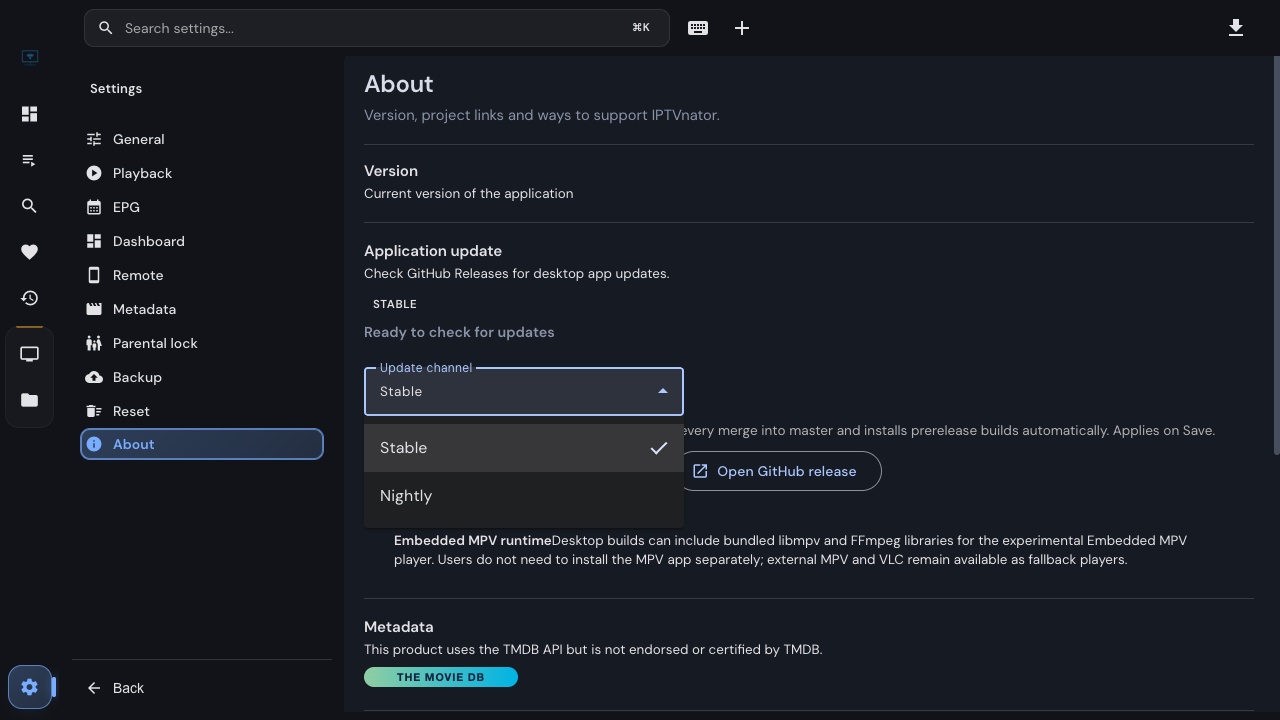
Choose an update channel in the desktop app, understand what happens when you switch back to Stable, and find the build details that make a nightly bug report useful.
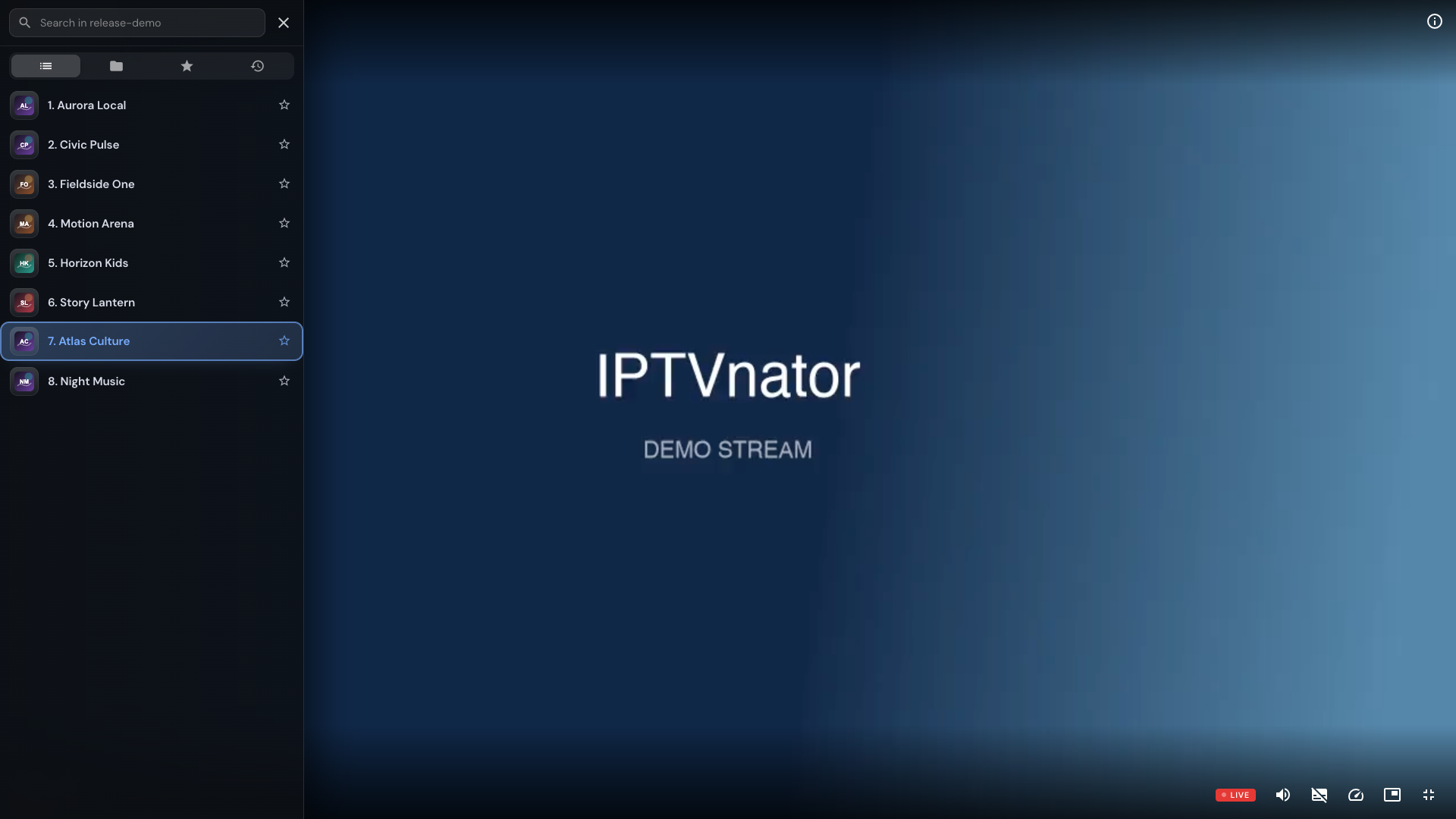
Open IPTVnator's fullscreen side panel with C or the left edge of the video. Search live channels, choose a season, and switch episodes while keeping the player fullscreen.
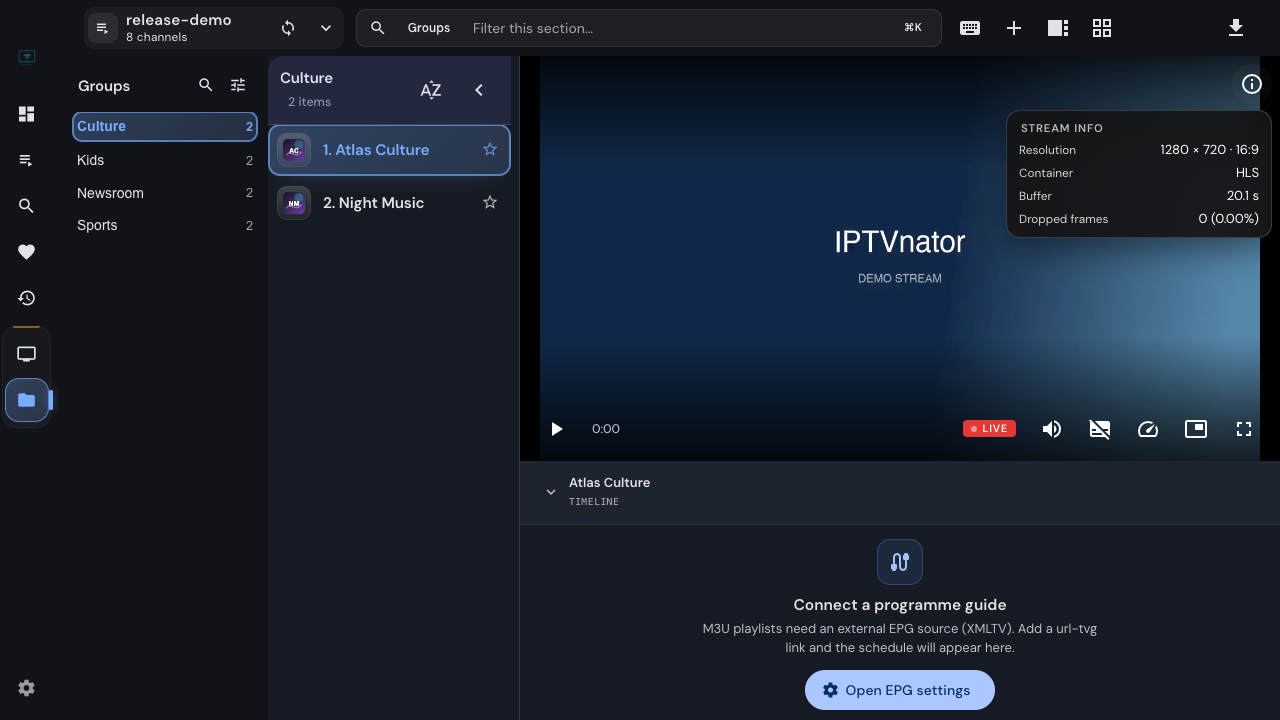
Read resolution, frame rate, bitrate, buffer and dropped frames in IPTVnator's Stream info panel, then collect a useful playback report without guessing from a single number.
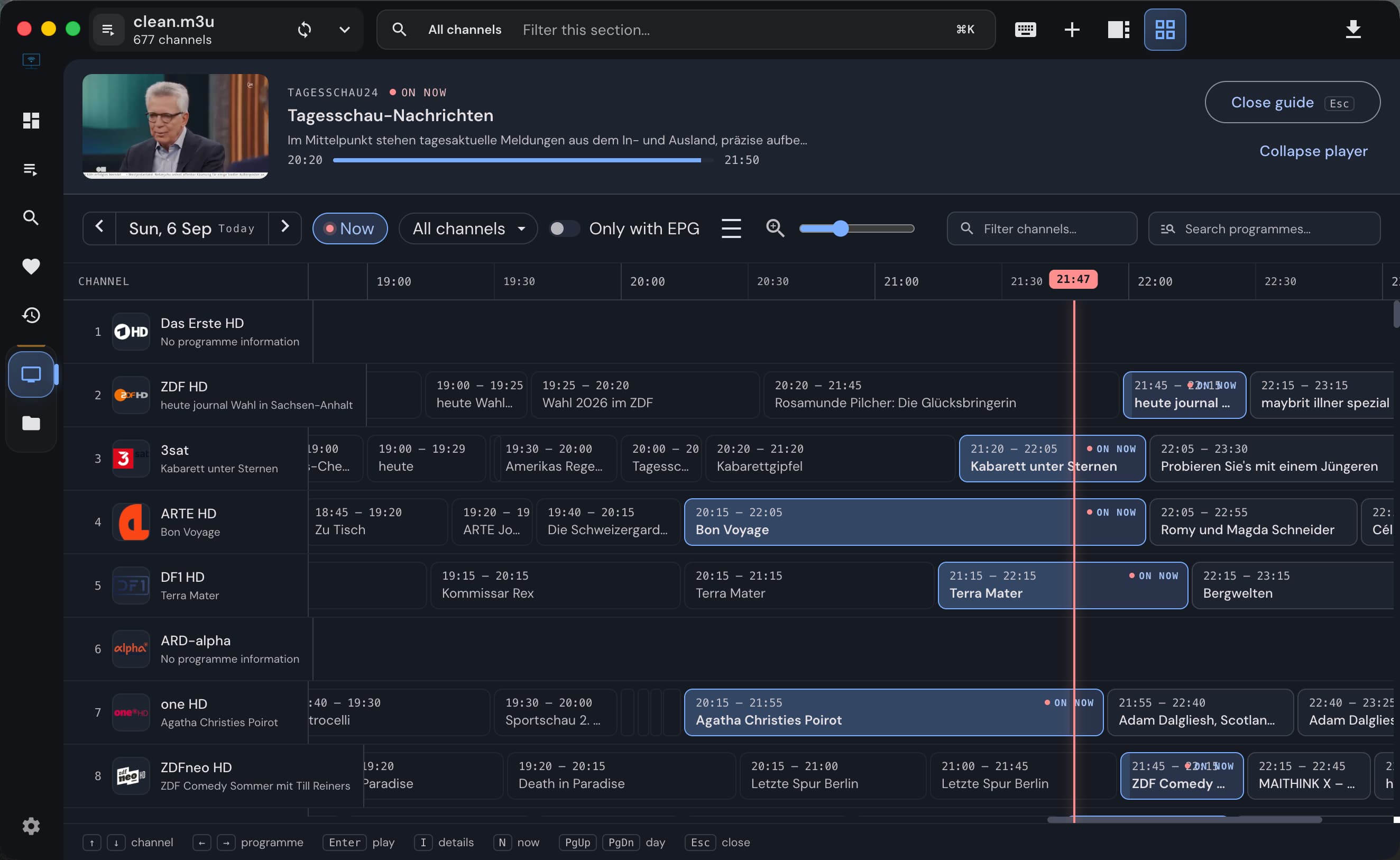
Keep watching while you compare channel schedules in IPTVnator's M3U programme guide. Open the grid, filter by group or favorites, and switch channels without closing it.
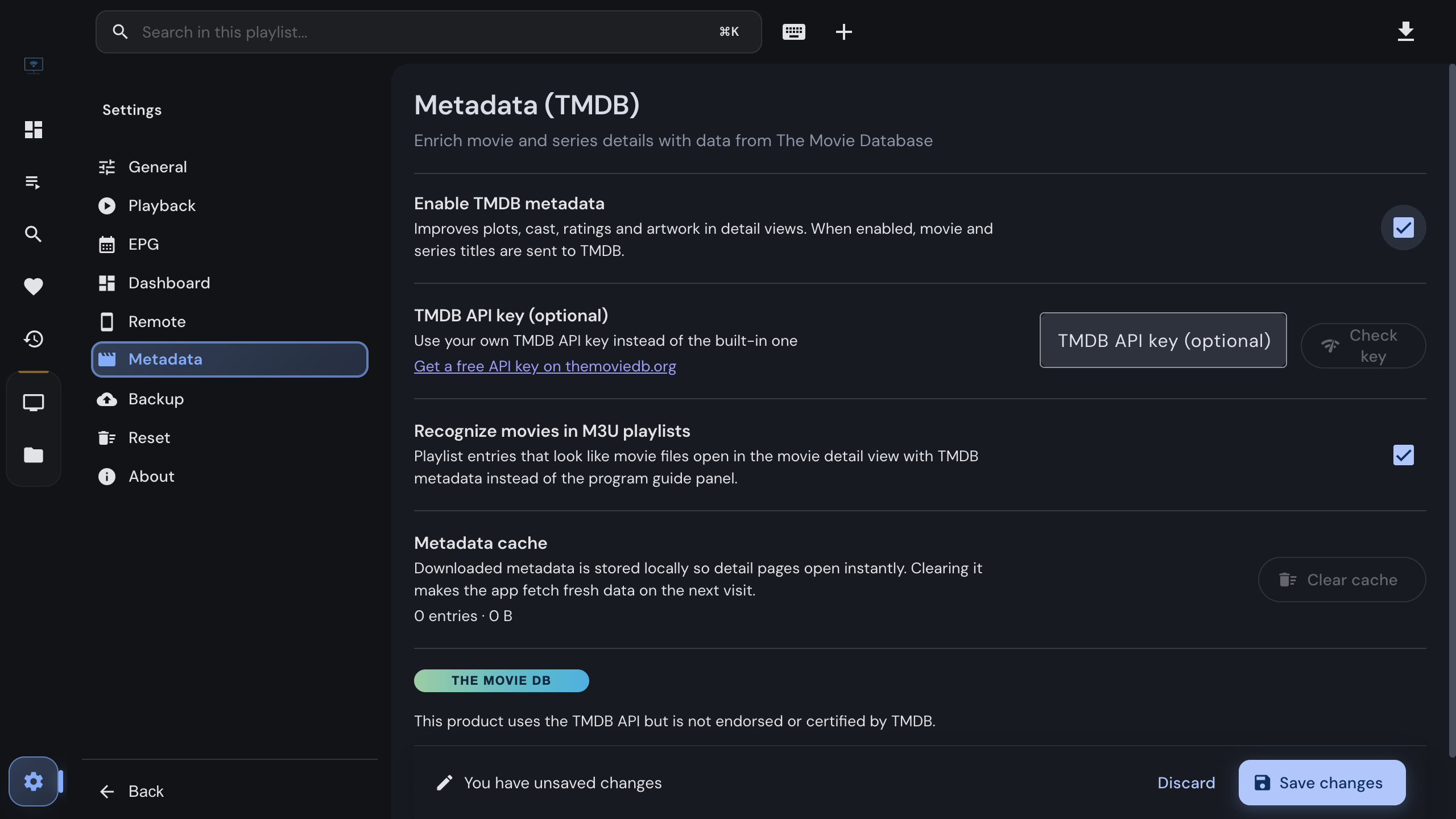
IPTVnator can fill in plots, cast, artwork and trailers for the movies and series in your own playlists using The Movie Database. What it sends, what stays on your device, how to switch it on, and how to use your own API key.
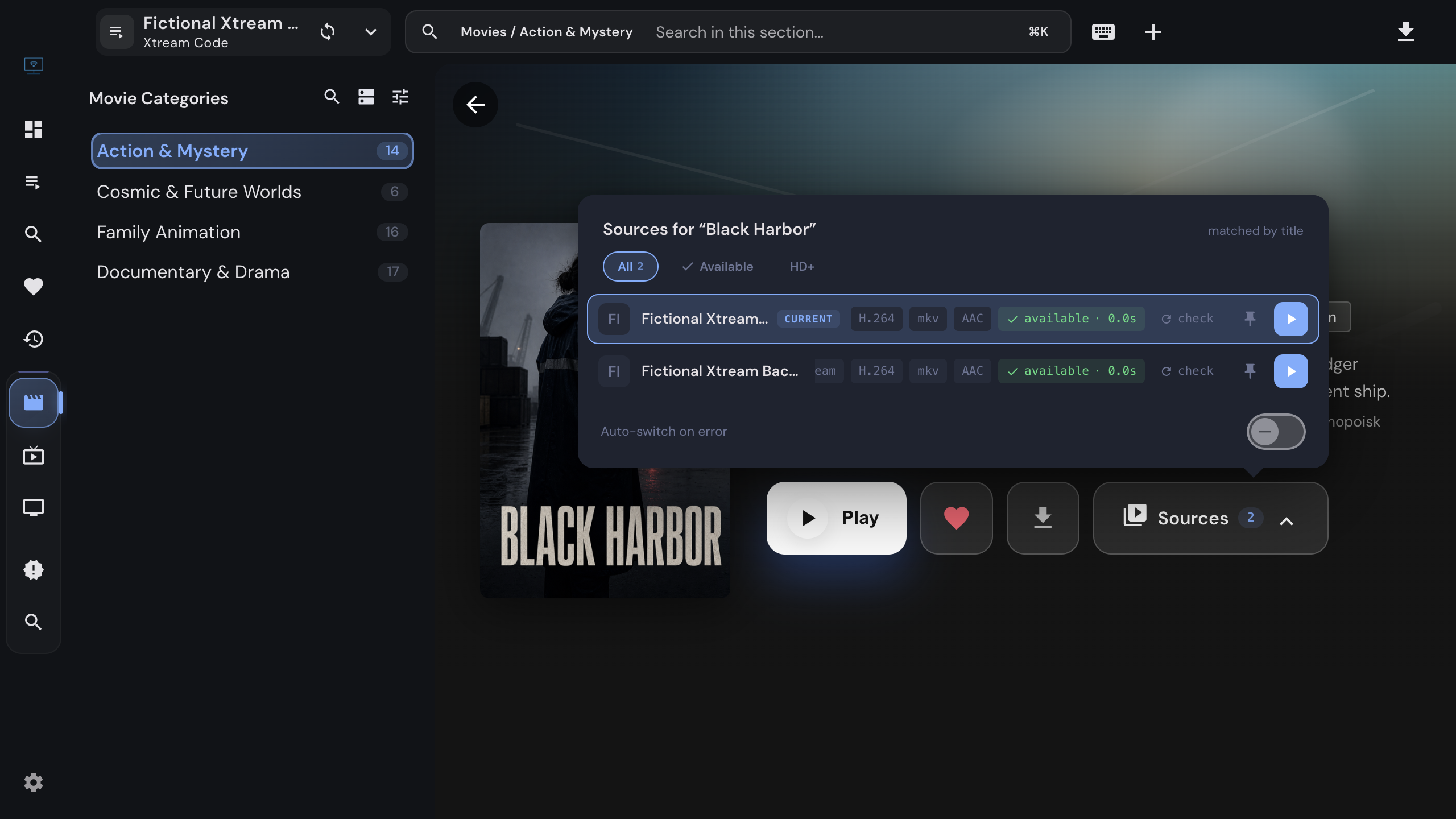
When a film exists in more than one of your Xtream Codes playlists, IPTVnator shows a Sources chip. How to compare the copies, switch mid-film without losing your place, pin a preferred playlist, and let the app switch on its own when a stream dies.
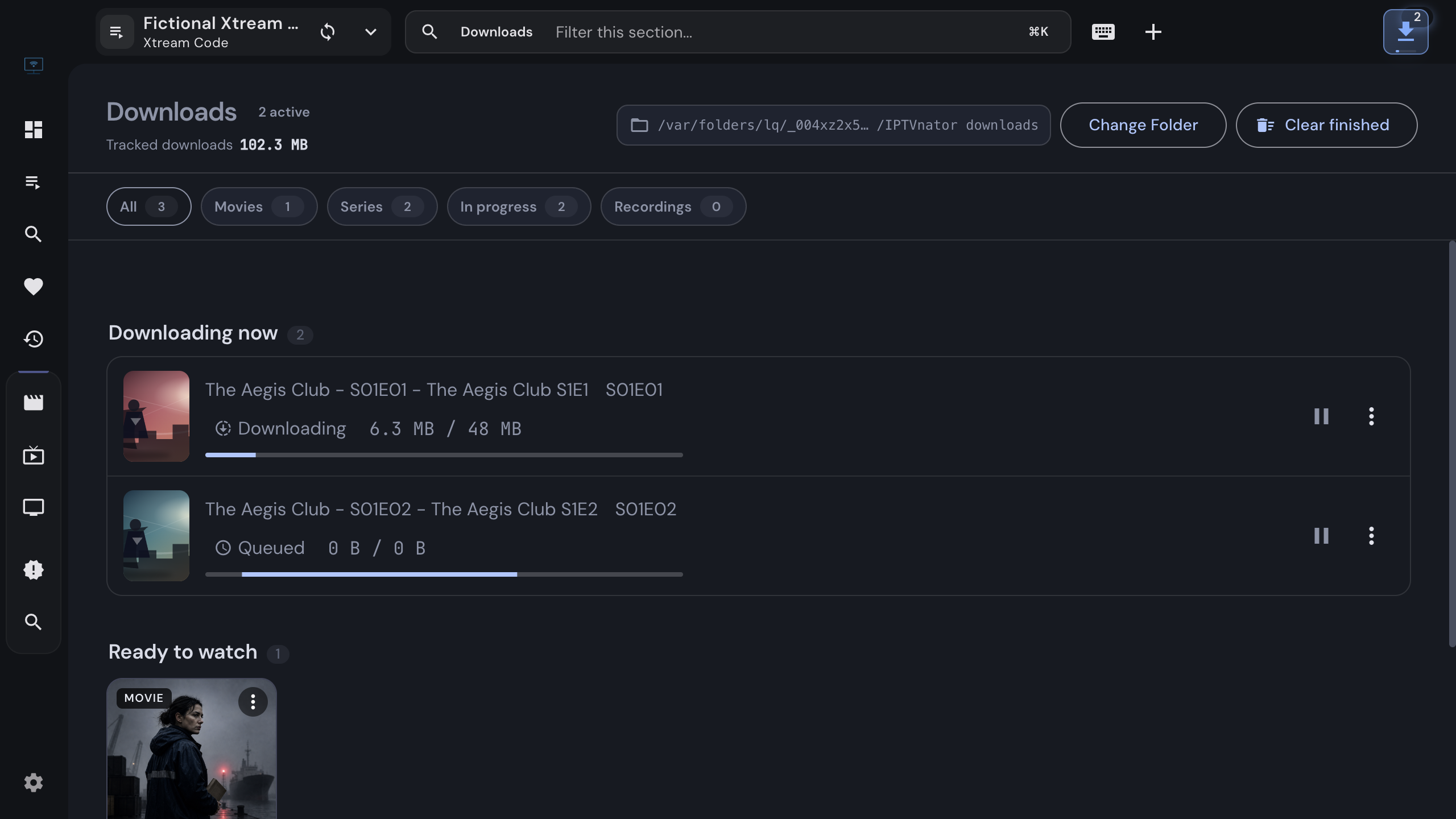
Save a movie or a whole season from your own Xtream Codes or Stalker source to disk with the desktop app, follow the queue, resume interrupted transfers, and watch from the offline library without a connection.
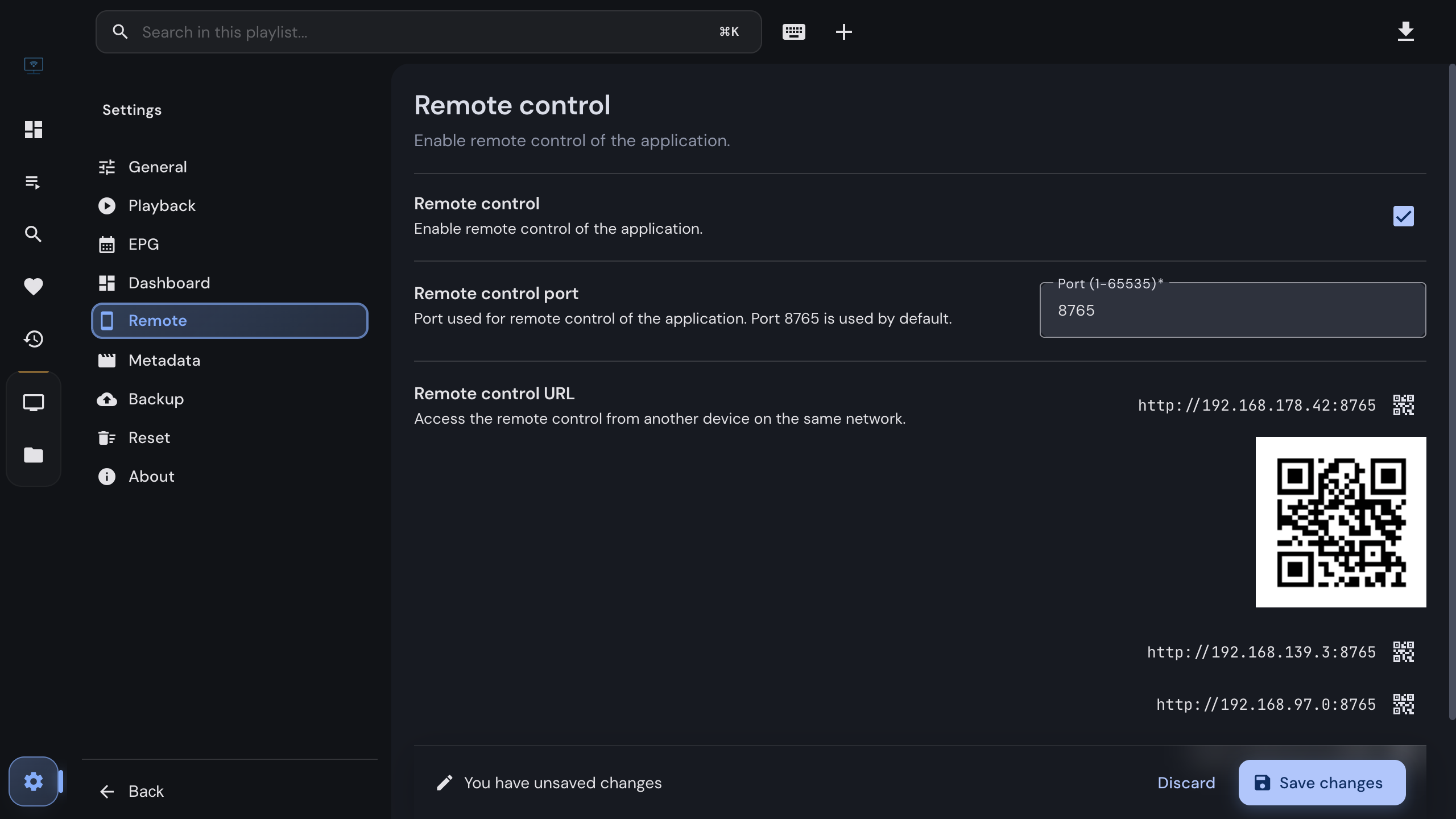
Turn the desktop app into a TV you can zap from the couch. Enable the remote in the settings, scan the QR code with any phone on the same Wi-Fi, and switch channels, jump to a number and see what is playing, without installing anything.
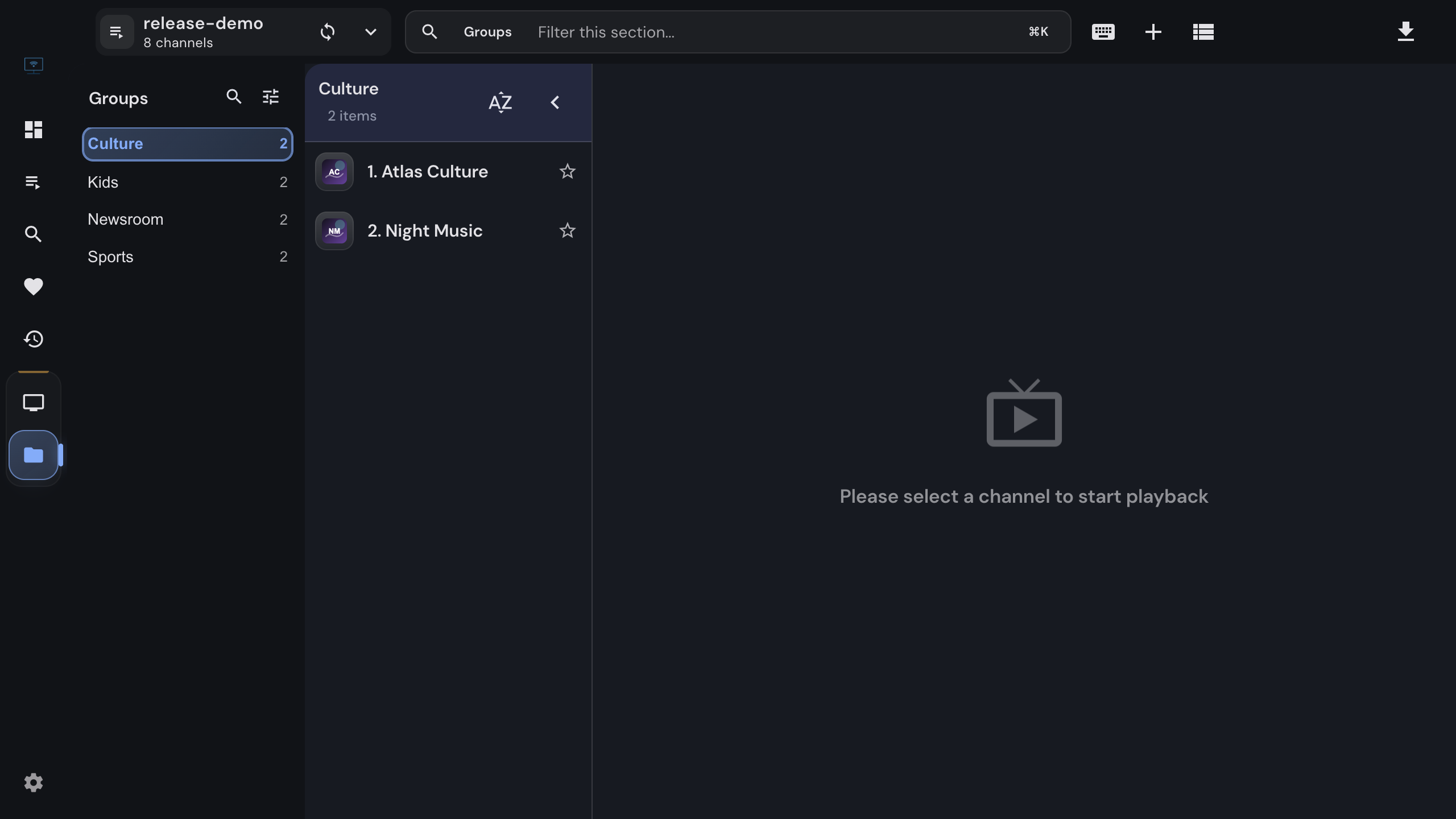
Import an M3U or M3U8 playlist into IPTVnator from a URL, a file or pasted text, keep it updated, and attach an XMLTV program guide. Covers channel groups, catch-up attributes, EPG matching by tvg-id, and the usual reasons a playlist or guide does not load.
Add a Stalker portal to IPTVnator step by step. Which URL shapes work, how the MAC address is normalized, what device IDs and serial numbers are for, how IPTVnator detects the portal type, and what the usual refusals mean.
Connect an Xtream Codes API provider to IPTVnator step by step. What the server URL, username and password are, how to test the login, how to paste the message from your provider, and what to do when the portal refuses to connect.