
v0.21 - Release Notes
IPTVnator v0.21 brings an experimental embedded MPV player on macOS, toggleable sidebars, a smarter command palette, faster loading, and a long list of fixes across M3U, Xtream and Stalker.

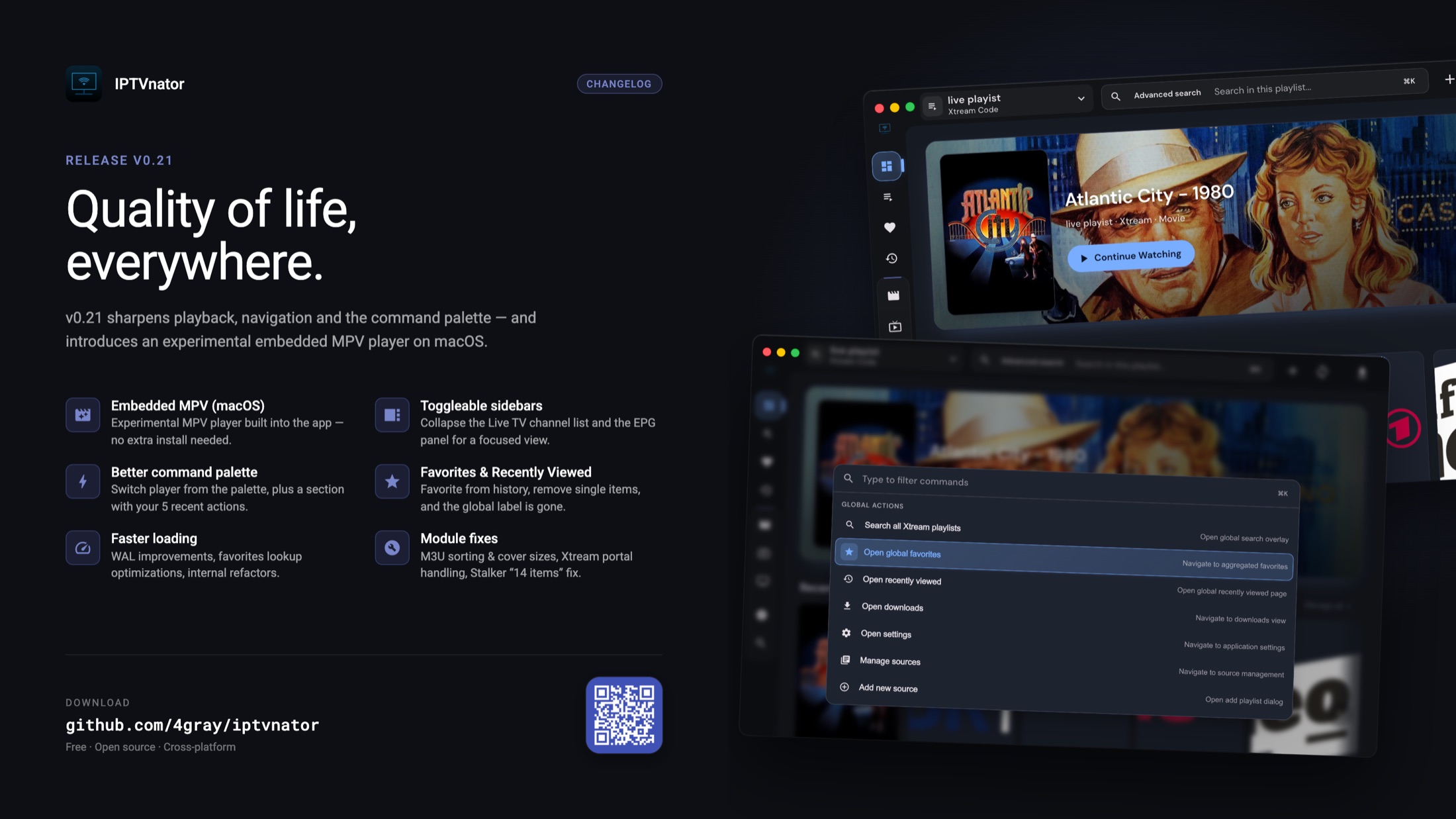
IPTVnator v0.21 is out.
This one is mostly about quality of life. After the big UI rework in v0.20, the focus shifted to the rough edges that show up once you actually live in the app every day — playback speed, navigation chrome that gets in the way, command palette habits, and a pile of small bugs that came out of the new shell.
There is also one bigger experimental change for macOS users: an embedded MPV player built directly into the app. No separate install, no PATH wiring, no “Where is MPV?” pop-up.
Version
v0.21.0
Release date
May 6, 2026
Channels
Desktop · PWA
Support the project
If IPTVnator is useful to you and you’d like to keep it moving, the easiest way to help is via:
- GitHub Sponsors — github.com/sponsors/4gray
- Ko-fi — ko-fi.com/4gray
Support continued development.
One-time tip jar.
Where most of this feedback comes from.
What changed
| Area | Change | Impact |
|---|---|---|
| macOS playback | Experimental embedded MPV player — libmpv ships inside the app, no external install needed. | Fewer setup steps for new macOS users |
| Live TV layout | Channel sidebar and EPG panel can now be collapsed independently. | More room for the actual stream |
| Command palette | Switch player from the palette and a new "recent actions" section. | Less menu hunting for things you do often |
| Performance | WAL tuning, batched EPG lookups, and lazier image loading on the dashboard. | Quicker startup and snappier scrolling |
| Bug fixes | Stalker "14 items" cap, M3U sort order, Xtream search, file-playlist refresh, and more. | Less weird app behavior |
Embedded MPV on macOS (experimental)
newThe single biggest change in v0.21. macOS builds now ship libmpv inside the app and render it into a Cocoa view embedded in the IPTVnator window — so MPV-quality playback is available without installing anything separately.
It’s deliberately marked experimental for this release. The feature is gated to macOS, the rendering path bypasses MPV’s usual --wid integration (so things like screensaver inhibition are wired up by the app itself), and there are still rough corners around fullscreen and edge codecs. If you hit something odd, please open an issue or ping the Telegram group.
This was tracked in #877.
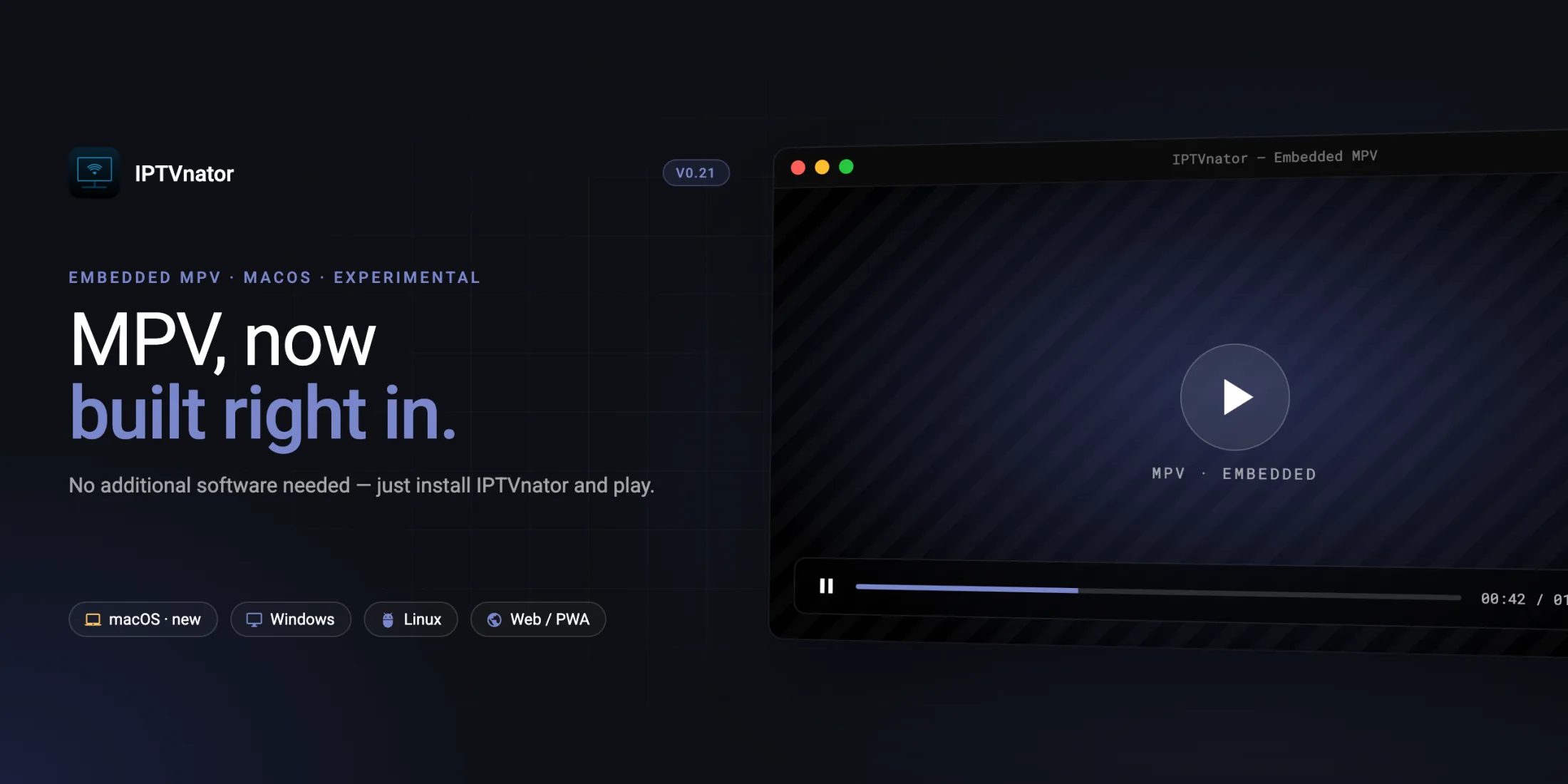
Embedded MPV — runs inside the app window on macOS, no extra install.
IINA on macOS — community tip
Not everyone is going to want the embedded MPV player, and a question that came up in the Telegram group right after the v0.20 release was whether IINA — the popular MPV-based macOS player with a nicer GUI — can be used as the external player.
Turns out: yes, and a community member figured it out before I did. Huge thanks to them — credit where it’s due, even without naming them publicly.
Using IINA as the external player on macOS
In Settings → External player, select MPV and point IPTVnator at IINA’s executable path, for example /Applications/IINA.app/Contents/MacOS/iina-cli or /Applications/IINA.app/Contents/MacOS/IINA. Do not use /Applications/IINA.app directly: IPTVnator only resolves .app bundle paths for the real MPV and VLC apps. Streams can launch in IINA, but IPTVnator controls, position polling, and reuse-instance behavior are only guaranteed for MPV IPC.
This also retroactively closes the long-standing request in #896 — IINA support was effectively already there, it just wasn’t documented.
Toggleable sidebars in Live TV
newThe Live TV view used to always show the channel sidebar and the EPG panel. v0.21 adds an explicit toggle for both — collapse the channel list when you just want to watch, hide the EPG panel when you don’t need the schedule. The collapsed state is shared across the M3U, Xtream and Stalker live views.
This came directly from feedback in the Telegram group asking for “a more focused viewing experience”.
Command palette upgrades
improvedA few small but high-leverage additions to ⌘/Ctrl+K:
- Switch player from the palette. No more diving into Settings to flip between the built-in player, MPV, VLC, or the new embedded MPV.
- Recent actions section. The palette now surfaces your last 5 actions at the top, so the things you actually use stay one keystroke away.
Favorites & Recently Viewed
improvedA handful of small fixes that together make the global lists behave the way they should:
- Live TV items no longer appear pre-favorited on first load.
- You can favorite a channel directly from Recently Viewed (no more “go find it in the playlist first”).
- Individual items can be removed from Recently Viewed via the right-click context menu — useful when something gets in there by accident.
- “GLOBAL Favorites” has been renamed to just Favorites. The all-caps label was a leftover from earlier scoping work and looked out of place.
Playback & playlists
improved- Manual refresh for file-based playlists is back. v0.20 silently dropped this for M3U files imported from disk and that was a regression — see #891. It’s back, and the file path is now preserved correctly across refreshes.
- VLC reuse-instance setting. VLC was unconditionally spawning a new window per stream because its built-in single-instance preference doesn’t play nicely with how IPTVnator launches it. There’s now an opt-in setting that mirrors the existing MPV “reuse instance” behavior — one VLC window, controlled via its RC interface — see #893.
- MPV/VLC custom path fallback behaves correctly again when the configured path is empty or invalid.
Module-level changes
improvedM3U
- New cover size setting (XL / L / M) for the channel grid.
- Sort “All Channels” by name, or keep the original playlist order — handy for huge lists where alphabetical isn’t always what you want. This is a partial answer to the long-running #738.
- Improved drag-and-drop ghost styling when reordering channels — the placeholder no longer looks like it’s stuck to the cursor.
Xtream
- Better handling when the portal is unreachable — clearer error states instead of an indefinite spinner.
- A clear button on the Xtream playlist form, so you can wipe the credentials without re-typing.
- Fixed search when no category is selected (it used to silently return nothing).
Stalker
- Fixed the long-standing “14 items” bug where Live TV channel lists would cap at 14 entries regardless of the actual portal contents.
Performance & internals
improvedNothing user-visible on its own, but the cumulative effect is a noticeably quicker app:
- SQLite WAL settings tuned for the app’s read/write pattern.
- EPG “current program” lookups batched into a single IPC + SQL query instead of one round-trip per channel.
- Channel-list rendering no longer clones the full channel array on every EPG tick.
- Per-rail skeletons on the dashboard, plus lazy image loading on content cards.
- Settings screen refactored into smaller pieces — fewer 500-line files, faster to navigate when reviewing or contributing.
- Portal-status checks for Xtream are streamed instead of waiting on
Promise.all, so a single slow server doesn’t block the rest.
Localization
improvedMissing translation strings filled in across all 17 supported locales. If you hit an English string in your language, it should be properly translated now.
Other fixes
- Loading screen in the download manager no longer gets stuck when there are no active downloads.
- Reset Recently Viewed for the M3U module now actually clears the list (and persists across restarts).
- The Stalker mock server picked up additional fixtures so contributors can reproduce more issues locally.
Before updating
Please back up your playlists, credentials, URLs, and other important data before installing a new release. There are no schema migrations in v0.21, but it’s a good habit.
Thanks
This release is dominated by feedback from the Telegram group, GitHub issues, and donors who keep the project sustainable.
A specific thank-you to the Telegram member who flagged the IINA workaround — that one note is going to save a lot of macOS users some setup pain.
If you reported a bug, sent a Ko-fi tip, contributed a translation string, or just hung around in the chat answering other people’s questions: it adds up. v0.21 wouldn’t look like this without you.
Download
Comments
Comments are hosted in GitHub Discussions. Loading them contacts giscus.app and github.com; nothing is requested from them until you choose to.