
Experimental embedded MPV support on macOS
A closer look at IPTVnator's experimental embedded MPV player for macOS: why it exists, how it is wired into Electron, and where to share feedback.

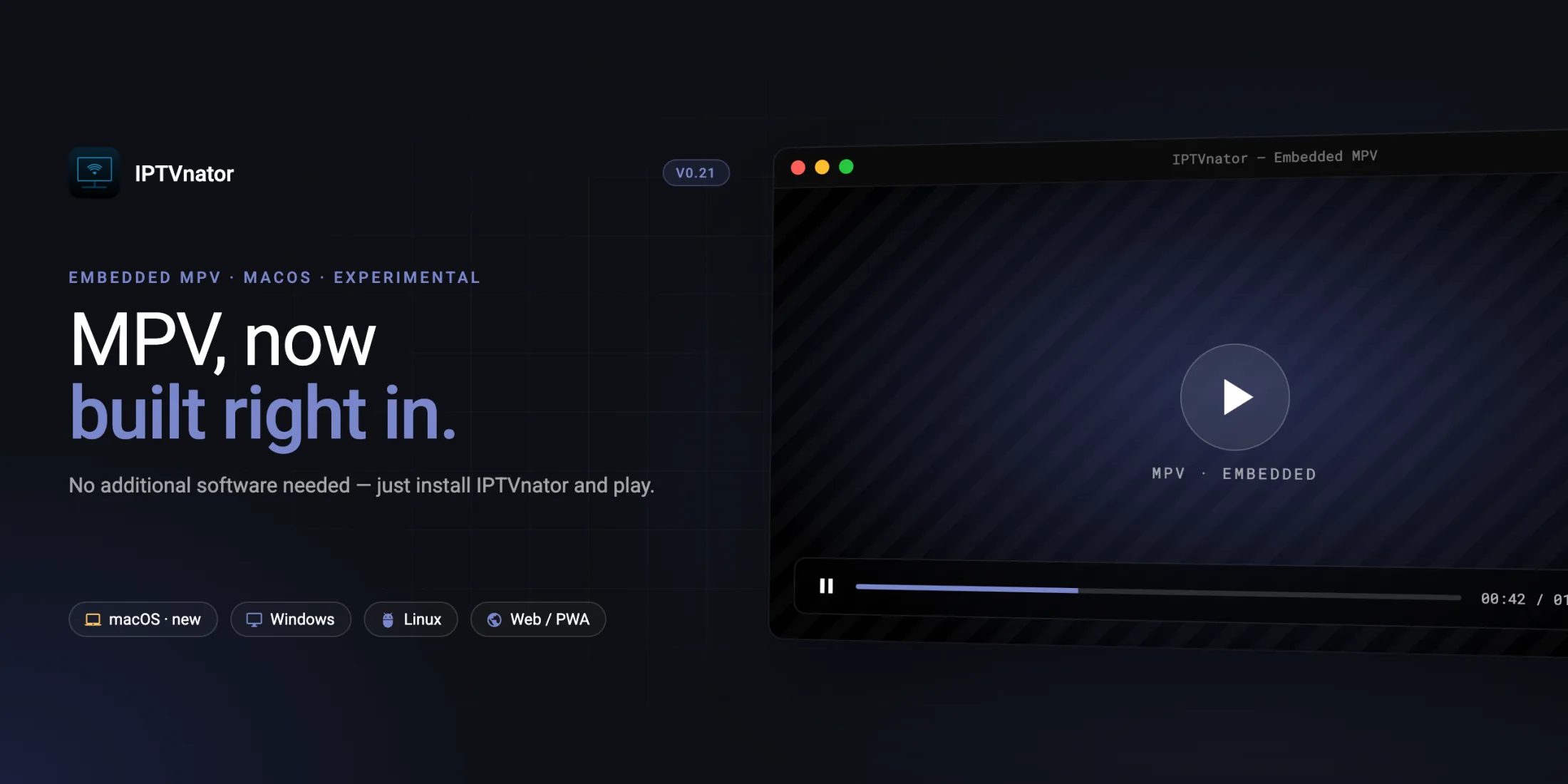
IPTVnator v0.21 introduced the first public experiment with an embedded MPV player for macOS.
The short version: on supported macOS builds, IPTVnator can use MPV-quality playback without requiring a separate MPV app installation, a custom executable path, or an external player window.
The feature is still marked experimental. Real-world feedback is especially useful for different Mac models, macOS versions, display setups, and media formats.
Embedded MPV runs inside the IPTVnator window on macOS — no separate MPV installation required.
IPTVnator is a player, not a content provider
IPTVnator does not provide, host, sell, curate, or recommend TV channels, playlists, streams, EPG data, portals, subscriptions, or any other media content. The app is a general-purpose IPTV player for user-provided sources. Users are responsible for making sure they have the legal right to access any content, playlist, portal, or stream they open in the app.
Why embedded MPV?
Playback sources vary a lot in the real world. Some media works fine in browser-based players, while other files or streams need specific headers, containers, codecs, subtitle handling, or timing behavior that native playback engines often handle better.
IPTVnator has supported external MPV and VLC playback for a long time, and that remains useful. But the external-player flow has trade-offs:
- users need to install MPV or VLC separately;
- the app needs to know the correct executable path;
- playback opens in another window;
- controls, focus, fullscreen, and progress tracking have to cross process boundaries.
The embedded MPV experiment tries a different approach: keep MPV’s playback engine, but render it inside IPTVnator.
How it works
betaThe macOS embedded player does not launch the normal mpv application. It also does not use MPV’s classic --wid window embedding path.
Instead, IPTVnator bundles libmpv and loads it through a native Node addon in the Electron backend. When playback starts, the app creates an MPV session and renders frames into an IPTVnator-owned native macOS view inside the Electron window.
The simplified flow looks like this:
- The Angular UI receives the same resolved playback payload used by the rest of IPTVnator.
- The renderer asks Electron’s preload bridge to create an embedded MPV session.
- The Electron main process loads the native addon and owns the MPV session lifecycle.
- The native addon creates an
mpv_handle, configuresvo=libmpv, and renders through MPV’s render API into a macOSNSOpenGLView. - IPTVnator keeps its own controls in Angular: play/pause, seek, volume, fullscreen, audio track selection, subtitles, speed, aspect ratio, and live recording where supported.
- Resize, scroll, fullscreen changes, and modal dialogs are measured by the UI and sent back to the native layer so the MPV view stays aligned with the app layout.
The renderer never talks to the native module directly. Everything goes through a controlled IPC surface: create session, load playback, set bounds, pause/resume, seek, volume, track selection, recording, and cleanup.
Why macOS only for now?
This first version is intentionally narrow. The current native integration is macOS-only because it uses AppKit and an app-owned native view inside the Electron window.
The older --wid-style approach was not reliable enough on macOS: it could produce audio with a black video surface inside Electron. The current path avoids that by rendering through libmpv directly, but it also means IPTVnator has to handle more details itself.
For example, because MPV is not owning the normal player window, IPTVnator explicitly keeps the display awake while an embedded MPV session is playing and releases that blocker when playback is paused, disposed, or the app shuts down.
What is already included
The experimental macOS player is designed to feel like part of IPTVnator, not like a separate app glued on the side.
Current capabilities include:
- playback inside the IPTVnator window;
- no standalone MPV app required in packaged macOS builds;
- IPTVnator-owned controls and fullscreen button;
- resume offsets for VOD and series;
- volume control and keyboard shortcuts;
- audio track selection through MPV’s
aidproperty; - subtitle selection where the bundled native addon supports it;
- playback speed and aspect ratio controls where supported;
- live-stream recording for live playback sessions;
- fallback to the existing inline players or external MPV/VLC if embedded MPV is unavailable.
Still experimental
Embedded MPV is not the default player. It is a macOS-only experimental option, and the existing Video.js/HTML5 players plus external MPV/VLC support are still available. Native playback can expose platform-specific issues, especially around graphics, fullscreen, hardware decoding, external displays, and unusual media formats.
Content and copyright notes
IPTVnator is only playback software. It does not include any built-in channel catalog, playlist marketplace, paid content access, hosted streams, or recommendations for where to obtain media.
Embedded MPV does not change that model. It only changes how user-provided media is rendered inside the app on supported macOS builds.
Please use IPTVnator only with content and sources that are authorized for your use. Do not share private playlist URLs, credentials, tokens, portals, or subscription details in public bug reports, screenshots, GitHub issues, Telegram messages, or Reddit posts.
Packaging and safety notes
For release builds, IPTVnator is intended to ship a bundled libmpv runtime instead of depending on Homebrew or a user-installed MPV app.
That runtime has to be staged for both Apple Silicon and Intel macOS builds, linked app-relatively, code-signed, notarized, and checked so packaged apps do not accidentally depend on /opt/homebrew or /usr/local libraries from a developer machine.
If the bundled addon or libmpv runtime is missing or fails support detection, IPTVnator hides the embedded MPV option and keeps the normal player choices available.
Useful links
Official binaries for macOS, Windows and Linux.
Every commit between v0.20.0 and v0.21.0.
Support continued development.
One-time tip jar.
What feedback is useful?
Real-world testing matters more than a single local setup. If embedded MPV has been tried on macOS, useful details include:
- Mac model and CPU — Apple Silicon or Intel;
- macOS version;
- IPTVnator version;
- selected player setting;
- media type tested — live TV, VOD, series, catch-up, HLS, MPEG-TS, MP4;
- whether playback starts reliably;
- whether fullscreen, resize, and route changes behave normally;
- whether audio tracks, subtitles, speed, or aspect ratio controls work as expected;
- whether the app stays stable after switching channels or closing playback;
- whether embedded MPV behaves better than the browser-based player for the same authorized source;
- whether external MPV, VLC, or IINA still works better for a particular setup.
Even short feedback like “works on M1 + macOS 15 with an authorized HLS source” or “crashes when entering fullscreen on Intel” is useful.
Where to share feedback
Best for reproducible bugs, crash reports, and feature requests.
Best for quick feedback and community discussion.
Original GitHub issue for the macOS embedded MPV experiment.
When reporting a problem, include the Mac model/CPU, macOS version, IPTVnator version, selected player setting, and what happened. Please do not share private playlist URLs or credentials publicly.
Closing thoughts
Embedded MPV is a bigger architectural change than it may look from the UI. Under the hood it touches Electron, native macOS views, libmpv, IPC, packaging, code signing, power management, and the Angular playback shell.
That is why the feature is rolling out carefully as an experiment first.
If it works well across more macOS setups, embedded MPV could become the easiest way to get stronger playback compatibility in IPTVnator without losing the integrated app experience.
Comments
Comments are hosted in GitHub Discussions. Loading them contacts giscus.app and github.com; nothing is requested from them until you choose to.