Feature · Stalker / Ministra portals

A Stalker portal player without the set-top box

IPTVnator talks to Stalker and Ministra middleware the way a MAG box does: MAC address identity, handshake and profile, live TV with a program guide, radio, movies and series in all three portal shapes, and an account page with your expiry date.

  • MAC address identity
  • Ministra & reseller panels
  • ITV, radio, movies, series
  • Endpoint discovery
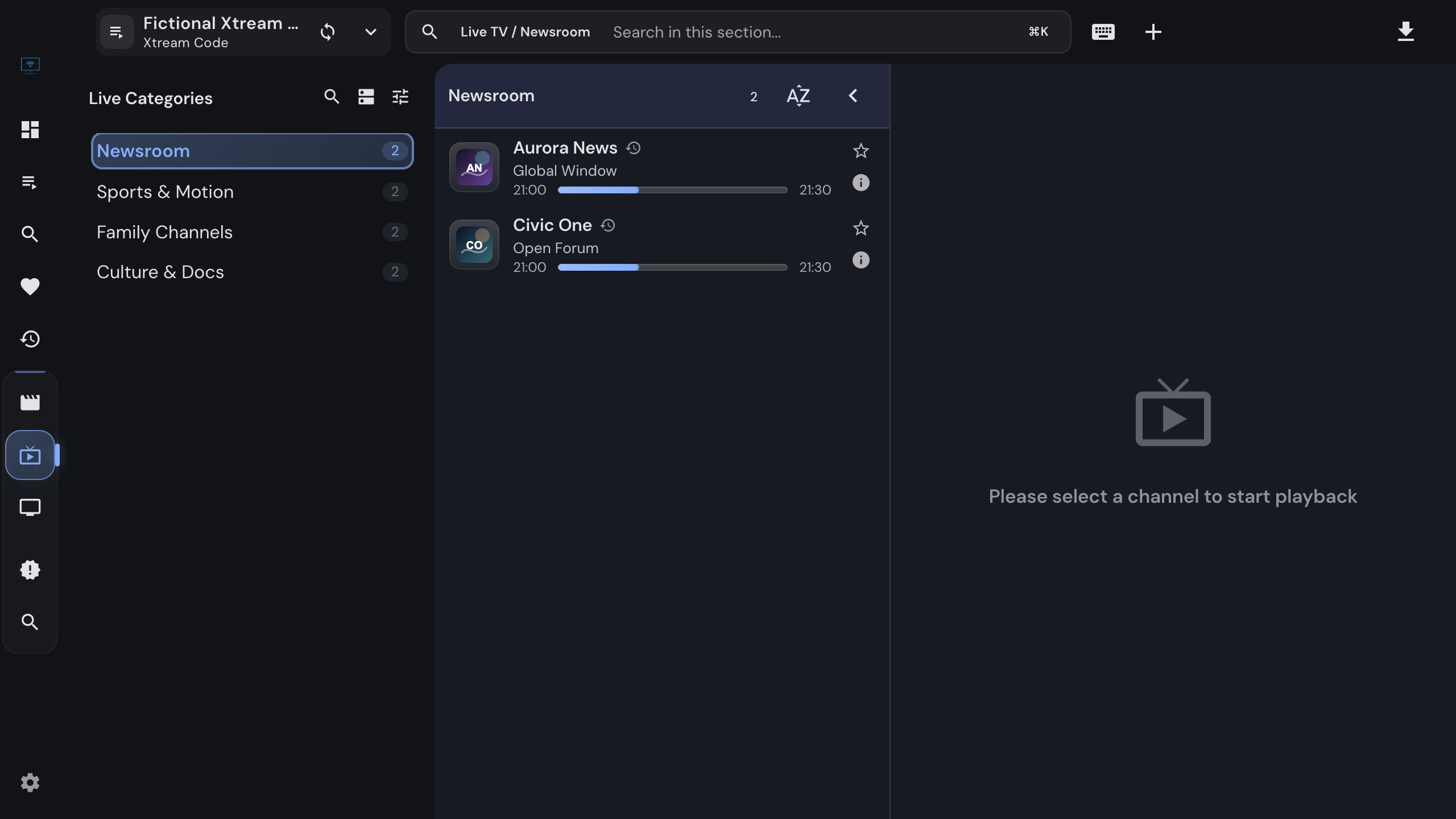
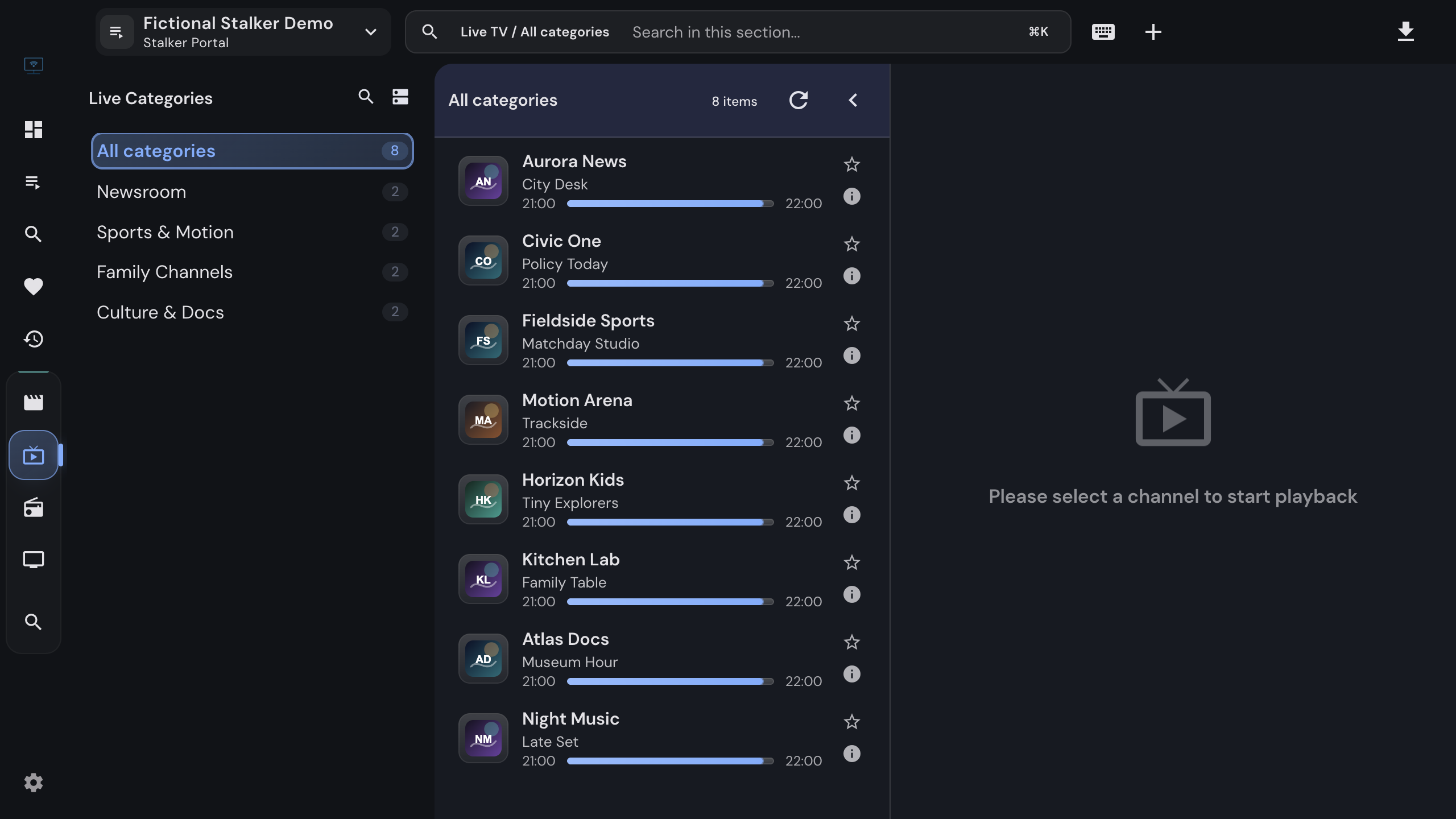
Live TV of a Stalker portal with categories, channels and the current program

What you get

Everything the portal serves

The full portal experience of a set-top box, with the search, collections and downloads of a desktop app on top.

01

Behaves like a MAG box

Handshake, profile and token refresh with the MAC address as identity, the same headers a set-top box sends, and a watchdog that keeps full Ministra portals happy.

02

Finds the right endpoint

Enter a bare host, /c, portal.php or server/load.php. IPTVnator probes the usual endpoints, classifies the portal by how it behaves, and repairs the stored connection if the provider migrates.

03

Live TV and radio

Categories, channels with the current program and a progress bar, the complete channel list cached for search, and a dedicated audio layout for radio stations.

04

Program guide and catch-up

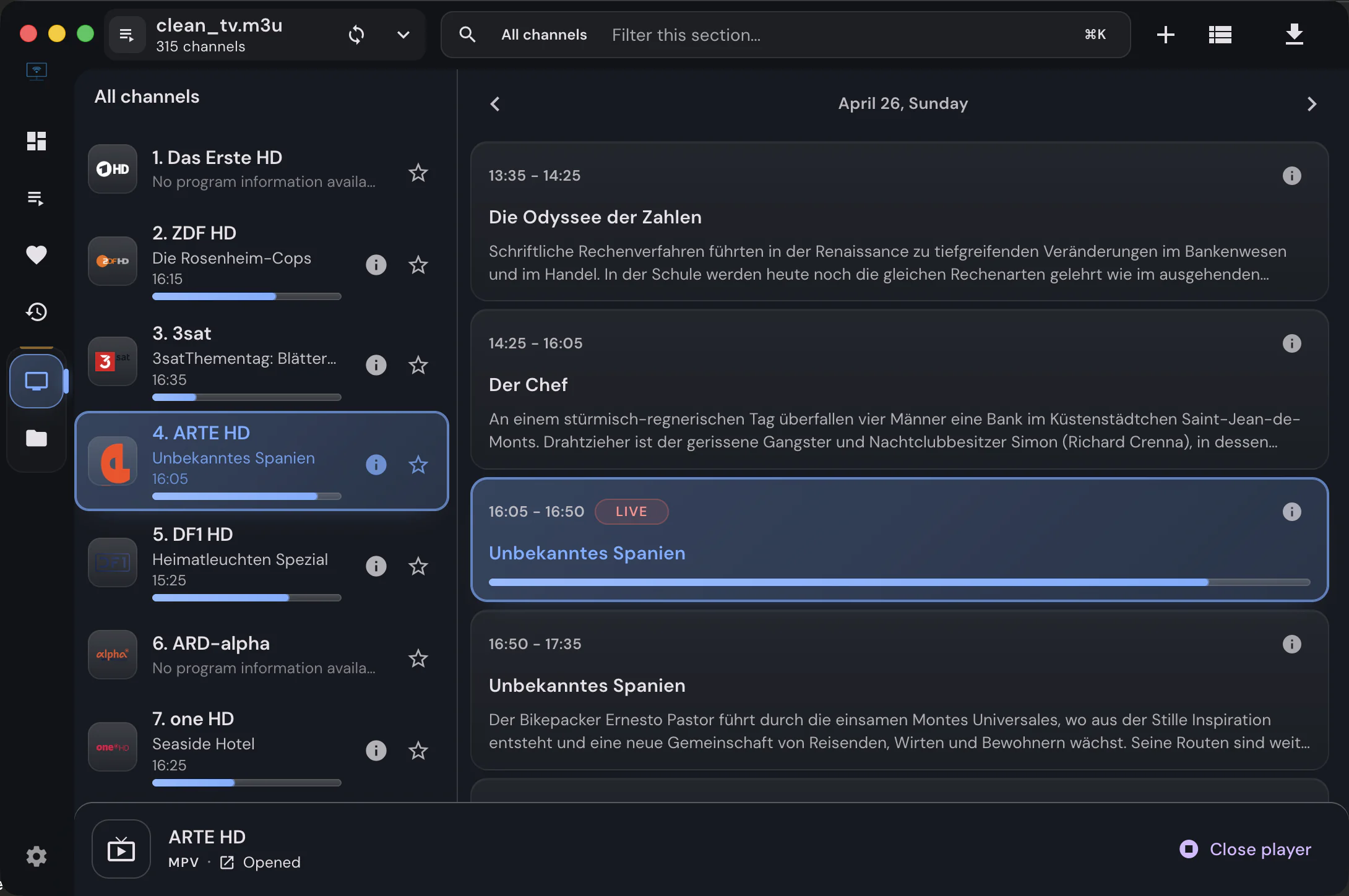
The portal schedule is loaded for a week and shown in the list and in the timeline under the player. Archived channels play past programs from the timeline.

05

Movies and series, all three shapes

Regular series, movies with embedded episodes and Ministra lazily loaded seasons all render as seasons and episodes with resume positions and watched markers.

06

Account info

Status, login, tariff plan, expiry with a days-left counter and portal details, shown instantly from the import snapshot and refreshed from the portal.

07

Device identity, on your terms

Optional serial number, device IDs and signatures are sent only when you enter them. Device IDs can be derived the StbEmu way at import, and stored IDs are protected from accidental changes.

08

Fresh links, never stored

Temporary stream links are requested from the portal for every playback and never persisted, so favorites and history keep working when links expire.

09

Favorites, recent, search, downloads

Per-portal collections plus global favorites, recent items and search across all sources. The desktop app downloads movies and episodes for offline viewing.


Setup

Two fields, and it works

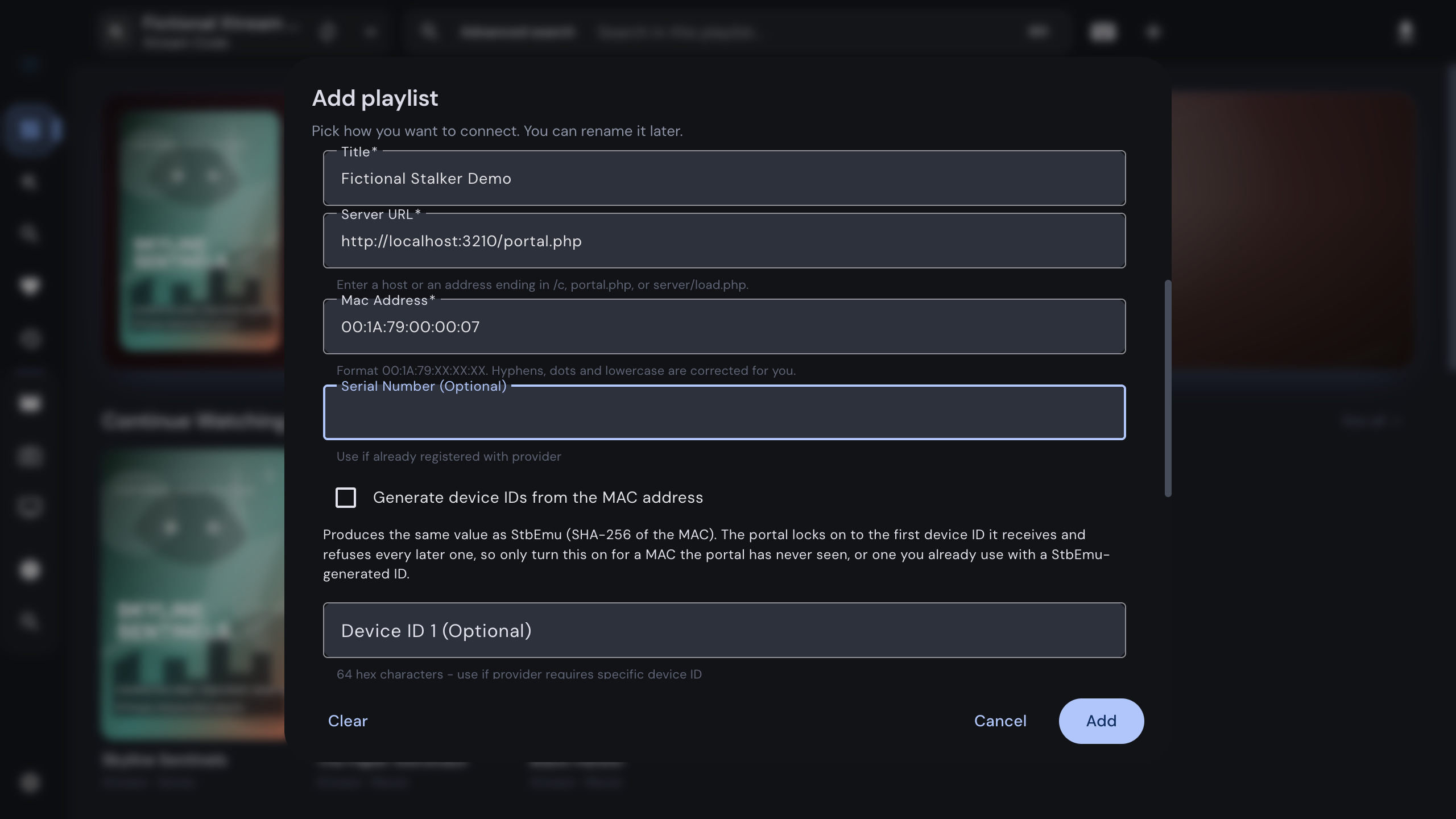
The Add playlist dialog asks for a title, the portal URL and the MAC address. Everything else is optional and stays empty unless your provider gave you values. When you click Add, IPTVnator probes the portal, authenticates with your MAC address, saves the endpoint and mode that worked, and opens the source.

Providers that migrate their portal do not break the source: on the first failure IPTVnator re-probes once and repairs the stored connection.

Add playlist dialog with the Stalker portal method, a portal URL and a MAC address

Under the hood

Connection details

Portal URL
Any http or https address: bare host, /c, portal.php or server/load.php. The proven endpoint is stored with the source.
MAC address
Normalized to 00:1A:79:XX:XX:XX; dashes, dots and lowercase are accepted. Addresses outside the Infomir range get a hint, not a refusal.
Login and password
Only when the portal demands them; IPTVnator says so and retries once you fill them in.
Portal messages
Refusals are shown with the portal's own words: login required, login rejected, device conflict, blocked.
Program guide
Portal schedule first; XMLTV sources from the desktop settings as a fallback, plus manual channel mapping.
Browser version
Works in the self-hosted web version through its backend proxy; downloads are a desktop feature.

FAQ

Questions about Stalker portals

What is a Stalker portal player?+

A player that speaks the Stalker or Ministra middleware protocol used by MAG set-top boxes. It authenticates with a MAC address instead of a username, fetches channel lists and movie catalogs on demand, and resolves a temporary link for every stream. IPTVnator does all of that on the desktop.

Which portal URL do I need?+

Whatever your provider gave you, as long as it starts with http or https. IPTVnator tries the usual endpoints behind that address and keeps the one that answers, so a bare host, /c, portal.php or server/load.php all work.

Do I need a real MAG box or a serial number?+

No. The MAC address the provider registered is enough for most portals. Serial number, device IDs and signatures are optional and only needed when the provider registered a specific box and told you the values.

Does IPTVnator support Ministra portals with a login?+

Yes. When a portal asks for a login and password on top of the MAC address, IPTVnator reports it, and the optional username and password fields in the Add playlist dialog complete the authentication.

Does the program guide and catch-up work with portals?+

Yes. The portal schedule is loaded for a week and shown in the channel list and the timeline under the player. Channels the portal marks as archived can be played from the timeline.

Does IPTVnator provide portal accounts?+

No. IPTVnator is a player. The portal URL and MAC address come from the provider you already have a contract with, and they are only sent to that portal.


Keep reading

Guides and background

Official downloads only

IPTVnator is a player, not a TV service. It is distributed exclusively through GitHub releases and the package managers listed on this page. Websites that sell "IPTVnator subscriptions", channel packages or "activated" copies are not affiliated with the project. How to recognize unofficial sites.