Browse the TV Guide Without Leaving Your Channel
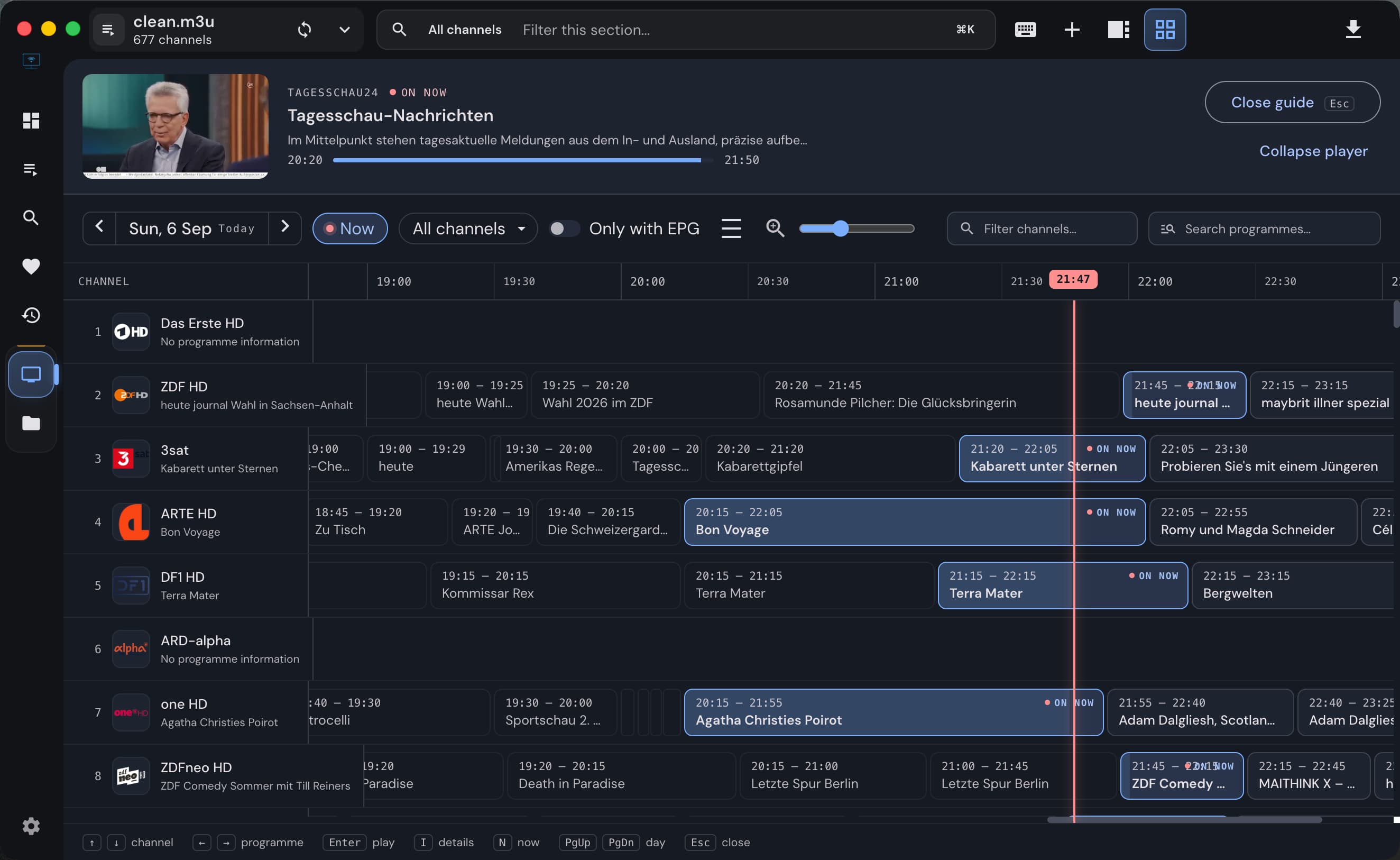
Keep watching while you compare channel schedules in IPTVnator's M3U programme guide. Open the grid, filter by group or favorites, and switch channels without closing it.
Read moreIPTVnator turns XMLTV files and portal schedules into a program guide: what is on now in every channel list, a timeline under the player, a grid across all channels, catch-up for archived programs, and manual mapping when a channel does not match.
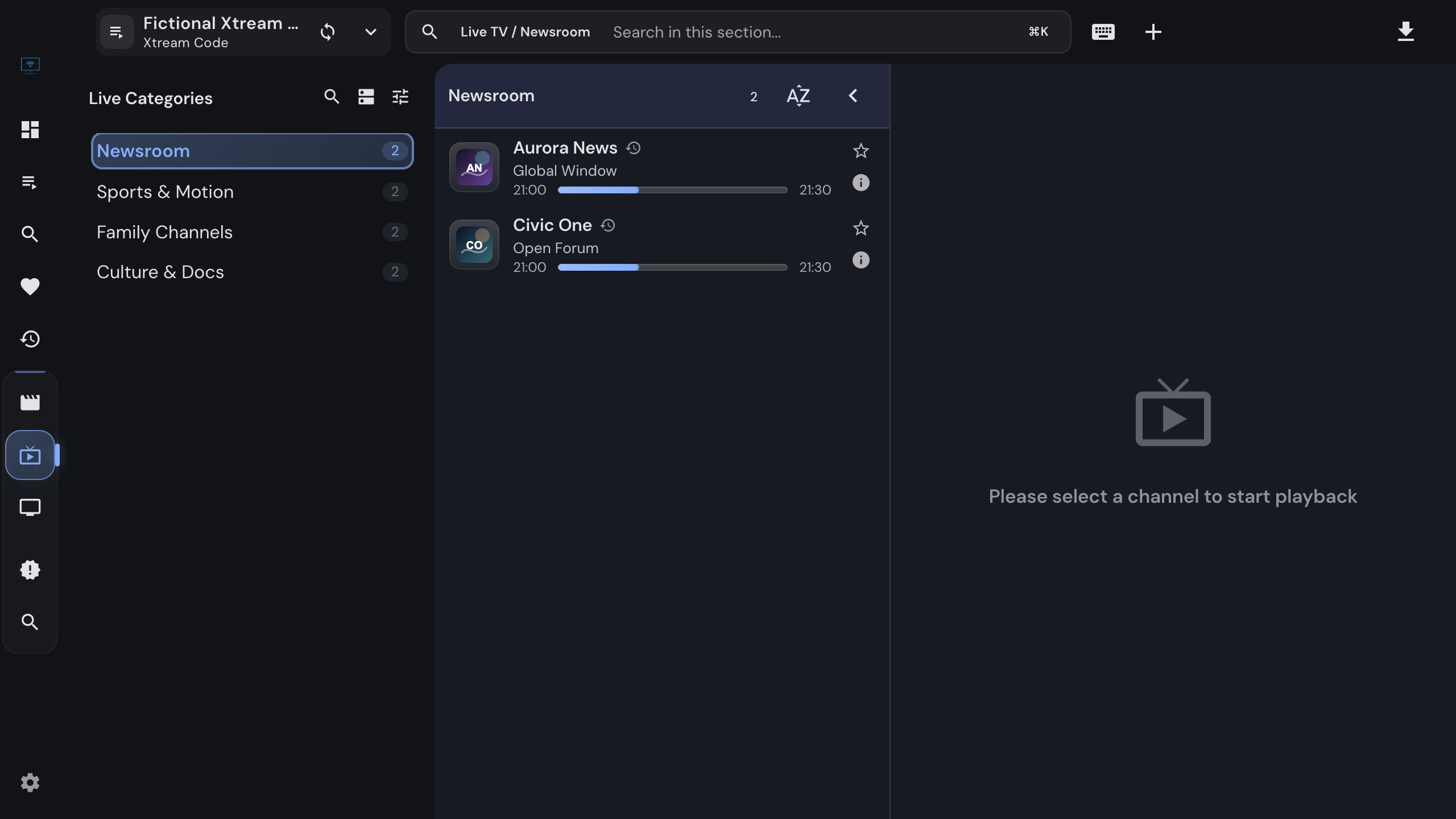
One schedule, shown wherever a channel appears.
Each channel row shows the current program with a progress bar, in the playlist views, the portal lists and the favorites and recent collections.
The schedule of the selected channel runs as a ribbon with day navigation, zoom levels, a jump to now, and a program search. A vertical single-day list is the alternative view.
The multi-channel view lays the schedules of all channels side by side on one time axis, with channel filtering and program search.
Title, category, description, episode, language, rating and duration open in a dialog from any program block.
Where the provider keeps an archive, past programs start straight from the timeline, on M3U playlists with catch-up attributes and on Xtream and Stalker portals.
A channel the guide cannot match gets a right-click action to pick its XMLTV entry by hand. Mappings are stored on your device and survive refreshes.

From XMLTV files you add or your playlist declares, and from the schedules Xtream and Stalker portals publish. IPTVnator merges them per channel: portal data first, your XMLTV sources as a fallback or, with one setting, as the preferred source.
It is not matched to a guide entry. Matching uses tvg-id, then tvg-name, then the channel name. Check the ids in the playlist, or map the channel by hand with a right-click and "Map EPG channel".
Yes, when the provider keeps an archive. M3U playlists declare it with catchup attributes, Xtream and Stalker portals flag archived channels. Past programs then start from the timeline; without an archive the timeline is a schedule only.
Large guides are fine. Parsing runs in a background worker and the result is stored in a local database, so the app stays responsive and the data is there on the next start.
Portal schedules from Xtream and Stalker sources do. XMLTV downloads and the local guide database are desktop features.
Yes. The multi-channel view lays all schedules on one time axis with zoom, channel filtering and program search, in addition to the timeline of the selected channel.
Keep watching while you compare channel schedules in IPTVnator's M3U programme guide. Open the grid, filter by group or favorites, and switch channels without closing it.
Read more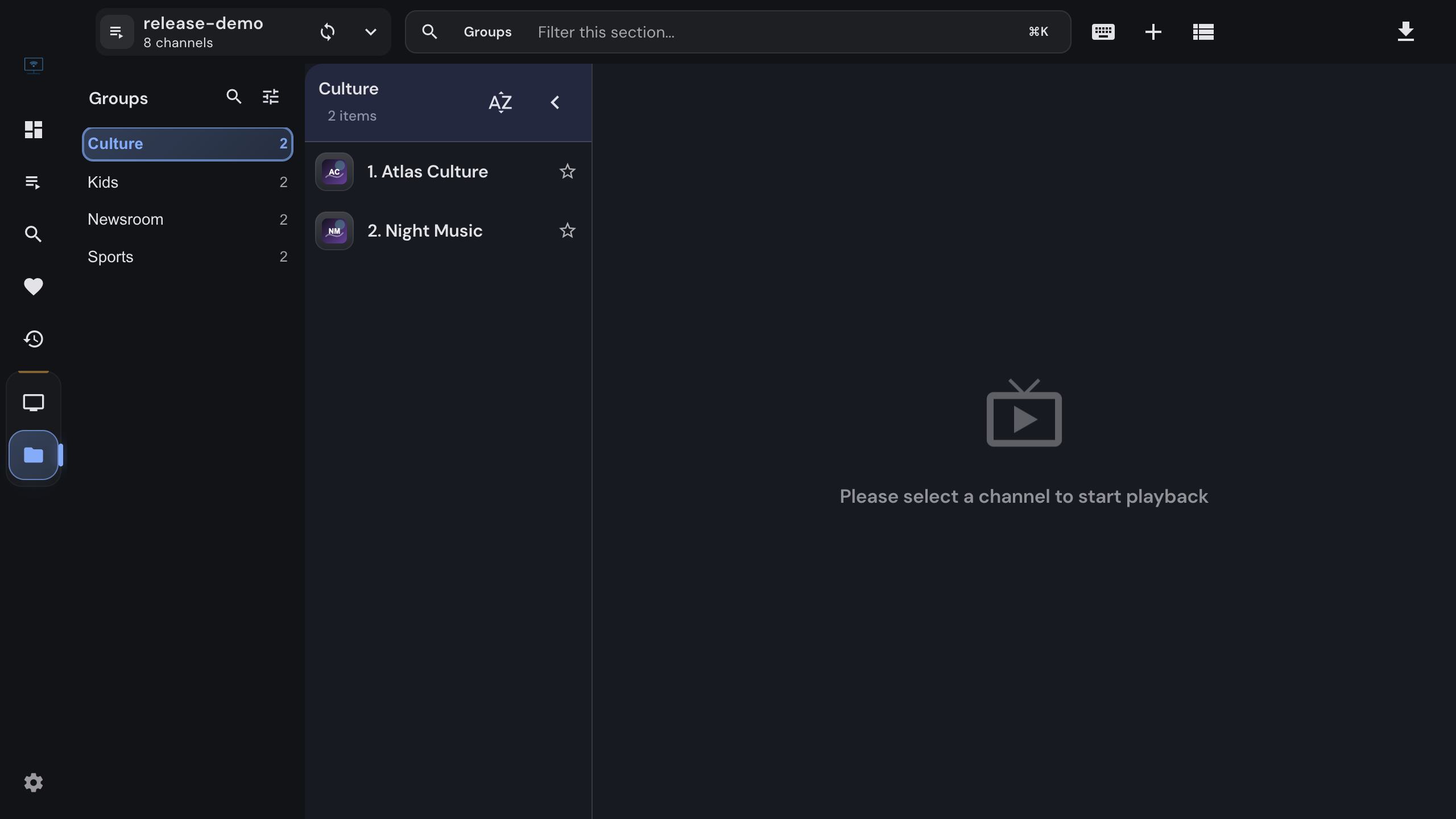
Import an M3U or M3U8 playlist into IPTVnator from a URL, a file or pasted text, keep it updated, and attach an XMLTV program guide. Covers channel groups, catch-up attributes, EPG matching by tvg-id, and the usual reasons a playlist or guide does not load.
Read more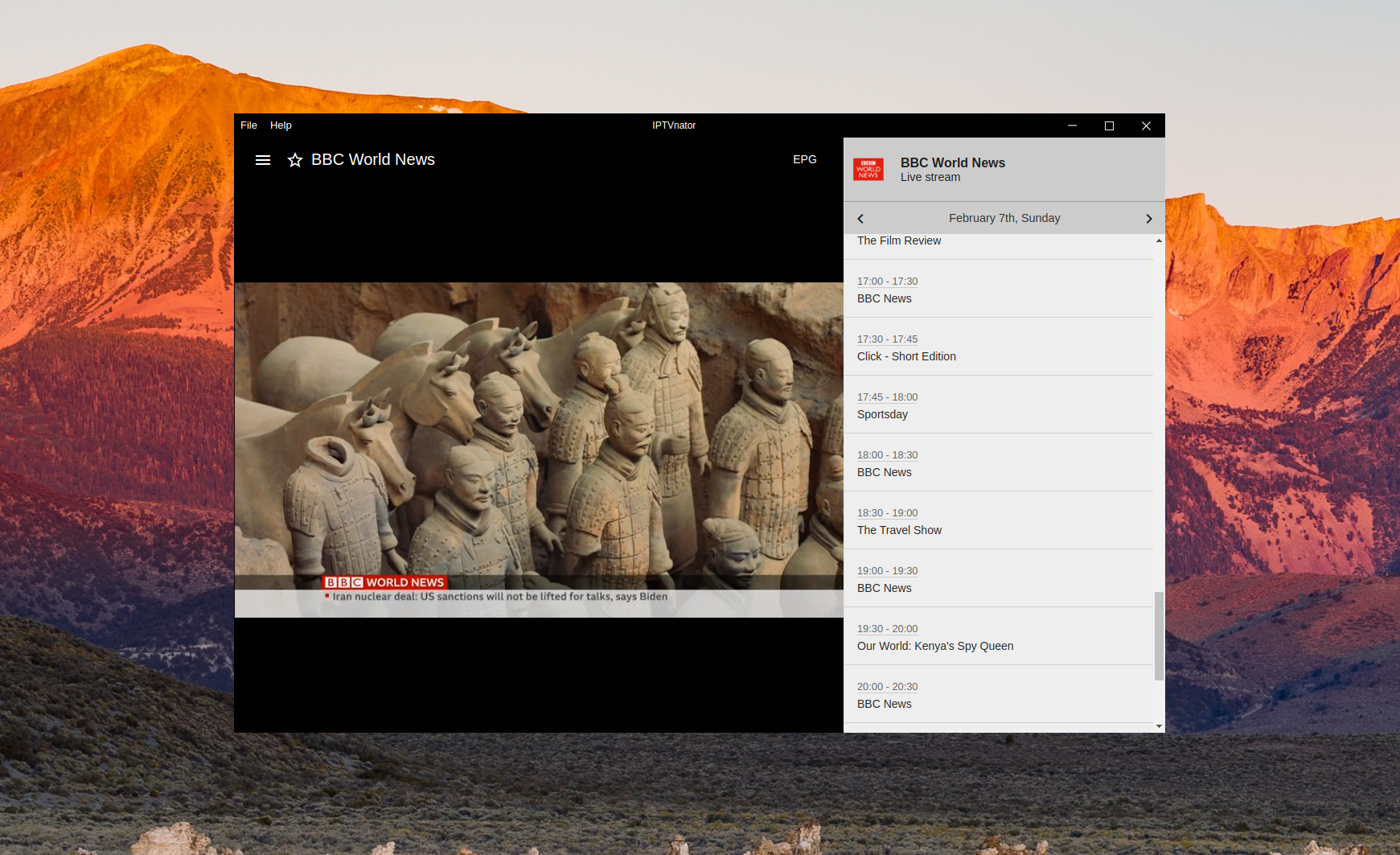
Learn how IPTVnator uses XMLTV data to display current and upcoming programs alongside your live TV channels.
Read moreOfficial downloads only
IPTVnator is a player, not a TV service. It is distributed exclusively through GitHub releases and the package managers listed on this page. Websites that sell "IPTVnator subscriptions", channel packages or "activated" copies are not affiliated with the project. How to recognize unofficial sites.