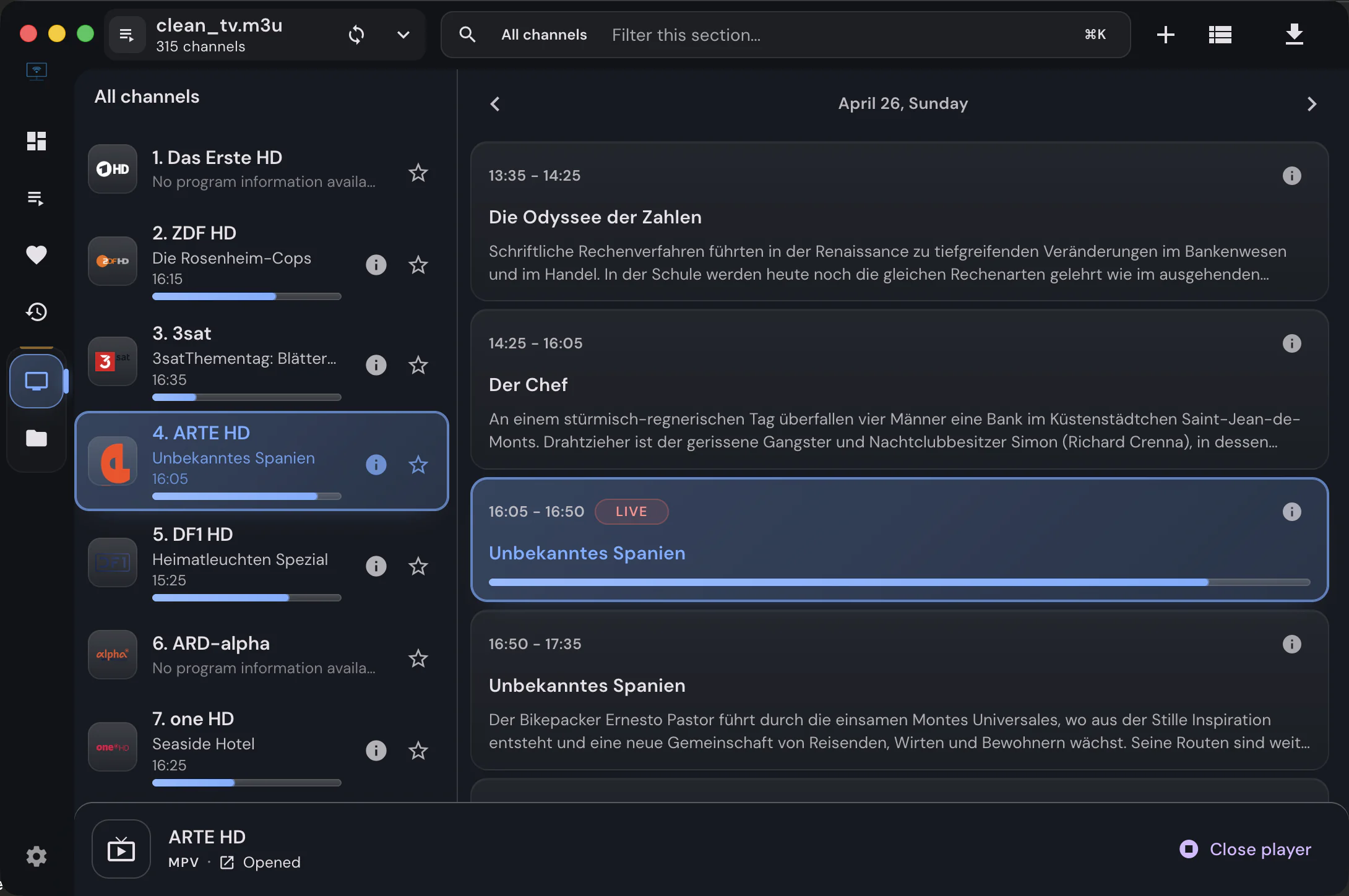
Why some streams need an external player
Why some IPTV streams do not play in IPTVnator's built-in browser players, and when MPV, VLC, or IINA is the right workaround.
Read moreA stream that refuses to play is almost always a decoding problem, not a broken subscription. IPTVnator can hand the same stream to a different engine, and each engine trades something for what it gains.
Keep the built-in player until a stream refuses to play, then send that stream to MPV or VLC. The built-in players keep every in-app control and are the only ones whose failures the app can react to; MPV and VLC decode almost anything but play in their own window.
All three render inside the app and share one control bar. They differ in the extras.
| Capability | HTML5 / hls.js | Video.js | ArtPlayer |
|---|---|---|---|
| HLS and MPEG-TS streams | Yes | Yes | Yes |
| DASH with ClearKey keysA .mpd channel always plays inline; the app switches engine for it when needed. | Yes | Handed to HTML5 | Yes |
| Shared control barOn by default. Turning it off in Settings › Playback returns each player to its own controls. | Yes | Yes | Yes |
| Subtitle file, offset and styling | Yes | No | Yes |
| Quality selectionOffered only when the stream really carries several renditions. | Multi-variant HLS | Multi-variant HLS | Multi-variant HLS |
| Picture-in-picture | Yes | Yes | Yes |
| Playback error diagnostics | Yes | Yes | Yes |
| Capability | Built-in web players | Embedded MPV | MPV or VLC |
|---|---|---|---|
| Where the video is drawn | In the app window | In the app window | In a separate window |
| Codec coverage | What the browser engine decodes | What mpv decodes | What mpv or VLC decodes |
| Needs anything installed | No | Bundled, except on some Linux packages | MPV or VLC on your machine |
| App controls, subtitles and quality menu | Yes | Controls and subtitles, no quality menu | No |
| Picture-in-picture | Yes | No | No |
| Live TV recordingRecordings appear beside downloads in the manager. | No | Yes | No |
| Failure reaches the appOnly the built-in players raise a diagnostic, so the alternative-source failover for movies can act on it. | Yes | No | No |
| Status | Default | Experimental, opt-in | Stable |
| Available in the browser version | Yes | No | No |
The built-in players cover ordinary HLS and MPEG-TS streams, keep every in-app control, and are the only engines where a failed stream can trigger the automatic switch to another copy of a movie.
Odd codecs, unusual containers and streams that stutter in a browser engine usually play immediately in MPV or VLC. IPTVnator keeps the library, the guide and the phone remote; only the video moves to another window.
The experimental engine renders mpv inside IPTVnator, so you get mpv decoding without a second window, plus live-TV recording. It is opt-in under Settings › Playback and can be switched off again.
Radio stations always use the built-in audio player, and DASH channels always play inline, whatever engine you selected. Both ignore the external player setting on purpose.
Leave the default built-in player until something refuses to play. It keeps the shared controls, subtitles, quality selection and picture-in-picture, and it is the only engine family whose failures the app can react to. Switch a stream to MPV or VLC when it does not decode.
Both use mpv to decode. MPV opens its own window and is a stable, long-standing option. Embedded MPV renders inside the IPTVnator window, keeps the app controls and can record live TV, but it is experimental and must be enabled in Settings › Playback.
For the external MPV and VLC options, yes: IPTVnator launches the copy on your machine and you can point it at a specific path in the settings. The built-in players need nothing, and embedded MPV ships with the app except on the Linux packages that use your system mpv.
Loading an external subtitle file with a timing offset and custom styling is offered where the engine can do it: the HTML5 player, ArtPlayer and embedded MPV. Video.js keeps its own subtitle handling, and MPV or VLC use theirs.
No. Playback positions, favorites and history belong to the source, not the player, so a movie resumes where you stopped whichever engine plays it.
No. Launching another application requires the desktop app. In a browser, copy the stream URL and open it in your player manually.
Why some IPTV streams do not play in IPTVnator's built-in browser players, and when MPV, VLC, or IINA is the right workaround.
Read more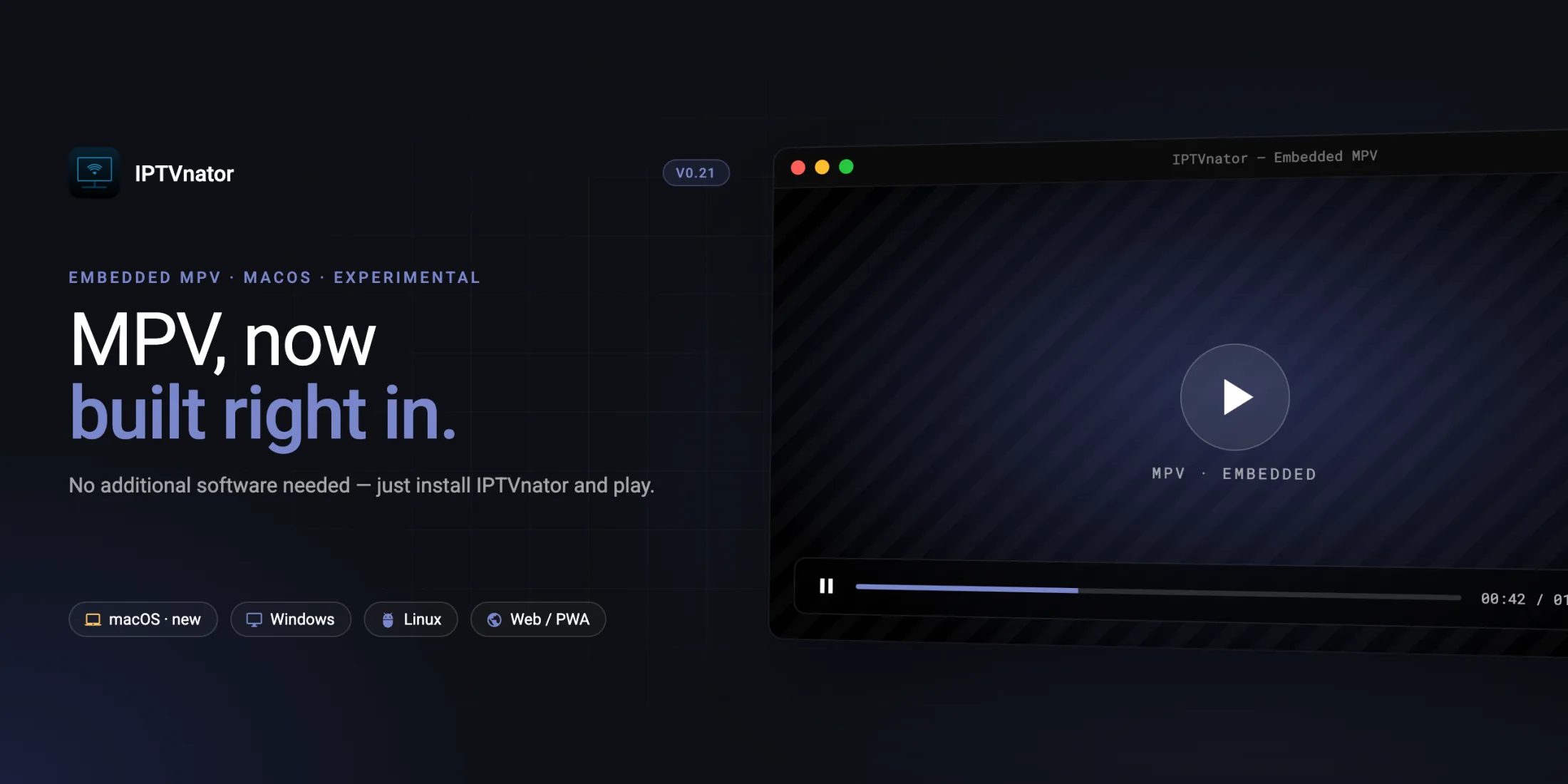
A closer look at IPTVnator's experimental embedded MPV player for macOS: why it exists, how it is wired into Electron, and where to share feedback.
Read more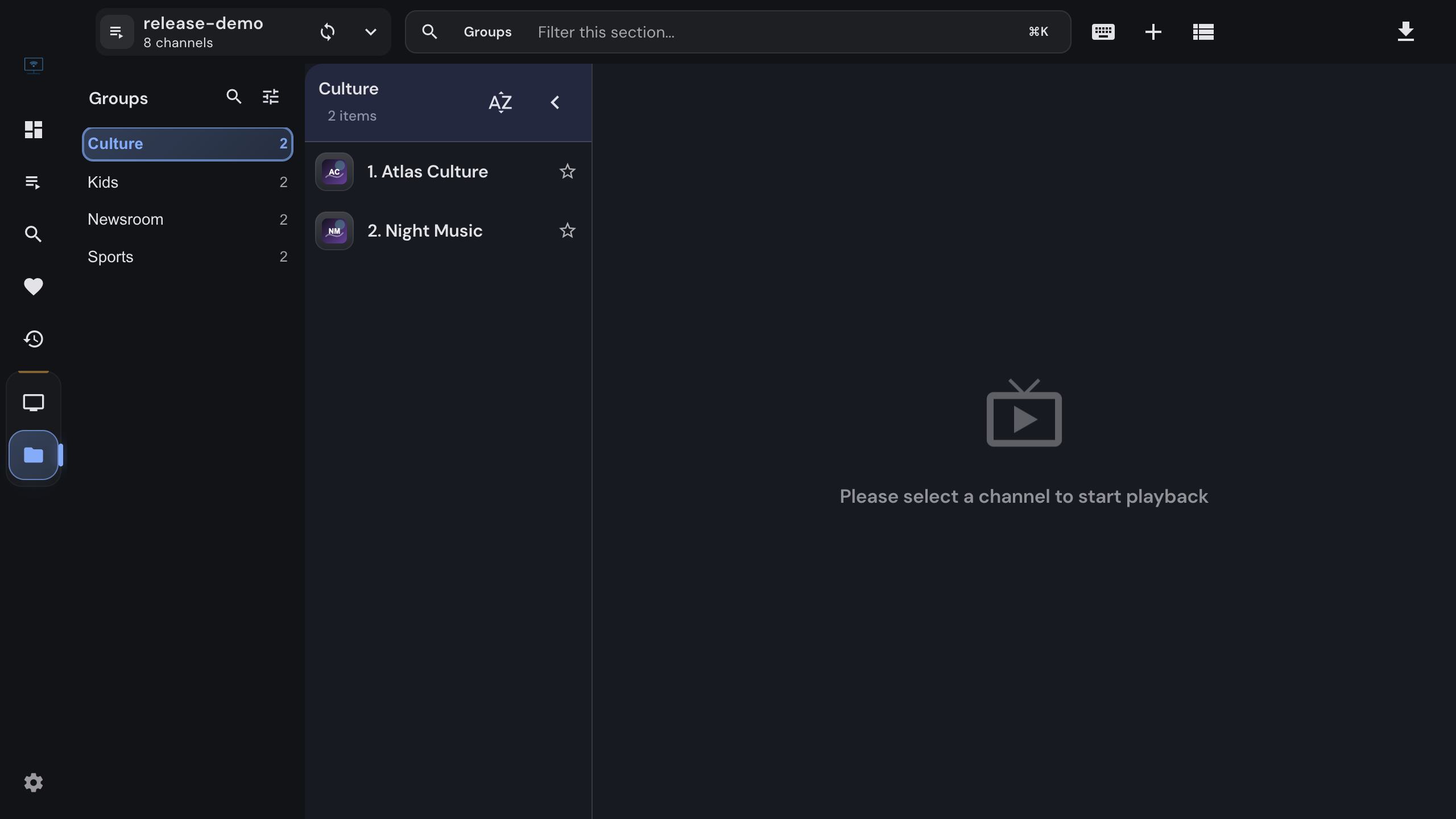
Import an M3U or M3U8 playlist into IPTVnator from a URL, a file or pasted text, keep it updated, and attach an XMLTV program guide. Covers channel groups, catch-up attributes, EPG matching by tvg-id, and the usual reasons a playlist or guide does not load.
Read moreOfficial downloads only
IPTVnator is a player, not a TV service. It is distributed exclusively through GitHub releases and the package managers listed on this page. Websites that sell "IPTVnator subscriptions", channel packages or "activated" copies are not affiliated with the project. How to recognize unofficial sites.