Compare · Other players

A media center, or just an IPTV player?

Kodi can do IPTV, and a great deal more. That breadth is exactly what makes the comparison worth having: one of these is a living-room platform that reaches IPTV through an add-on, the other does nothing but IPTV and is installed on a desk.

Short answer

If Kodi is already your TV setup, stay with it — IPTVnator has no TV build and would be the wrong tool in that room. If IPTV is the whole job on a computer, or your provider gave you an Xtream Codes login or a Stalker portal rather than a playlist file, a dedicated player is less setup and speaks those APIs natively.


Getting the source in

Where IPTV comes from

Kodi treats IPTV as one kind of PVR backend among many; IPTVnator treats it as the whole application.

SourceKodiIPTVnator
M3U or M3U8 playlistKodi ships with PVR IPTV Simple Client; it has to be enabled and configured before live TV appears.Through a PVR add-onYes
XMLTV programme guideThrough the same add-onYes
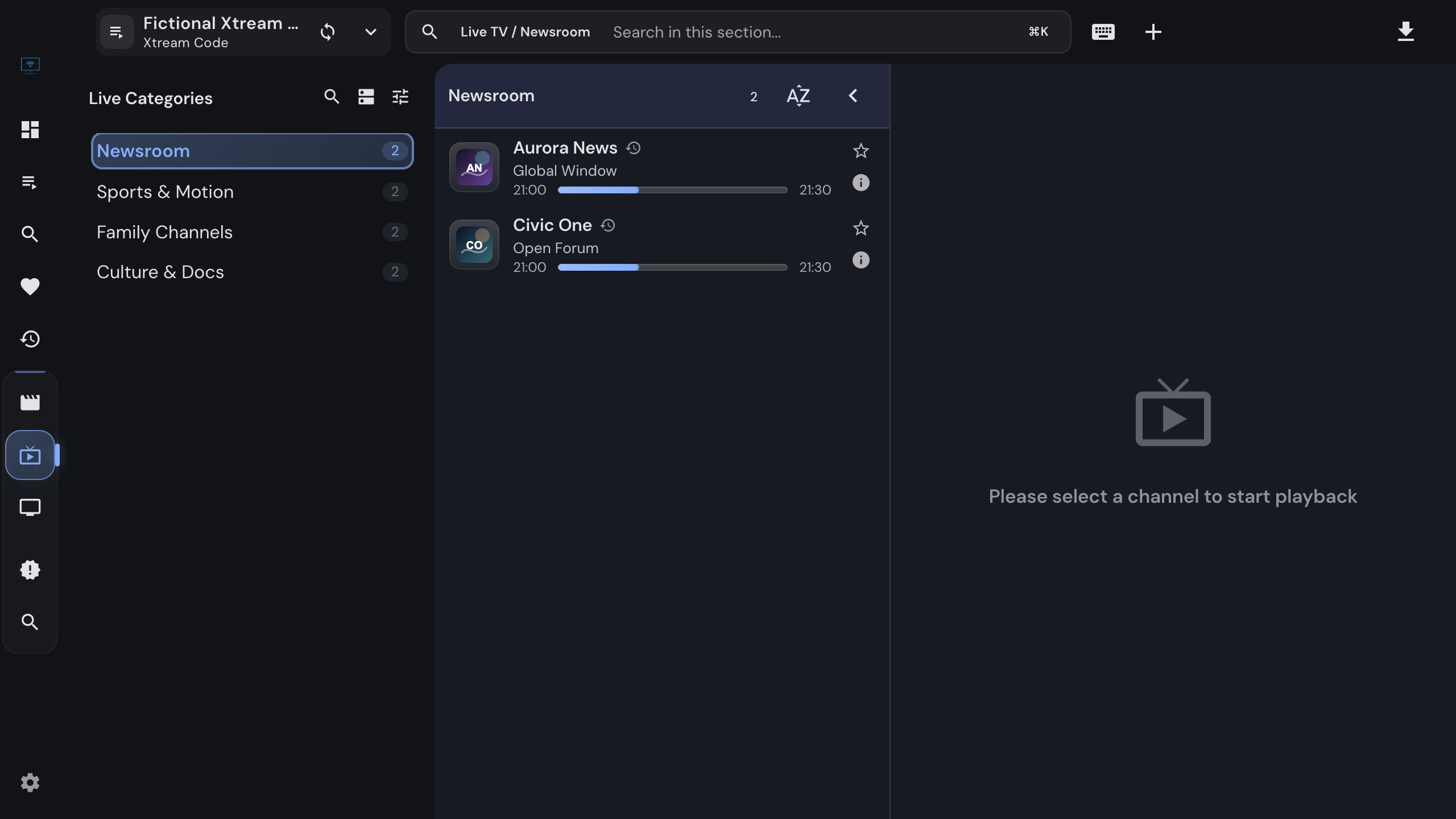
Xtream Codes account (server, username, password)Not part of Kodi itselfYes
Stalker or Ministra portal (MAC address)Not part of Kodi itselfYes
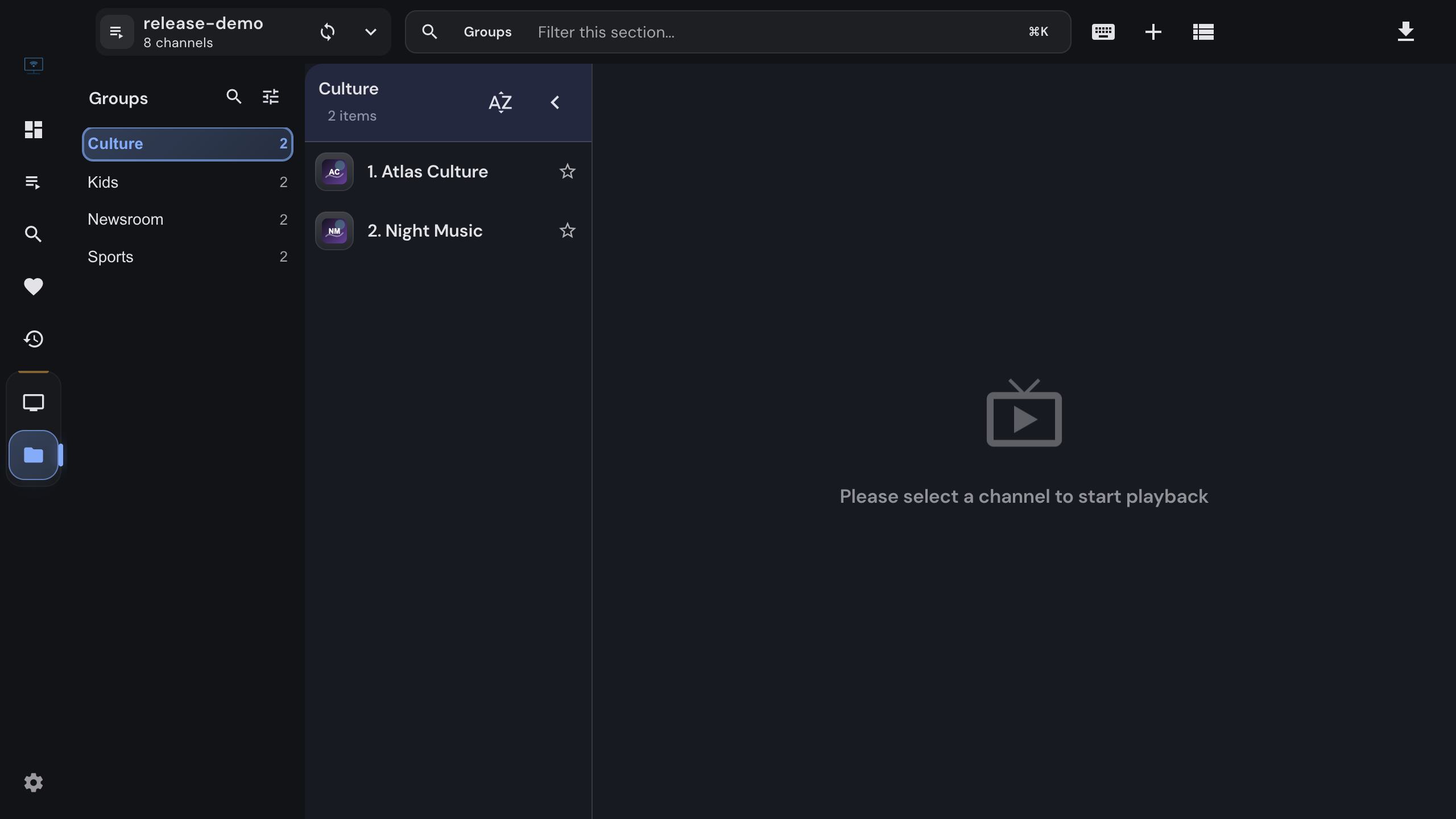
Several providers side by sideOne add-on instance per sourceYes
Getting startedEnable the add-on, point it at your URLs, reloadPaste the link or the login in the app
A provider that hands out an M3U link works in both. One that hands out a server URL with a login, or a MAC address, needs a client that speaks those APIs.

What each is for

Two different shapes

Neither list is a scoreboard. They describe two programs built for different rooms.

CapabilityKodiIPTVnator
Live TV with a guideYesYes
Provider movie and series catalogs with postersDepends on the add-onYes
Your own video and music library with scraped metadataYesNo
Add-ons and skinsYesNo
Designed first forA TV across the room, with a remoteA computer, with a keyboard and mouse
Control it from a phoneOfficial and third-party remote appsBuilt-in web remote, nothing to install
Catch-up from the guideDepends on the add-onYes
Offline downloads of provider movies and episodesDepends on the add-onDesktop app
“Depends on the add-on” is the honest answer: Kodi’s IPTV features come from whichever PVR client you install, and this page does not vouch for third-party add-ons.

In practice

Platforms and price

DetailKodiIPTVnator
Where it runsWindows, macOS, Linux, Android, tvOS, Raspberry Pi and moreWindows, macOS, Linux; browser version you host yourself
PriceFree, open sourceFree, open source
Account neededNoNo
Supplies channels or playlistsNeither is a content source. Both play sources you bring yourself, and the Kodi project is explicit about that too.NoNo

Choosing

A rule of thumb

01

Already running Kodi on a TV or a Pi? Stay there

If Kodi is your living-room setup and IPTV is one of several things it does, adding a second app solves nothing. IPTVnator has no TV build and no remote-friendly interface; it would be the wrong tool in that room.

02

IPTV on a computer, and that is the whole job

A dedicated player skips the layer in between. There is no add-on to enable, configure and keep working after an update — you paste the link or the login and the catalog is there.

03

A provider login rather than a file

Xtream Codes and Stalker are provider APIs, not playlists. IPTVnator speaks both natively, which is what turns a subscription into live TV, movies and series with posters instead of a flat channel list.

04

They are not in each other’s way

Kodi on the TV and IPTVnator on the laptop is a perfectly ordinary setup. The same provider works in both; nothing is locked to one app.

Not affiliated. Kodi is an independent project with no connection to IPTVnator, and nothing here is endorsed by it. Its name is used only to describe what it does. Claims on this page were checked in September 2026; software changes, so verify anything that decides your setup.


FAQ

Questions about Kodi and IPTV

Does Kodi play IPTV out of the box?+

Almost. Kodi ships with the PVR IPTV Simple Client, but it is disabled until you enable it and point it at your M3U playlist and, if you have one, your XMLTV guide. After that Kodi shows live TV and a guide like any other PVR backend.

Is IPTVnator a Kodi add-on?+

No. It is a standalone application for Windows, macOS and Linux, plus a browser version you can host yourself. It does not run inside Kodi and does not need it.

Can Kodi use an Xtream Codes login or a Stalker portal?+

Not as part of Kodi itself: those are provider APIs rather than playlist files. Some providers hand out an M3U link generated from the same account, which the bundled add-on can use. Whether any third-party add-on covers the APIs properly is outside what this page can verify, so check before relying on it.

Which is easier to set up just for IPTV?+

IPTVnator, because there is no add-on layer: you add a source and the app is already an IPTV player. Kodi asks you to enable and configure a PVR client first, which is the price of it being a general media center rather than an IPTV app.

What does Kodi do that IPTVnator does not?+

Quite a lot. Your own local video and music library with scraped metadata, add-ons, skins, an interface built for a remote across the room, and builds for TV boxes, phones and a Raspberry Pi. IPTVnator does none of that and is not trying to.

Can I run both?+

Yes, and many people do — Kodi in the living room, a dedicated player on the computer. The same subscription works in both; neither one locks the source.

Does either of them provide channels?+

No. Both are players for sources you already have. Neither provides, hosts or sells playlists, channels or subscriptions.

I only want the programme guide to work properly. Which one?+

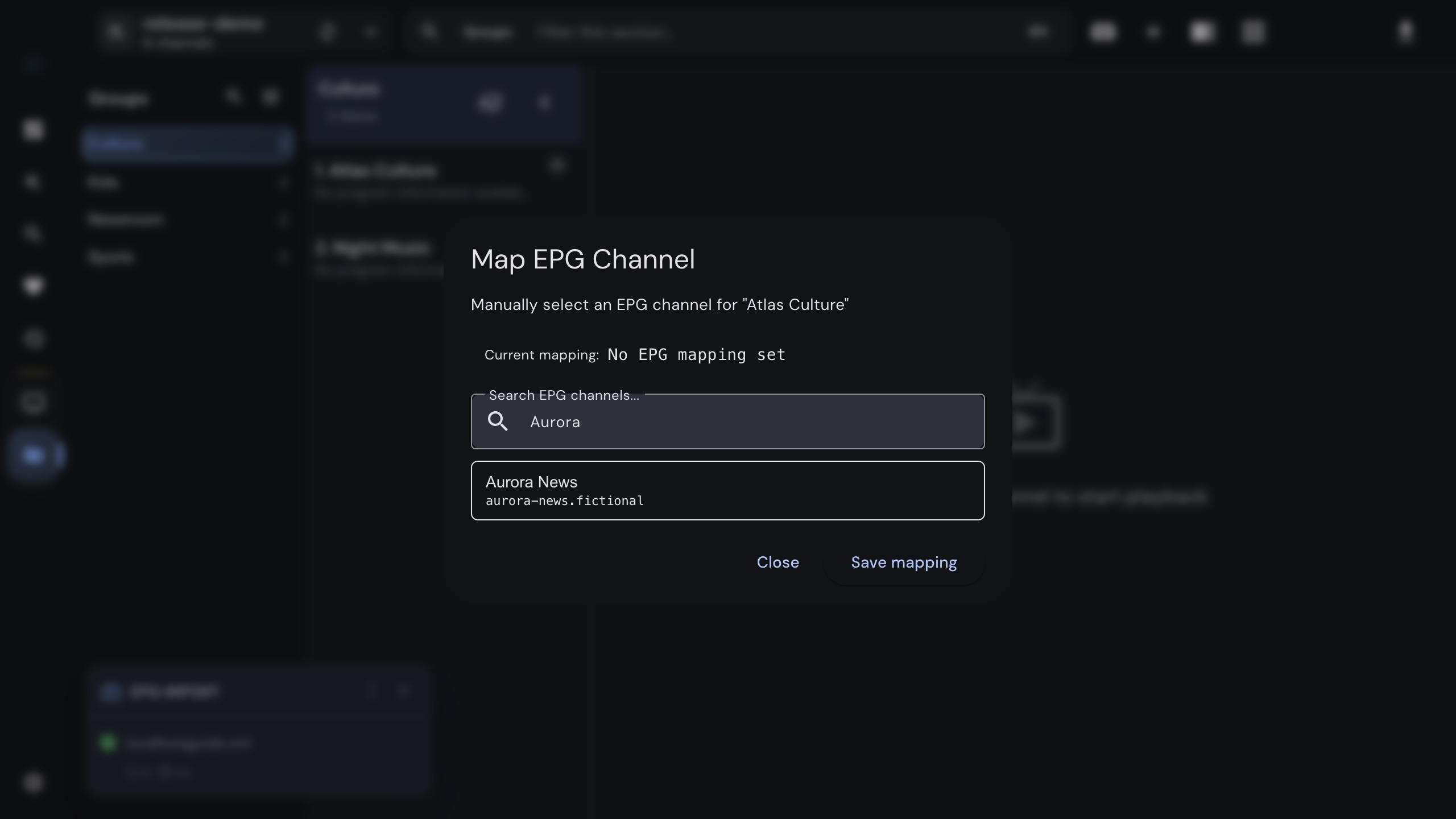
Both read XMLTV. The difference is what happens when it goes wrong: IPTVnator lets you map a channel to a guide entry by hand and shift the guide’s clock when a provider labels times in the wrong timezone. If your guide already works in Kodi, that is not a reason to move.


Keep reading

Guides and background

Official downloads only

IPTVnator is a player, not a TV service. It is distributed exclusively through GitHub releases and the package managers listed on this page. Websites that sell "IPTVnator subscriptions", channel packages or "activated" copies are not affiliated with the project. How to recognize unofficial sites.