Compare · Connection types

M3U, Xtream Codes or Stalker portal?

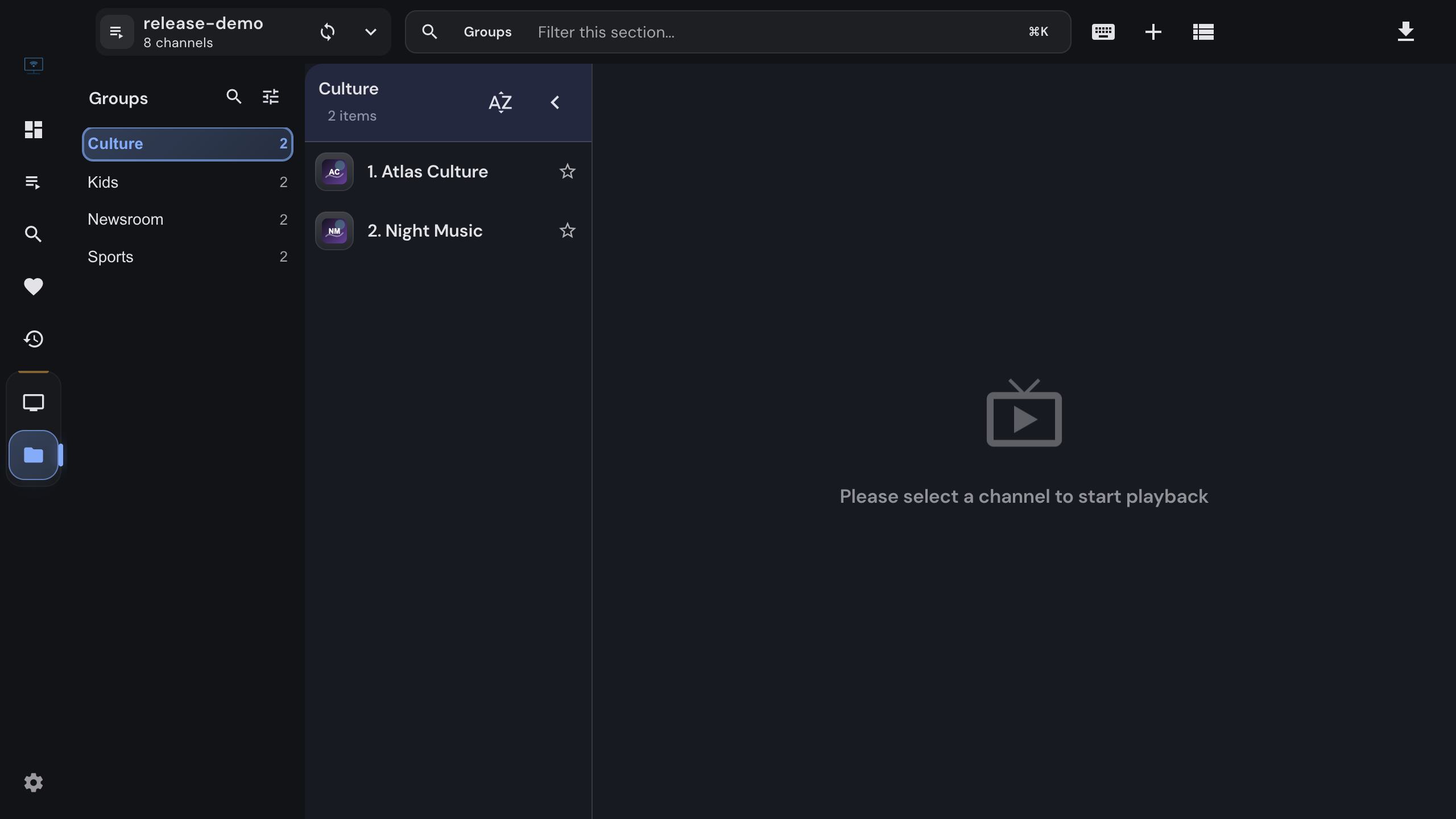
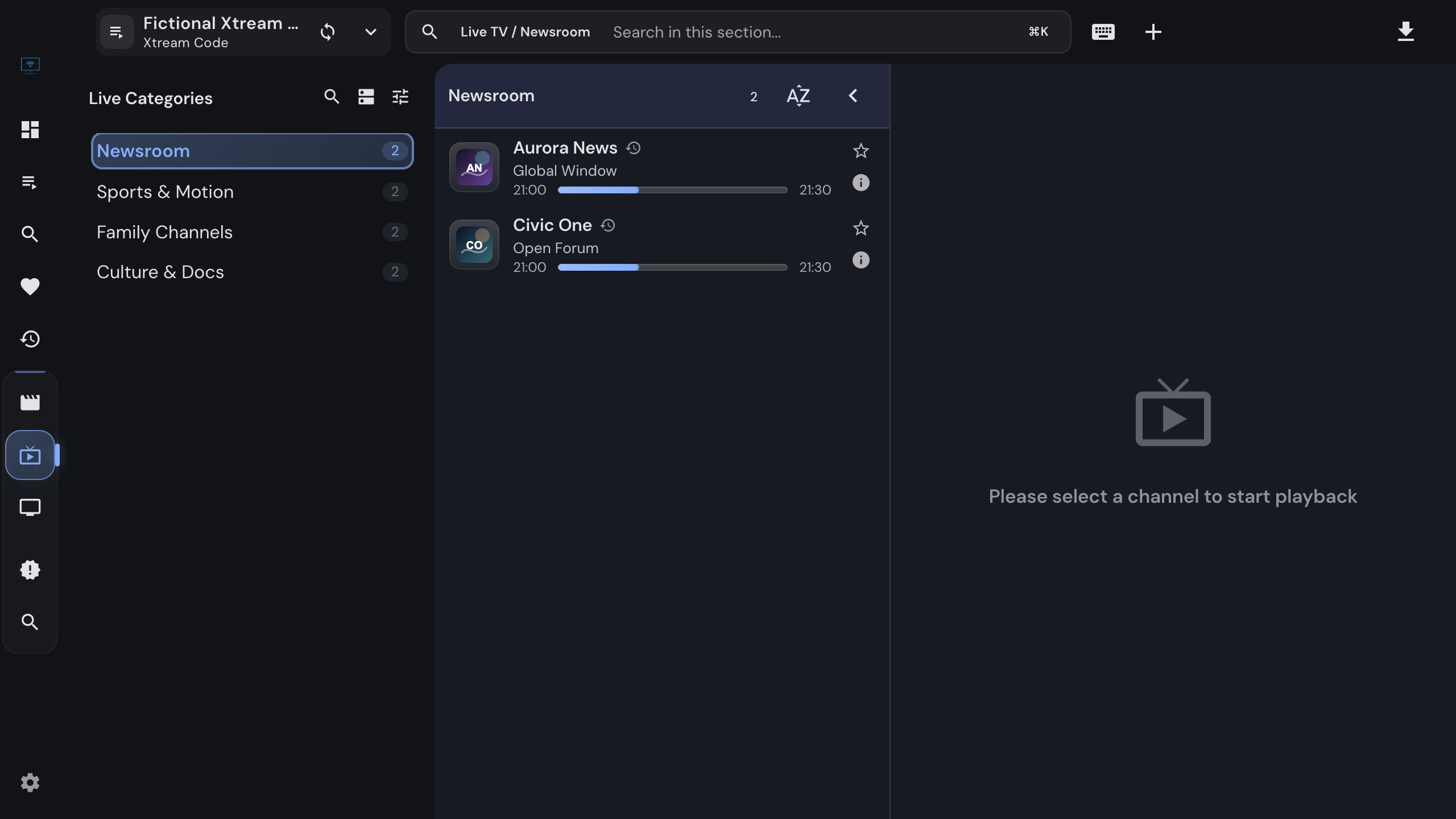
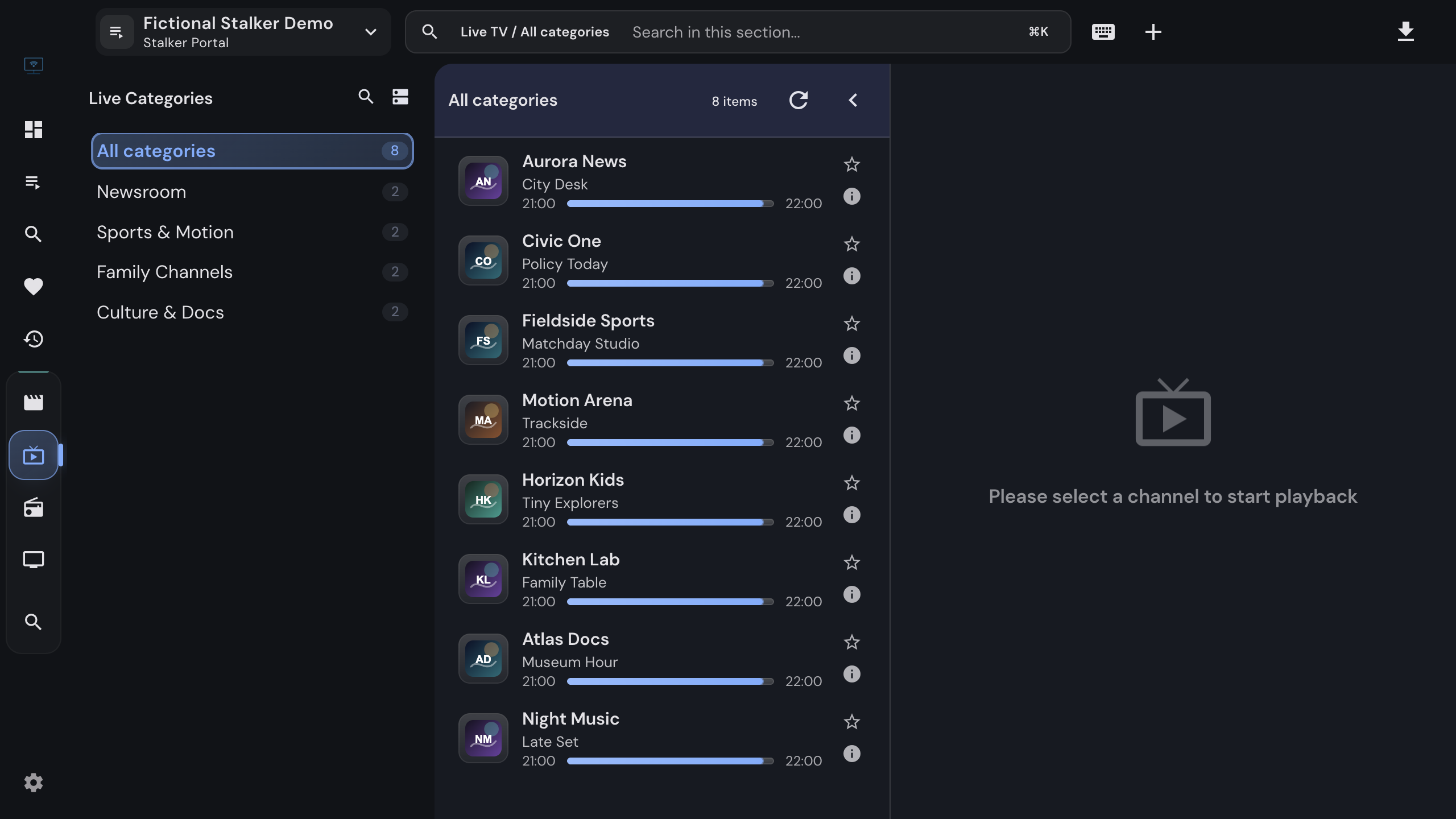
Providers hand out access in three shapes, and the shape decides how much of their library you actually see. All three work in IPTVnator; they are not equally rich.

Short answer

If your provider gave you a username and a password, use Xtream Codes. If they gave you a MAC address, use the Stalker portal form. Use a plain M3U playlist only when a link is all you have, because a playlist carries channels but no movie catalog, no provider guide and no account information.


Side by side

What each connection gives you

Everything below is about the source type, not about the provider. A generous provider on a plain playlist still cannot send what the format cannot carry.

Inside IPTVnatorM3U playlistXtream CodesStalker portal
What you enterA link, a file or pasted textServer URL, username, passwordPortal URL and MAC address
Live TV channelsYesYesYes
Movies and series as a catalogA playlist can list movie files, but it carries no seasons, categories or detail pages.Only as flat entriesYesYes
Posters, descriptions, castFrom TMDB onlyYesYes
Program guideXMLTV you supplyFrom the providerFrom the portal
Catch-up / archiveIf the playlist declares itYesYes
Resume where you stoppedMovies onlyYesYes
Offline downloadsDesktop app only, for movies and episodes.NoYesYes
Local catalog for instant openingWhole playlist is storedYesLists are fetched on demand
Account and expiry informationNoYesYes
Refresh from the providerYesYesContinuous
Works in the browser versionThe self-hosted web version proxies all three; the desktop-only features above stay unavailable there.YesYesYes
Offline downloads, the local catalog and XMLTV guides are desktop-app features; the browser version plays all three source types but leaves those out.

Telling them apart

What did your provider actually send?

Providers rarely name the format. The shape of what you received does it for them.

01

A link ending in .m3u or .m3u8

A plain playlist. Add it as an M3U URL, or download it and import the file. This is the lowest common denominator: channels and nothing else.

02

A link containing get.php or player_api.php

An Xtream Codes account in disguise. The part before the endpoint is the server URL, and the username and password sit in the query string. Add it as Xtream credentials instead of as a playlist.

03

A host, a username and a password

An Xtream Codes account. Enter the three fields and use the connection test before adding it.

04

A portal address and a MAC address

A Stalker or Ministra portal, the kind MAG set-top boxes use. The MAC address is the account; IPTVnator authenticates with it the way a box does.


Good to know

One account, two ways in

The same subscription is often reachable as both a playlist and an Xtream account, because the panel builds the playlist link out of the account. Adding it as Xtream credentials is strictly better: you get the same channels plus movies, series, the provider guide, catch-up and an expiry date, and the desktop app keeps a local catalog so the source opens instantly next time.

Stalker portals are the exception. A MAC address is a different identity mechanism, and a portal cannot be expressed as a playlist or an Xtream login. If that is what you were given, the Stalker form is the only way in.

Switching later costs nothing: add the better source, check that it works, and remove the old one. Favorites and history belong to the source, so they do not carry over.
FAQ

Questions about connection types

Which one should I pick if my provider offers several?+

Prefer Xtream Codes when you have a username and password: it carries movies, series, provider metadata, the program guide and catch-up that a flat playlist cannot. Use a Stalker portal when the provider identifies you by MAC address. Use a plain M3U playlist when that is all you were given, or when you keep a hand-made channel list.

My M3U link contains get.php. Is that an Xtream account?+

Almost always, yes. Panels generate that link from an Xtream Codes account, so the same credentials work in the Xtream form and unlock the movie and series catalog. Paste the whole link into the Server URL field and IPTVnator fills in the username and password for you.

Can I add all three kinds of sources at once?+

Yes. Every source is separate, with its own favorites, history and catalog, and the dashboard, global favorites, recent items and search combine them. Several accounts of the same kind are fine too.

Which one has the best program guide?+

Xtream and Stalker portals publish their own schedule, so the guide works without any setup. An M3U playlist needs an XMLTV source, which you add once in the settings, or which the playlist declares in its header. On the desktop app your own XMLTV sources can also fill gaps in a portal guide.

Does IPTVnator convert a Stalker portal into an M3U playlist?+

No. It talks to the portal directly for every list and resolves a fresh link for every stream, which is what keeps favorites and history working when temporary links expire. There is no export of portal content into a playlist file.

Where do I get any of these?+

From an IPTV provider you have a contract with. IPTVnator is a player: it ships without channels, playlists or accounts, and it never sells them.


Set it up

One guide per connection type

Official downloads only

IPTVnator is a player, not a TV service. It is distributed exclusively through GitHub releases and the package managers listed on this page. Websites that sell "IPTVnator subscriptions", channel packages or "activated" copies are not affiliated with the project. How to recognize unofficial sites.