Compare · Editions

Desktop app or browser version?

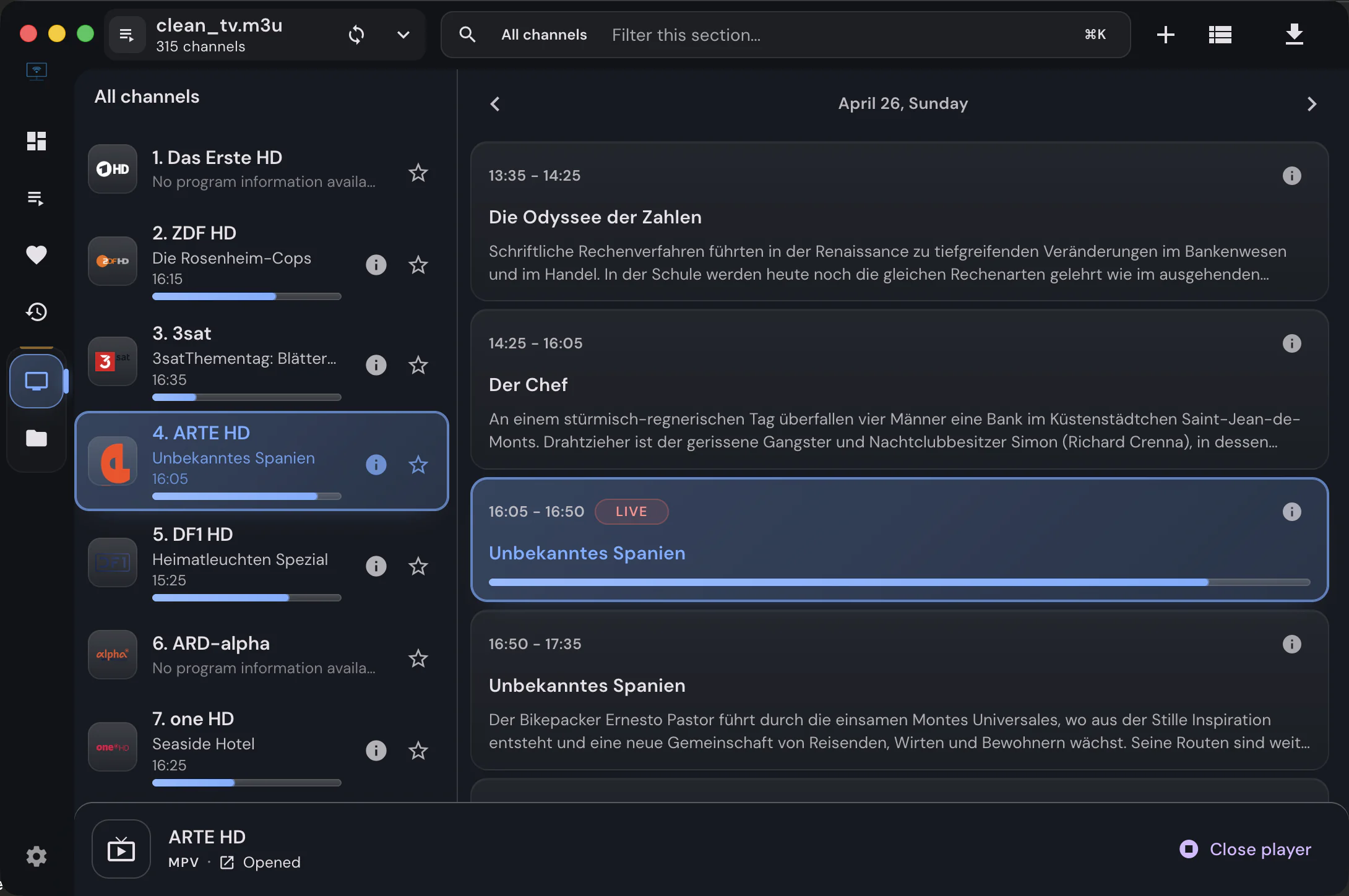
Both are IPTVnator, built from the same code. One runs on your machine and can talk to the rest of it; the other runs in a container and can be opened from anywhere on your network.

Short answer

Install the desktop app unless you need to reach IPTVnator from other devices or cannot install software. The browser version plays all three source types, but it cannot launch MPV or VLC, download files, store an XMLTV guide or serve the phone remote.


Side by side

What the browser version leaves out

Everything that needs to reach outside a browser tab is a desktop feature. Everything else is identical, because it is the same application.

CapabilityDesktop appBrowser version
M3U and M3U8 playlistsYesYes
Xtream Codes accountsYesYes
Stalker and Ministra portalsYesYes
Program guide from a portalXtream and Stalker publish their own schedule.YesYes
XMLTV guide filesDownloading, parsing and storing XMLTV needs the desktop runtime.YesNo
Manual EPG channel mappingYesNo
MPV, VLC and embedded MPVA browser cannot launch another application; copy the stream URL instead.YesNo
Offline downloads and recordingsYesNo
Phone remote controlThe desktop app is what serves the remote page.YesNo
Search across every sourceYesNo
Local catalog for instant openingLocal databaseBrowser storage
Opening a playlist file from the systemYesNo
Reachable from other devicesThis is the one thing the browser version does better.NoYes
InstallationInstaller or packageOne container you run yourself
The browser version is the self-hosted Docker build. Both editions keep your playlists and credentials on your own device or server.

When the browser wins

Reasons to run the container

01

A machine you cannot install on

A locked-down work laptop, a shared computer, a tablet. The browser version needs nothing installed locally beyond a browser.

02

A home server

Run the container once and reach the same library from every device on your network. The container includes the backend that fetches playlists and proxies portal requests.

03

Trying it before installing

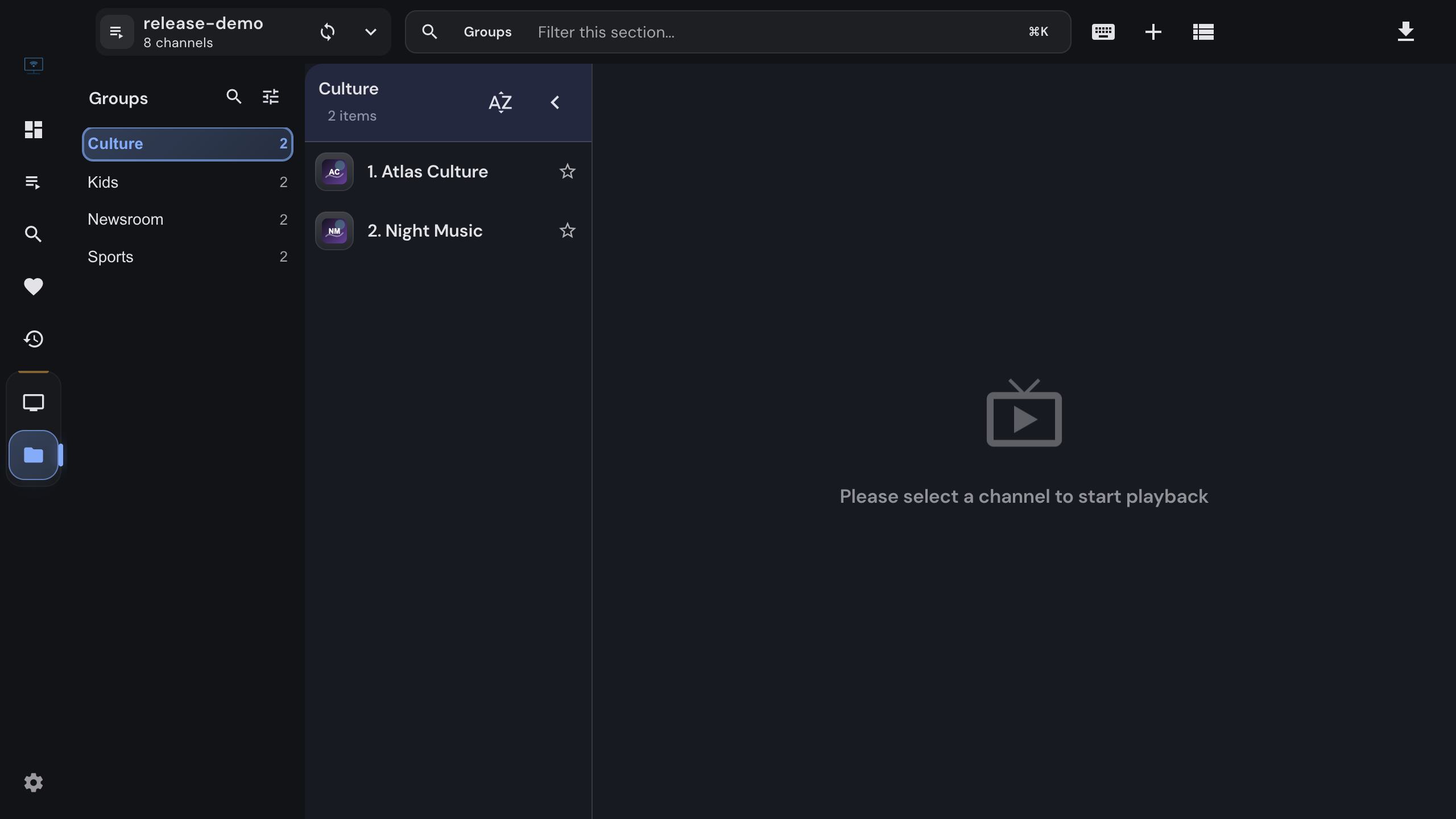
The browser version is the same application, so what you see there is what the desktop app looks like, minus the features that need a desktop.


Running it

One container, one command

The image serves the web app and the backend that fetches playlists and proxies portal requests.

Docker Compose
docker compose -f docker/docker-compose.yml up --build -d

The application is then available on port 4333. Ports, variables, reverse-proxy notes and image tags are on the Docker page, and every detail in the docker README.

If inline playback fails in the browser, there is no external player to fall back to. Copy the stream URL and open it in MPV, VLC or IINA yourself; the desktop app is the version that automates that step.

Data lives where the app runs: the desktop app in a local database, the browser version in that browser's own storage. Moving between them means adding the sources again.


FAQ

Questions about the two editions

Is the browser version a different app?+

No, it is the same application built for the browser. The desktop app wraps it and adds what only a desktop can do: launching MPV or VLC, downloading files, storing an XMLTV guide, serving the phone remote and registering playlist file types.

Why can the browser version not show an XMLTV guide?+

A guide file is downloaded, parsed and stored on the device, which the desktop runtime does in a background worker and a local database. Portal schedules from Xtream and Stalker sources do work in the browser, because they come from the provider on demand.

How do I run the browser version?+

With the Docker setup in the repository. It builds the web app and its backend into one image and serves them together; the compose file and the environment variables are documented in the docker directory.

Can I use both at once?+

Yes, but they do not share data. The desktop app keeps a local database on your machine and the browser version keeps its data in that browser, so sources, favorites and history exist separately in each.

Is the browser version safe to expose to the internet?+

Treat it as a private service. It has no user accounts, and its backend proxies requests to your providers. Run it on your own network or behind your own authenticating reverse proxy.

Which one should I install?+

The desktop app, unless you specifically need access from other devices or cannot install software. It is the complete version and it is what most of the documentation assumes.


Keep reading

Guides and background

Official downloads only

IPTVnator is a player, not a TV service. It is distributed exclusively through GitHub releases and the package managers listed on this page. Websites that sell "IPTVnator subscriptions", channel packages or "activated" copies are not affiliated with the project. How to recognize unofficial sites.