Download · Windows

IPTVnator for Windows

A free, open-source IPTV player for Windows 10 and 11. Load M3U/M3U8 playlists, sign in to Xtream Codes providers or Stalker portals, and watch live TV, movies and series with a full program guide. No account, no subscription, no bundled playlists.

Version 0.23.0 · Released Aug 30, 2026 · Release notes · All files

  • Windows 10 / 11
  • 64-bit installer
  • Free & open source
  • MIT license
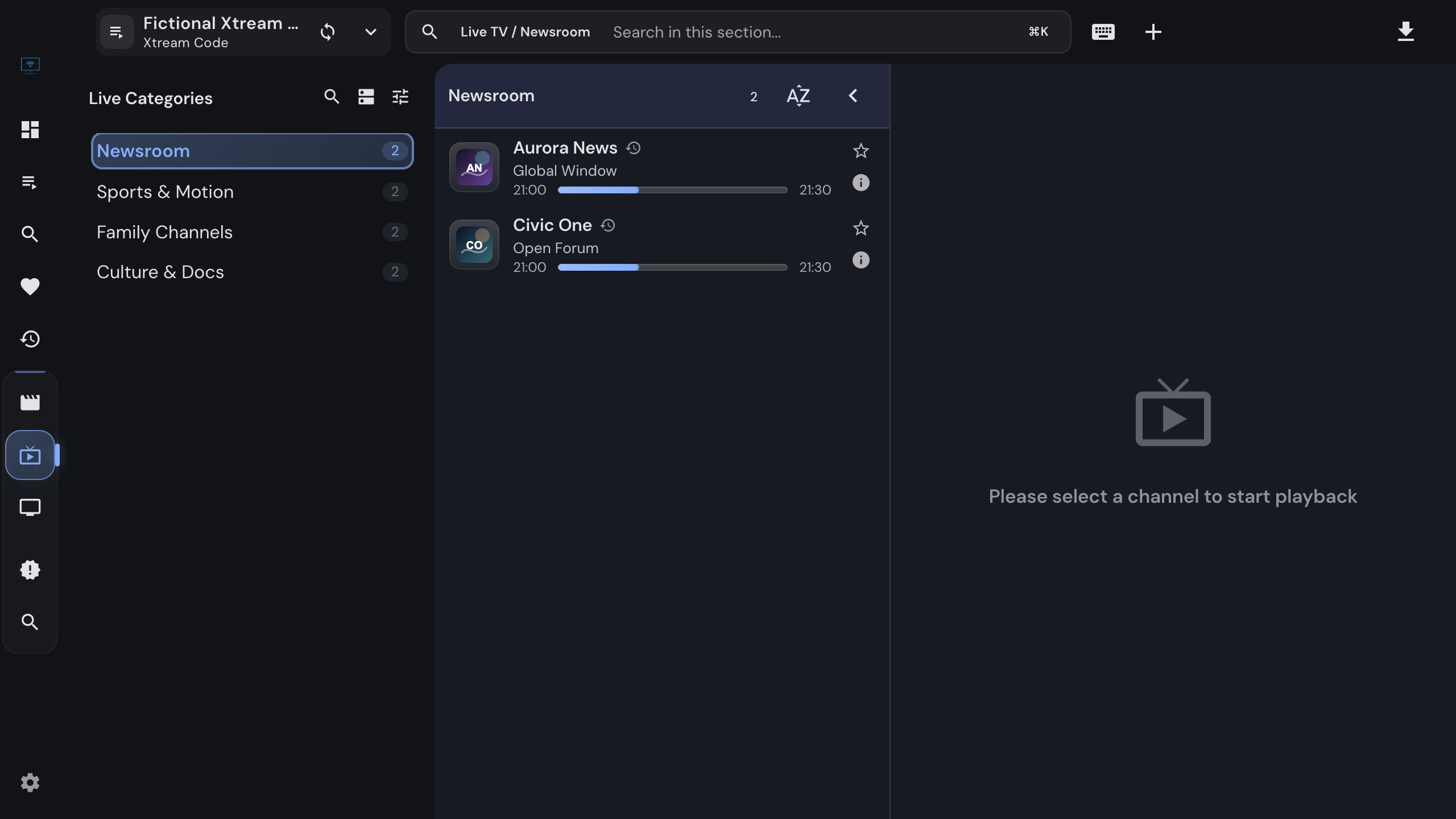
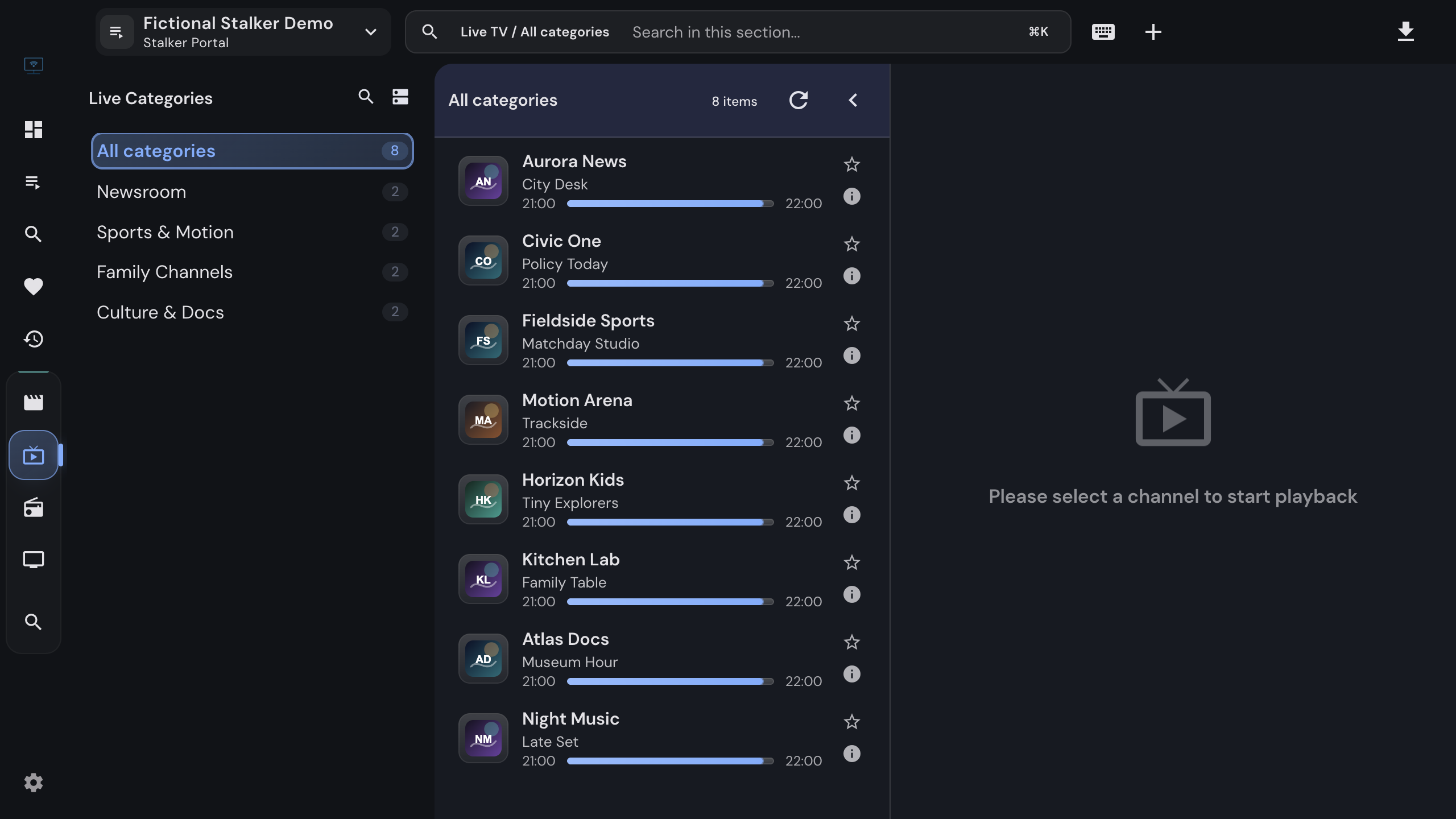
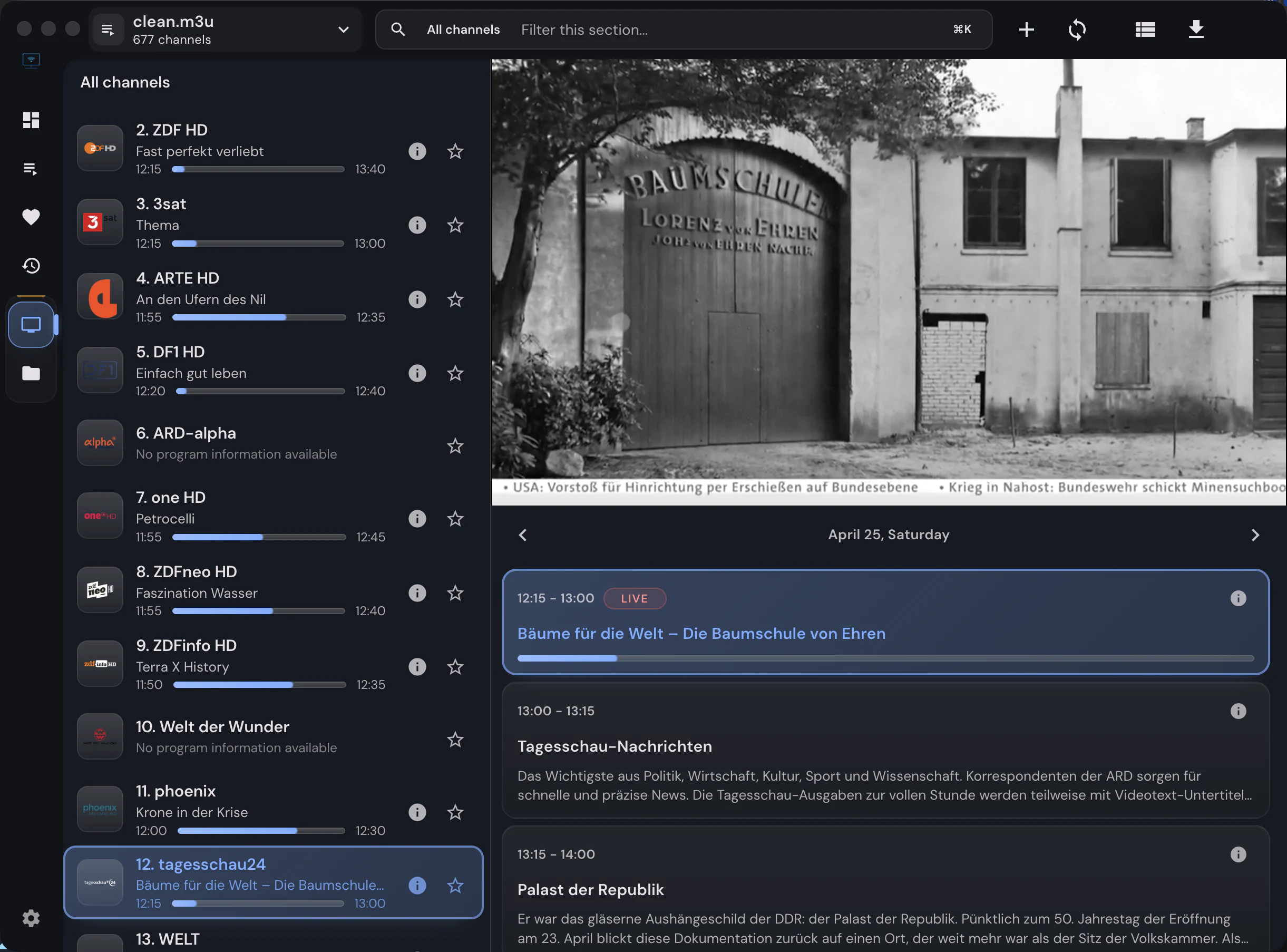
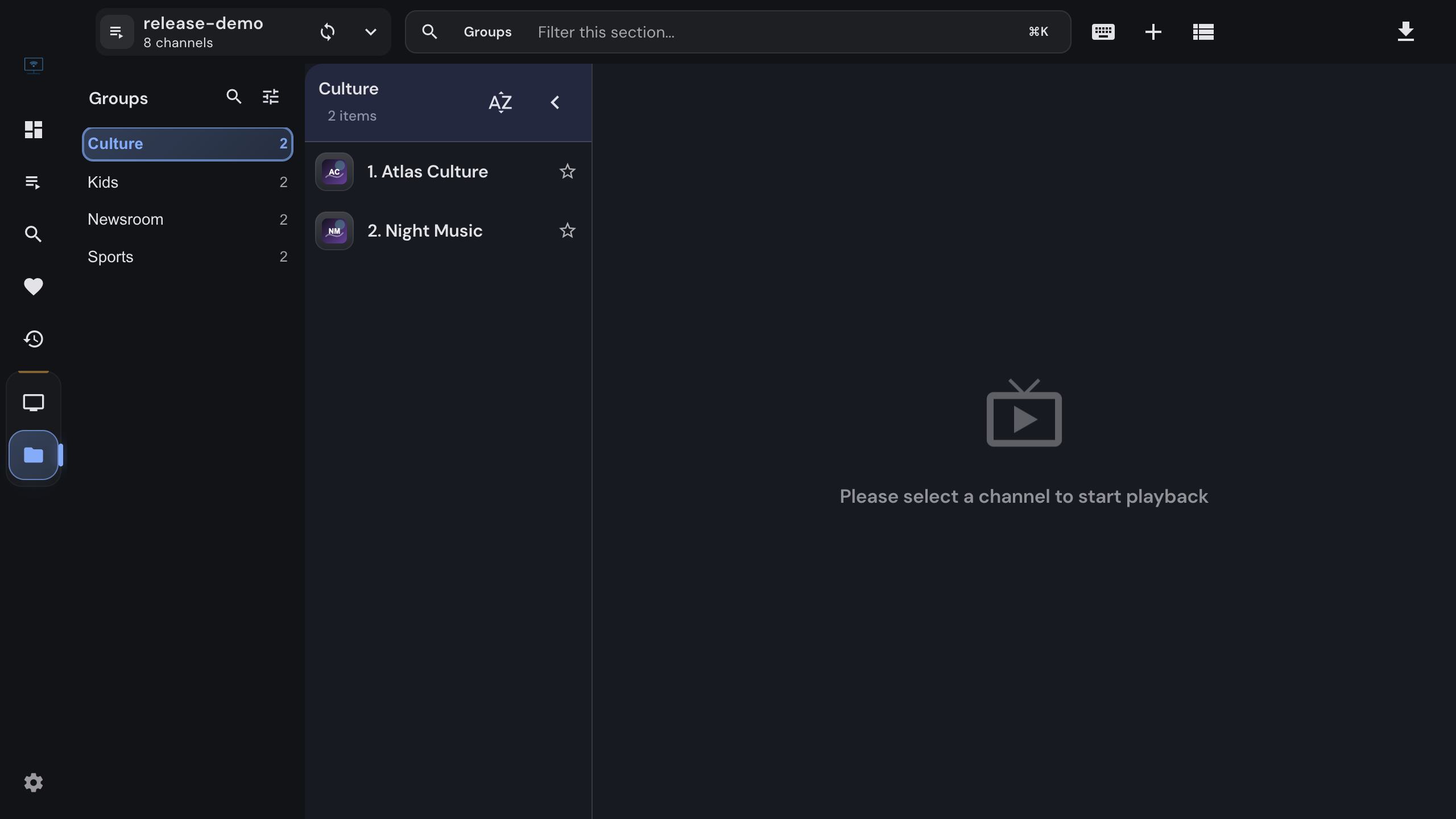
Live channels with the inline player and program guide in IPTVnator

Installation

Up and running in two minutes

One installer, no configuration wizard. The app is ready as soon as you add a playlist or a provider login.

Install on Windows

  1. 1

    Download the installer (iptvnator-0.23.0-windows-x64-setup.exe) with the button above. It is a single 64-bit setup file.

  2. 2

    Run the installer. It installs IPTVnator for the current user and adds a Start menu entry and a desktop shortcut.

  3. 3

    If Windows SmartScreen shows "Windows protected your PC", click "More info" and then "Run anyway". The note below explains why this prompt appears.

  4. 4

    Start IPTVnator and add your first source: an M3U/M3U8 file or URL, an Xtream Codes login, or a Stalker portal.

Why Windows SmartScreen may warn you

The Windows installer is not signed with a commercial code-signing certificate, so SmartScreen can flag it as an unrecognized app on first launch. This is a reputation check, not a malware detection. Accept the prompt only for installers you downloaded from the official GitHub releases page, never for copies that arrive through other download sites.


On Windows

What you get on your PC

The complete desktop feature set. Everything below works in the Windows build without add-ons.

01

M3U, Xtream Codes and Stalker

Import M3U/M3U8 playlists from a file or URL, or sign in to Xtream Codes and Stalker/Ministra portals. Live TV, movies and series land in one library with favorites, history and search.

02

Program guide (EPG)

Attach an XMLTV guide to see what is on now and next, browse the multi-channel timeline under the player, and jump into catch-up where your provider offers it.

03

MPV and VLC integration

Hand streams that the built-in players cannot decode to MPV or VLC installed on your PC. Playback positions and the remote control stay inside IPTVnator.

04

Embedded MPV engine (experimental)

An optional engine that renders mpv directly inside the IPTVnator window for streams the web players struggle with. Opt in under Settings › Playback.

05

Offline downloads

Save movies and episodes from Xtream and Stalker sources to disk. The download manager resumes interrupted transfers and keeps a local library.

06

Movie and series metadata

Optional TMDB enrichment adds posters, plots, cast, ratings and trailers to movie and series details. Off by default, one switch in Settings.

07

Remote control from your phone

Open the built-in remote-control web app on your phone to switch channels, adjust volume and control playback from the couch.

08

Updates built in

IPTVnator checks GitHub releases on start and tells you when a new version is available, so you never have to come back to this page.

09

No account, no tracking

There is nothing to sign up for. Playlists and credentials stay on your PC in a local database, and the app sends no analytics.


Playback

Built-in players, plus MPV and VLC

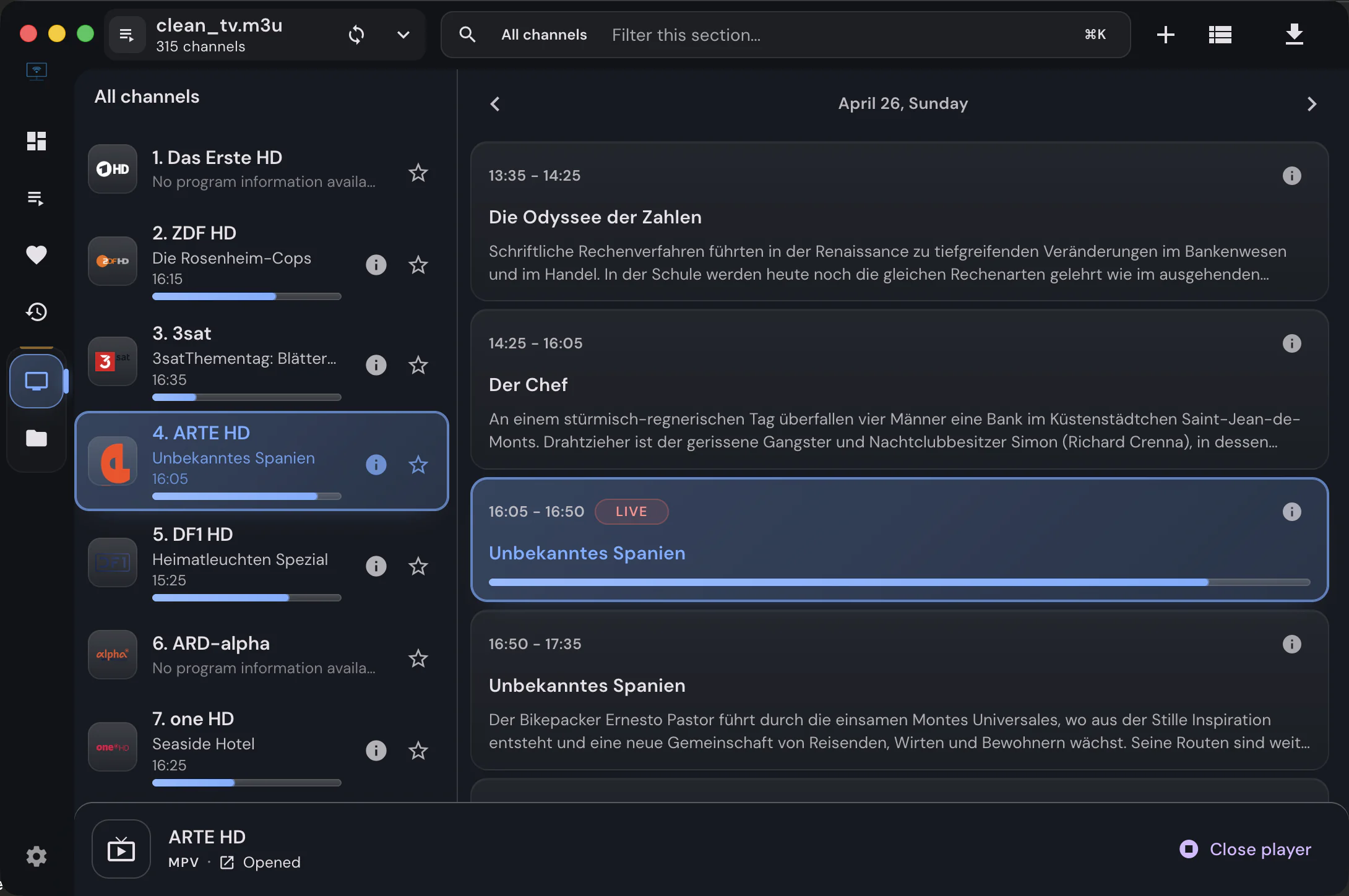
IPTVnator ships three web playback engines (HTML5 with hls.js, Video.js and ArtPlayer) that cover HLS, MPEG-TS and DASH streams. Some providers send codecs that browsers refuse to decode. For those, install MPV or VLC, pick it under Settings › Playback, and IPTVnator launches it for every stream while keeping your library, favorites and remote control in the app.

The experimental embedded MPV engine goes one step further and renders mpv inside the IPTVnator window itself. It is opt-in and can be switched off again at any time.

Playback settings with MPV selected as the external player

Requirements

What you need

Operating system
Windows 10 or Windows 11
Architecture
64-bit (x64). Windows 11 on ARM runs the x64 build through its built-in emulation.
Download size
199 MB installer
Account
None. IPTVnator never asks you to register.
Content
Bring your own playlist or provider login. IPTVnator ships without channels.
License
MIT. The full source code is on GitHub.

FAQ

Questions about IPTVnator on Windows

Is IPTVnator free on Windows?+

Yes. IPTVnator is open-source software released under the MIT license. There is no paid tier, no trial and no advertising. If it saves you time, you can support development through GitHub Sponsors or Ko-fi.

Does IPTVnator come with channels or playlists?+

No. IPTVnator is a player. You add your own M3U/M3U8 playlist, Xtream Codes login or Stalker portal from your provider. Any website selling "IPTVnator subscriptions" or channel packages is unrelated to this project.

Why does Windows show "Windows protected your PC"?+

The installer is not signed with a commercial code-signing certificate, so SmartScreen treats it as an unknown publisher rather than a known one. Choose "More info" and then "Run anyway", but only for a file you downloaded from the official GitHub releases page.

Is there a portable or 32-bit version?+

No. IPTVnator for Windows ships as a 64-bit installer only. If you cannot install software on the machine, the self-hosted browser version runs from a Docker container on any device on your network.

Which formats and sources work on Windows?+

M3U and M3U8 playlists from local files or URLs, the Xtream Codes API, Stalker/Ministra portals and XMLTV program guides. The built-in players handle HLS, MPEG-TS and DASH streams, including ClearKey-protected DASH, and anything else can be handed to MPV or VLC.

How do I update IPTVnator on Windows?+

IPTVnator checks for new releases when it starts and shows a notification with an install button. You can also download the latest installer from this page and run it over the existing installation; your playlists and settings are kept.

Does it run on Windows 7, 8 or 8.1?+

No. The current runtime requires Windows 10 or later. Older Windows versions are not supported and receive no builds.


Other platforms

Also available for macOS and Linux