IPTVnator for macOS
A free, open-source IPTV player for Apple Silicon and Intel Macs. Load M3U/M3U8 playlists, sign in to Xtream Codes providers or Stalker portals, and watch live TV, movies and series with a full program guide. Builds are signed and notarized, so they open like any other Mac app.
Version 0.23.0 · Released Aug 30, 2026 · Release notes · All files
Not sure which build? Open the Apple menu › About This Mac. "Chip: Apple M…" means Apple Silicon, "Processor: Intel…" means Intel.
- macOS 12 Monterey+
- Apple Silicon & Intel
- Signed & notarized
- Free & open source

Drag, drop, done
A standard disk image, or one Homebrew command. Either way you get the same signed and notarized app.
Install on macOS
- 1
Download the .dmg for your Mac (Apple Silicon or Intel) with the buttons above, or run the Homebrew command on the right.
- 2
Open the .dmg and drag IPTVnator into the Applications folder.
- 3
Launch IPTVnator from Applications or Spotlight. Current builds are signed and notarized by Apple, so no "unidentified developer" workaround is needed.
- 4
Add your first source: an M3U/M3U8 file or URL, an Xtream Codes login, or a Stalker portal.
brew install --cask iptvnatorOlder builds and the "app is damaged" message
Releases before v0.20 (April 2026) were not code-signed, and macOS could refuse to open them with "IPTVnator is damaged and can't be opened". If you still run one of those builds, update to the current release or follow the one-command fix in this post.
What you get on your Mac
The complete desktop feature set. Everything below works in the macOS build without add-ons.
M3U, Xtream Codes and Stalker
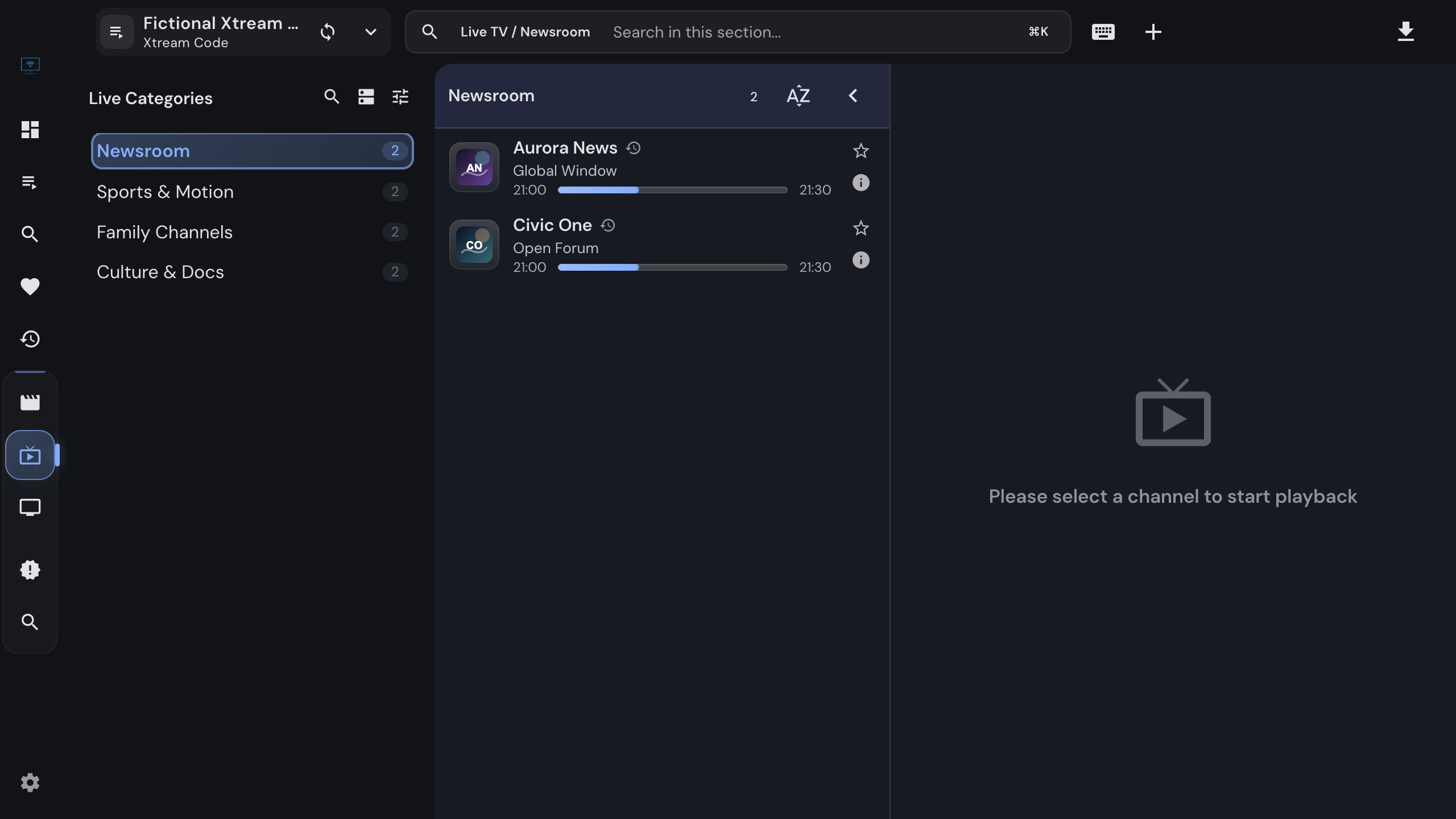
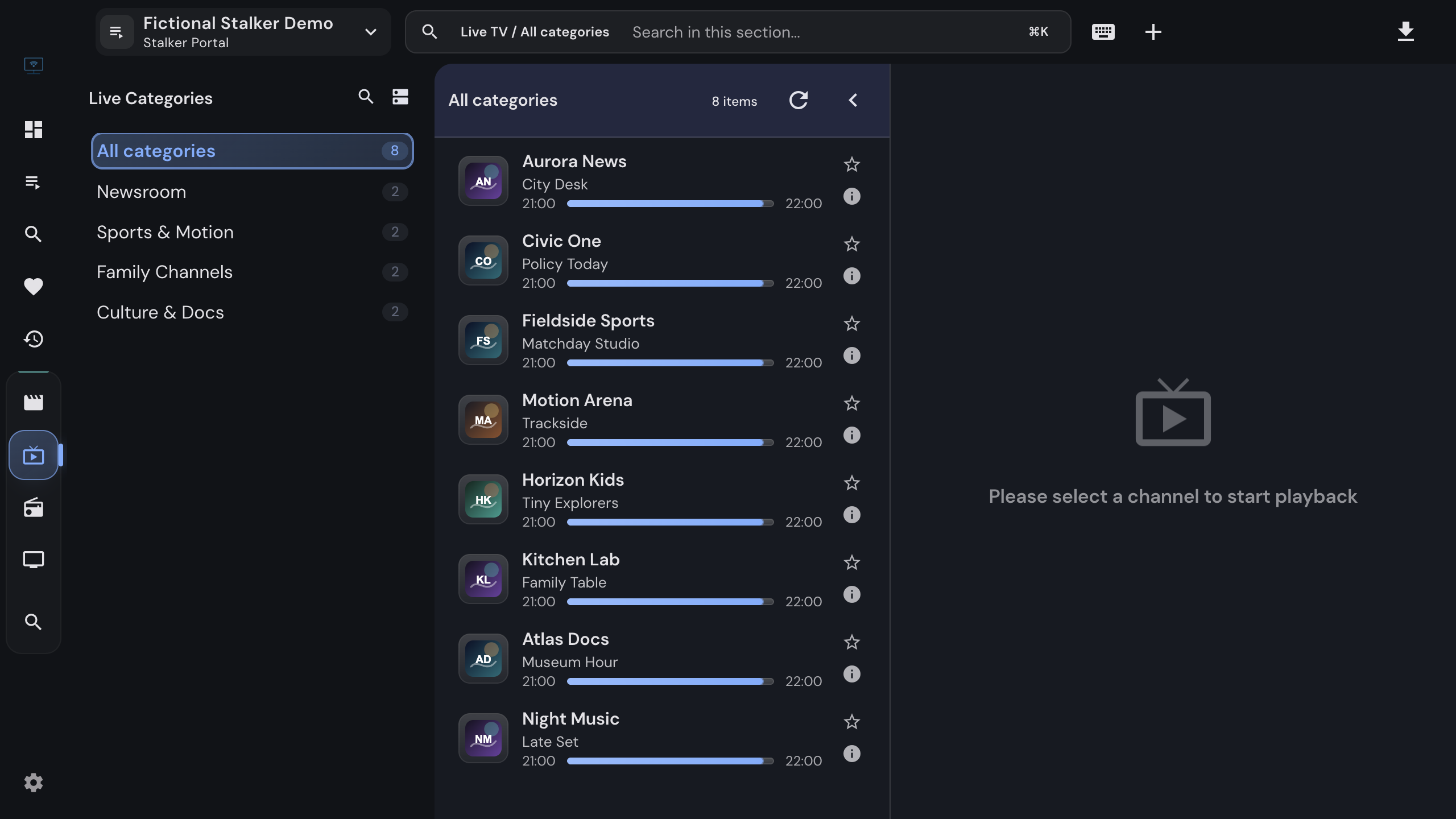
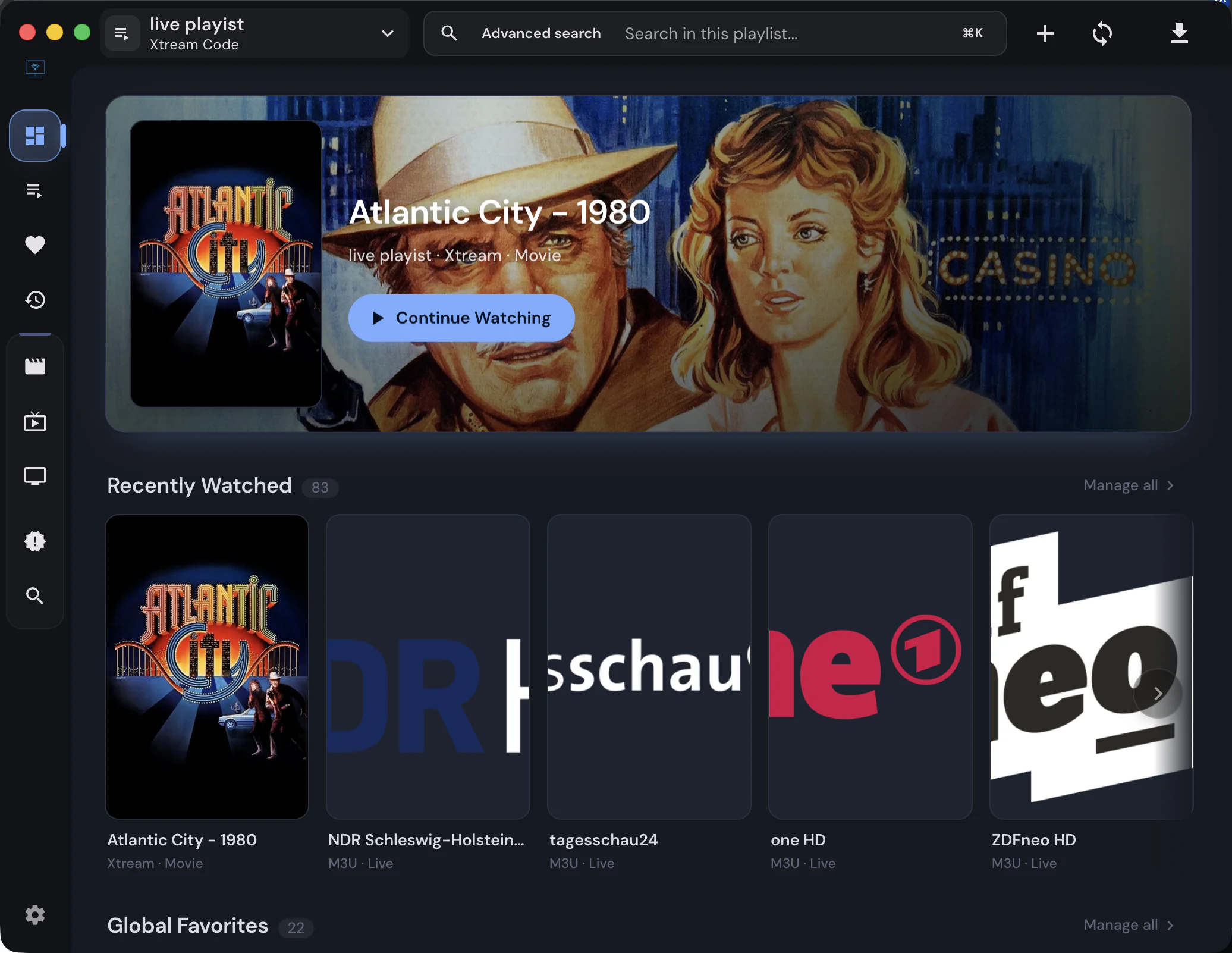
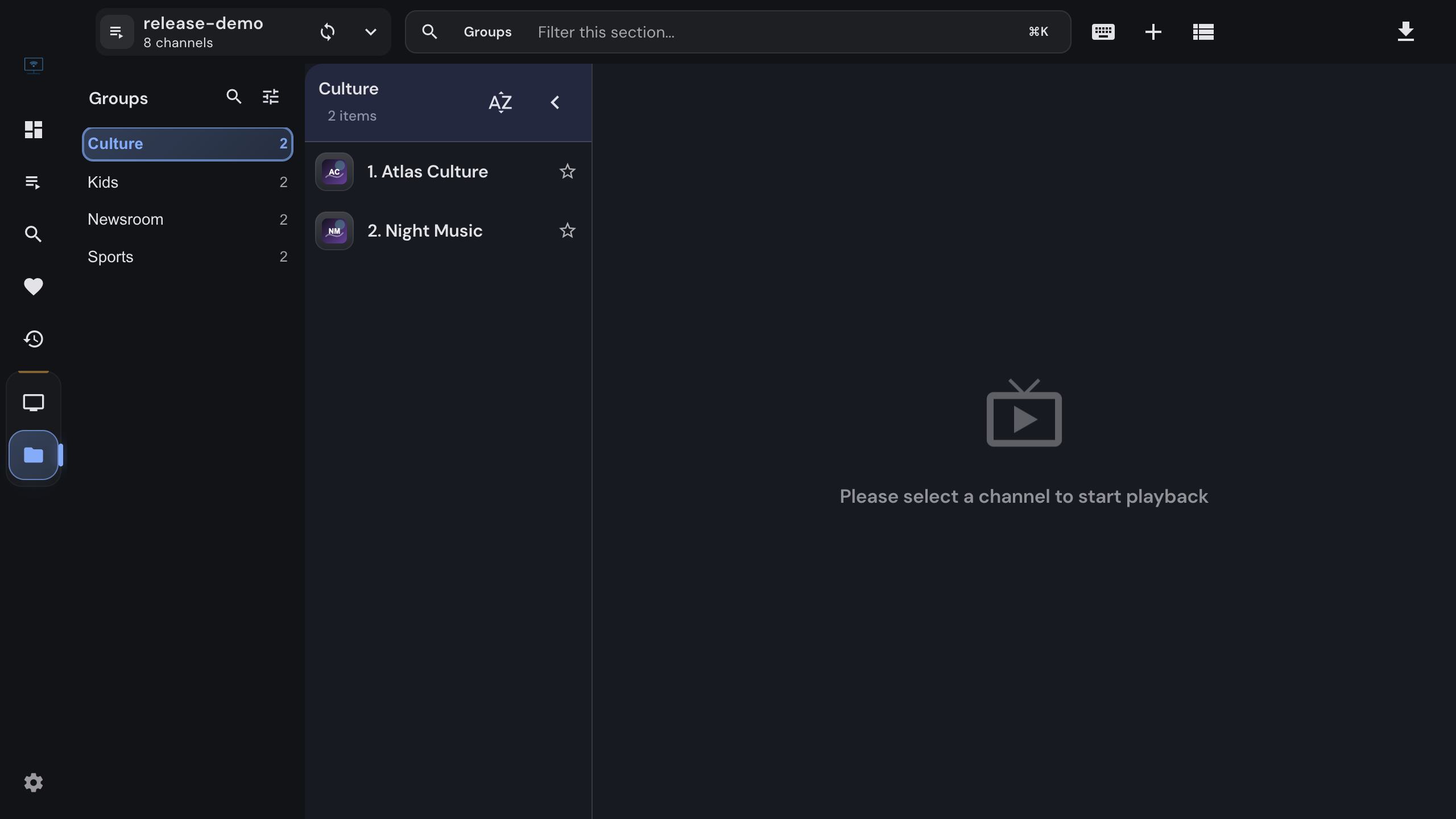
Import M3U/M3U8 playlists from a file or URL, or sign in to Xtream Codes and Stalker/Ministra portals. Live TV, movies and series land in one library with favorites, history and search.
Program guide (EPG)
Attach an XMLTV guide to see what is on now and next, browse the multi-channel timeline under the player, and jump into catch-up where your provider offers it.
Picture-in-picture
Keep a channel floating above other apps with the picture-in-picture button of the built-in players while you work in another window.
MPV and VLC integration
Hand streams that the built-in players cannot decode to MPV or VLC installed on your Mac. Playback positions and the remote control stay inside IPTVnator.
Embedded MPV engine (experimental)
An optional engine that renders mpv inside the IPTVnator window, with a native path for Apple Silicon. Opt in under Settings › Playback.
Offline downloads
Save movies and episodes from Xtream and Stalker sources to disk. The download manager resumes interrupted transfers and keeps a local library.
Movie and series metadata
Optional TMDB enrichment adds posters, plots, cast, ratings and trailers to movie and series details. Off by default, one switch in Settings.
Remote control from your phone
Open the built-in remote-control web app on your phone to switch channels, adjust volume and control playback from the couch.
Signed, notarized, self-updating
Releases are code-signed and notarized by Apple, and IPTVnator tells you when a new version is available. Homebrew users can upgrade with brew.
What you need
- Operating system
- macOS 12 Monterey or later
- Chips
- Native builds for Apple Silicon (M1 to M4) and for Intel Macs. No Rosetta required.
- Download size
- 197 MB disk image
- Package manager
- Homebrew cask "iptvnator" installs the same signed build.
- Account
- None. IPTVnator never asks you to register.
- Content
- Bring your own playlist or provider login. IPTVnator ships without channels.
Questions about IPTVnator on macOS
Apple Silicon or Intel: which download do I need?+
Open the Apple menu and choose "About This Mac". If it lists a chip such as Apple M1, M2, M3 or M4, take the Apple Silicon build. If it lists an Intel processor, take the Intel build. The Apple Silicon build runs natively and does not need Rosetta.
Is IPTVnator on the Mac App Store?+
No. Download the disk image from GitHub releases or install it with Homebrew using "brew install --cask iptvnator". Both deliver the same signed and notarized build.
macOS says the app is damaged and cannot be opened. What now?+
That message came from older, unsigned builds. Releases since v0.20 (April 2026) are code-signed and notarized by Apple and open normally. Update to the current version. If you must keep an older build, remove the quarantine flag as described in the linked blog post.
Does IPTVnator come with channels or playlists?+
No. IPTVnator is a player. You add your own M3U/M3U8 playlist, Xtream Codes login or Stalker portal from your provider. Any website selling "IPTVnator subscriptions" or channel packages is unrelated to this project.
Which macOS versions are supported?+
macOS 12 Monterey and later, on both Apple Silicon and Intel Macs. Older macOS versions cannot run the current runtime and receive no new builds.
Can I use MPV or VLC on the Mac?+
Yes. Install MPV (for example with "brew install mpv") or VLC, choose it under Settings › Playback, and IPTVnator launches it for every stream while keeping track of what you watched. The experimental embedded MPV engine additionally plays inside the IPTVnator window.
How do I update IPTVnator on a Mac?+
IPTVnator checks for new releases when it starts and shows a notification with an install button. Homebrew users can run "brew upgrade --cask iptvnator" instead.
Guides and background

How to Add an Xtream Codes Account to IPTVnator
Connect an Xtream Codes API provider to IPTVnator step by step. What the server URL, username and password are, how to test the login, how to paste the message from your provider, and what to do when the portal refuses to connect.
Read more
macOS ARM Users - Fix for "App is Damaged" Error
If IPTVnator shows "app is damaged and can't be opened" on Apple Silicon Macs, run one Terminal command to remove quarantine and launch safely.
Read more
Why some streams need an external player
Why some IPTV streams do not play in IPTVnator's built-in browser players, and when MPV, VLC, or IINA is the right workaround.
Read moreOfficial downloads only
IPTVnator is a player, not a TV service. It is distributed exclusively through GitHub releases and the package managers listed on this page. Websites that sell "IPTVnator subscriptions", channel packages or "activated" copies are not affiliated with the project. How to recognize unofficial sites.