
macOS ARM Users - Fix for "App is Damaged" Error
If IPTVnator shows "app is damaged and can't be opened" on Apple Silicon Macs, run one Terminal command to remove quarantine and launch safely.

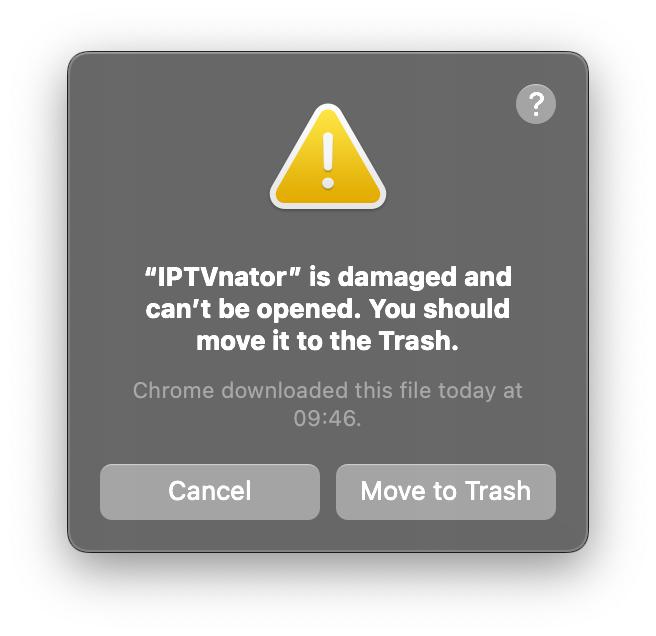
If you are on macOS ARM (Apple Silicon) and IPTVnator shows “app is damaged and can’t be opened”, use this quick fix.
TL;DR
$ xattr -c /Applications/IPTVnator.app
Why this happens
IPTVnator is currently not code-signed for macOS. After download, Gatekeeper adds a quarantine attribute, and macOS can block launch with a generic “damaged” message.
To distribute a fully signed and notarized macOS app, Apple requires an active Apple Developer subscription (currently $99/year). As an open-source project, IPTVnator does not currently use that signing pipeline.
What the command does
The command above removes the quarantine attribute from the app bundle:
- It does not modify IPTVnator binaries
- It tells your Mac to trust the app you intentionally downloaded
- It is the standard local workaround for unsigned apps
Safety note
Only run this command for apps you trust and downloaded from a trusted source.